Prome AI Review: The Ultimate Guide to Transforming Sketches Into Reality
At Social Think, we focus on smart social media strategy, analytics, and actionable insights to help your business get real results. We look at data to see what works and what does not.
We know that creating good content is a big part of growing a brand.
Images and videos are key to catching people’s eyes on the internet. That is why we are always looking for new tools that can help you make great visuals quickly. One tool that has caught our attention is Prome AI. It is changing how people make art and designs.
If you work in marketing or design, you know that time is money. You need to make things fast, but they still need to look good. This is where prome ai comes in. It is a powerful image generator that uses artificial intelligence to help you create amazing pictures.
In this article, we will look deep into this tool. We will show you how it works and if it is right for you. We will talk about its features, like sketch rendering and the background generator.
We will also compare it to other tools.
If you want to improve your content creation and save time, keep reading. We’d like to help you see if this invaluable tool fits your workflow.
What is Prome AI?
Prome AI is a website that uses generative AI to make images. It is not just for fun; it is built for professionals. It helps you turn a simple drawing into a realistic photo.
Imagine you draw a rough stick figure of a house. This tool can turn that drawing into a beautiful, realistic picture of a modern home. It is like magic, but it is actually technology.
This tool is very helpful for interior designers, architects, and game developers.
It takes your ideas and makes them look real. You do not need to be a pro artist to use it. The interface is simple and easy to learn. You can run it right in your browser.
You do not need a super-strong computer because the heavy work happens in the cloud.
Understanding the Basics of AI Design
To use this tool, you start with an idea. This could be a text description, which we call a text prompt.
Or, it could be a picture you already have. The ai then looks at your input and makes a new image based on what it knows. It has learned from millions of pictures, so it knows what a “sunset” or a “futuristic city skyline” looks like.
The creative process changes when you use AI. Instead of drawing every line yourself, you guide the computer. You tell it what style you want. Do you want it to look like a cartoon or a real photo? Do you want an anime style or something for a business meeting?
You have various options to choose from. This lets you make many different design ideas in a few minutes.
Who Should Use This Tool? (Architects, Designers, Artists)
This ai architecture generator is great for many people. Architects use it to show clients what a building will look like before they build it. Interior designers use it to fill empty rooms with furniture. Game developers use it to make characters and backgrounds.
But it is not just for pros. Small businesses can use it to make product images for their online stores. Marketers can use it to make banners and social media posts. Digital art lovers can use it to make cool pictures for fun. It has a wide range of users across various industries.
Even if you are a beginner, you can get good results.
Key Features of Prome AI For Creative Professionals
There are many key features that make prome ai pro special. It is not just a simple art generator. It has tools made for specific jobs.
Let us look at the best ones.
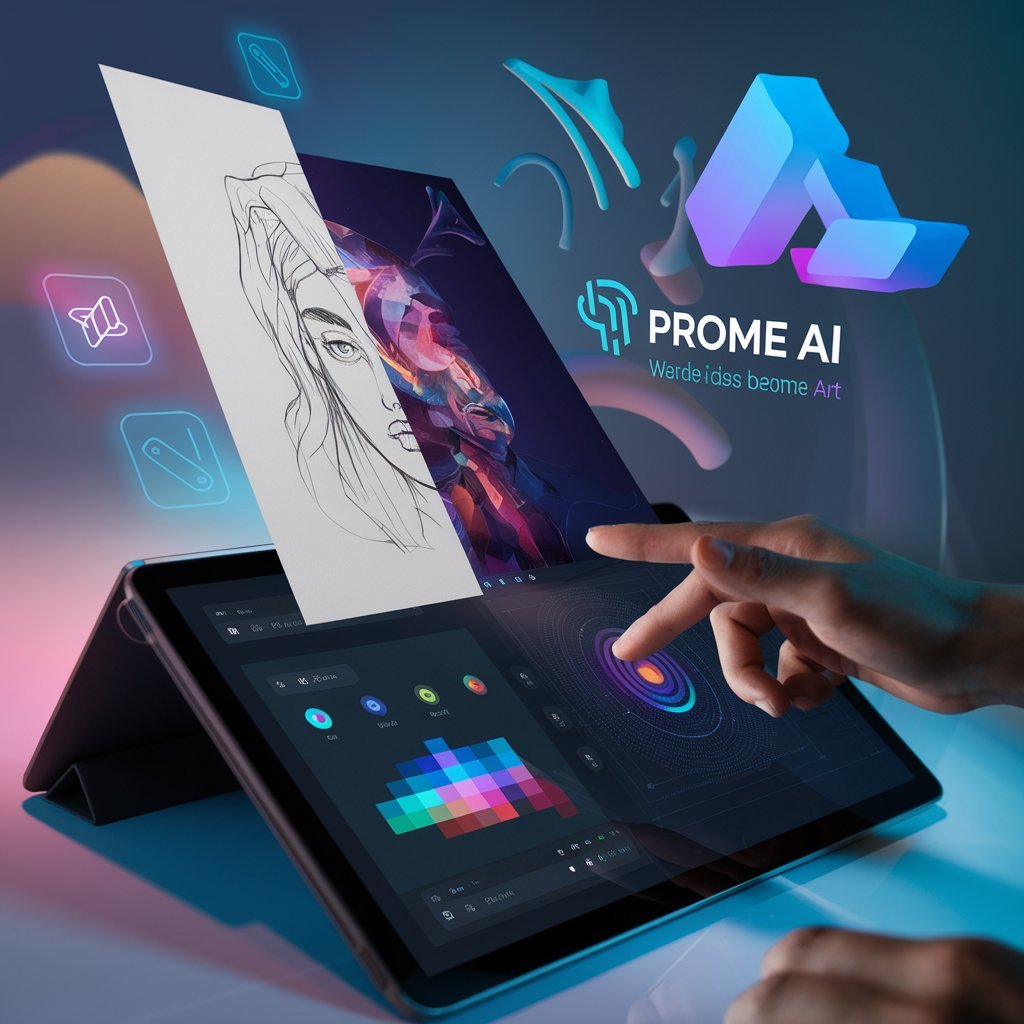
Sketch Rendering: Turning Drawings Into Photos
The most famous feature is sketch rendering. This feature is amazing. You upload a sketch or a line drawing. It can be a very messy drawing.
Then, you tell the ai what it is. Is it a car? A shoe? A building?
The tool then fills in the details. It adds color, texture, and light. It turns your simple line drawings into realistic images. This is perfect for product design. You can draw a quick shape of a new bottle, and the generator will show you what it looks like in glass or plastic.
This speeds up the design process a lot. You can see your ideas come to life instantly.
Erase and Replace: Advanced Image Editing
Sometimes, you have a good picture, but one thing is wrong. Maybe there is a person in the background you do not want.
Or maybe you want to change a lamp in a room.
The “Erase and Replace” feature helps here. You just paint over the part you want to change. Then, you type what you want to put there. The ai will fill that spot with the new object.
It makes sure the lighting and shadows match the rest of the picture. This is a very powerful way to edit images without needing hard software like Photoshop.
Background Diffusion For Product Photography
For people selling things online, the background is important. You want your product to look good. The background generator in Prome ai can take a photo of your product and put it in a new place. You can take a picture of a shoe on your table.
Then, you can use the tool to put that shoe on a rocky mountain or a clean studio table. This helps marketers make professional ads quickly.
You do not need to travel to a beach to get a beach photo. The AI does it for you. This creates high-quality product images that help sell items.
Creative Fusion and Variation Modes
“Creative Fusion” is a fun feature. It lets you mix pictures.
You can blend a photo of a cat with a robot to make a robot-cat. This is great for game development or making unique art. There is also a feature for variations.
If you like an image but want to see it differently, you can ask for variations. The tool will give you four or five new versions. They will be similar but have small changes.
This helps you find the preferred style for your project.
Step-by-Step: How to Use Prome AI For Interior Design?

If you are into interior design, this tool is a game-changer. Here is how you can use it to fix up a room.
Uploading Your Initial Sketch
First, go to the Promeai website. You will need to log in.
Once you are in, look for the sketch rendering tool. You will see a box where you can upload your file. Take a picture of your room drawing.
Or, if you use a computer to draw, save it as a picture file. Click the upload button and pick your file. The interface is clean, so you will find it easily.
Selecting Your Design Style and Settings
Now comes the fun part. You need to tell the ai what style you want.
On the side of the screen, you will see a list of styles. You can pick “Modern,” “Rustic,” “Industrial,” and more. There is a wide range of design styles available. You also need to pick the “Scene.” Is it a living room? A kitchen? A bedroom? Make sure you pick the right one.
This helps the generator know what furniture to put in. You can also type a text prompt to give more details. For example, you can type ” bright room with large windows and blue sofa.“
Refining and Exporting Your Final Render
After you pick your settings, click the “Generate” button. It will take a few seconds.
Then, you will see your new image. It will look like a real photo of the room you drew. If you like it, great! If not, you can change the settings and try again.
You can play with the lighting or change the style. Once you are happy, you can download the image. The image quality is usually very good. You can save it to your computer and show it to your client. This makes the workflow very fast and smooth.
Prome AI Pricing and Plans

You might be asking, “How much does this cost?” Let us talk about pricing.
Free Vs. Paid Subscriptions
There is a free plan available. This is great for beginners.
It lets you try the tool without paying. You get a few coins every month. You can use these coins to make images. However, the free plan has limits. You might not be able to make the pictures private, and they might have a watermark.
If you want to use it more, you should look at the subscription plans. The “Base” plan is good for people who use it sometimes. It costs a small amount each month. You get more coins and faster speeds. The prome ai pro plan is for heavy users.
It gives you many coins and lets you generate images very fast.
Enterprise Options For Teams
For big companies, there are enterprise options. These are for teams that need to work together.
If you have a design firm with many people, this is the best choice. It offers better security and support. You can also get access to the api if you want to build the tool into your own apps.
This is good for technical background users who want more control.
Prome AI Vs. Competitors
There are other tools out there. How does prome ai compare? Let’s look at prome ai vs midjourney and others.
Prome AI Vs. Midjourney
Midjourney is another popular ai image generator.
It is known for making very artistic and dreamy images. However, Midjourney works inside an app called Discord. This can be hard for some people to use.
Prome ai works in a web browser. It is easier to click buttons than to type codes in Discord.
Also, prome ai is better for specific needs like architecture and products. Midjourney is great for fantasy art, but Prome is better for sketch rendering and keeping the shape of your drawing. If you need precise control over lines, Prome is the better choice.
Prome AI Vs. Stable Diffusion
Stable Diffusion is a very powerful tool. But, it can be hard to set up. You often need a strong computer and some technical background to run it well.
Prome ai is easier. It is like a friendly version of Stable Diffusion. You do not need to install anything. You just go to the website and start. While Stable Diffusion has endless customization, Prome gives you enough control without the headache.
For most small businesses and designers, Prome is much faster to learn.
FAQ’s:
Is Prome AI Free to Use?
Yes, there is a free plan. It gives you a free trial experience every month. You get a limited number of generations. It is perfect to test the features before you buy a subscription.
What is Prome AI Used For?
It is used for many things. It is an architecture generator, an image generator, and an art generator. People use it for interior design, game development, and product design. It helps turn ideas into visuals.
Can I Use Prome AI For Commercial Projects?
Yes, if you have a paid plan, you usually get commercial use rights. This means you can use the images you make for your client work or ads. Always check the terms, but generally, the paid plans allow commercial use.
How Does the Sketch Rendering Feature Work in Prome AI?
You upload a sketch. The ai analyzes the lines. It then uses a model to paint over the sketch. It keeps the shape but adds realistic textures like wood, glass, and metal. It turns a flat drawing into a 3D-looking photo.
Is Prome AI Better Than Midjourney For Architects?
For architects, yes. Prome ai architecture features are built to respect your lines. Midjourney might change the shape of your building too much. Prome keeps your design accurate while making it look real. It is an invaluable tool for this specific job.
Conclusion
At Social Think, we believe in using the best tools to get the job done.
Prome AI is a strong tool for anyone who needs visuals. Whether you are in interior design, marketing, or just love digital art, there is something for you. The sketch rendering feature is top-notch. It saves time and helps clients see your vision. The pricing is fair, and the free plan lets you start with no risk. It is easier to use than many competitors.
If you are looking for a way to speed up your creative process, give Prome AI a try. It is a great example of how artificial intelligence can help us work smarter.
Remember, the goal is to create great content that helps your business grow. Tools like this make that goal easier to reach.
We hope this article helped you learn about this app. Check out our website at Social Think for more tips on strategy and analytics. We are here to help you succeed in the digital world. Use the actionable insights from this tool to make your brand stand out.
Try it out and see what you can create!