Twitter Shadowban: What It Is and How to Fix It In 2026
Have you ever posted something on X (formerly Twitter) and felt like you were talking to an empty room? You check your post, but there are no likes, no retweets, and no replies. It feels strange, especially if you usually talk to many friends or followers.
You might be wondering, “Is my internet broken?” or “Did everyone go to sleep?“
This sudden silence can be scary. But do not worry, you are not alone. This happens to many people. It has a name: a twitter shadowban.
At Social Think, we help businesses and creators understand these exact problems. We work on social media strategy, analytics, and insights to drive business results. We look at the numbers to see what is working and what is not.
Think of us as your team of social media managers and experts who are here to help you solve these mysteries. If you want to grow your brand without the guessing game, get in touch with Social Think today. We love helping you find the right steps to succeed.
In this article, we will talk about what a Twitter shadowban is, why it happens, and the simple steps you can take to fix it. We will keep things simple so you can get your Twitter account back to normal.
We will look at Twitter’s rules, how to use a shadowban checker, and how to stop this from happening again.
What Does Twitter Shadowban Mean?
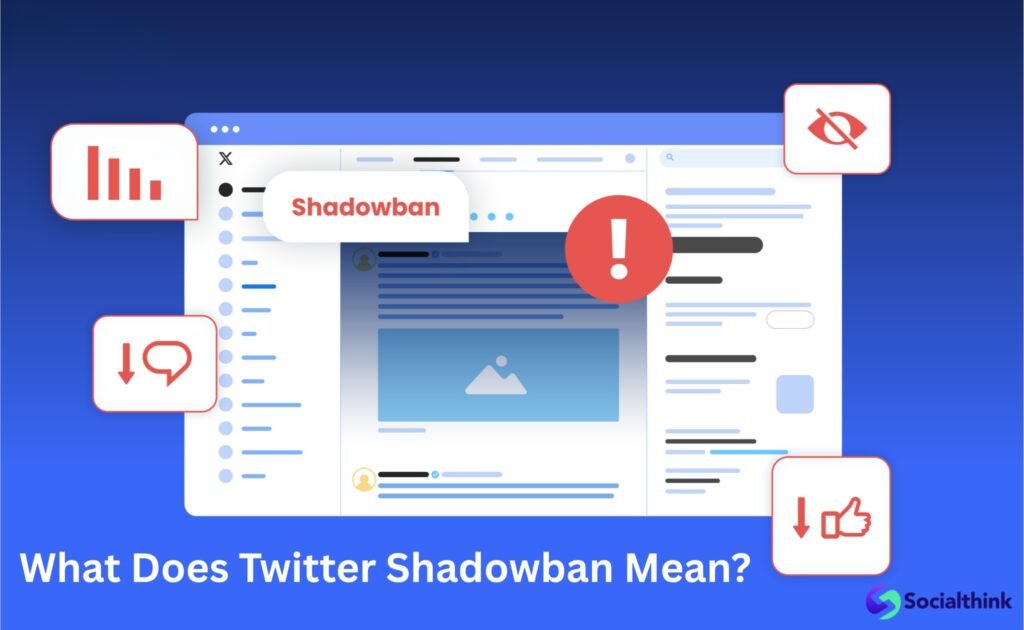
Imagine you are in a large classroom. You raise your hand to answer a question, but the teacher looks right through you. You shout out the answer, but no one seems to hear you.
You are still in the room, but you are invisible.
This is exactly what a Twitter shadowban is. It is when the platform limits the visibility of your tweets or your profile to other people. You can still post, reply, and like things.
To you, everything looks normal.
But to other Twitter users, you might be hard to find. Your posts might not show up in search results. Your replies might be hidden at the very bottom of a conversation.
In bad cases, your profile might not even show up when someone types your name.
It is like a “soft” ban. You are not kicked off the platform, like in an account suspension, but you are put in a “timeout” corner where fewer people can see you.
This causes a significant drop in your Twitter engagement. If you see your numbers go down very fast without a clear reason, you might have a shadow ban.
Understanding the Twitter Shadowban: How Does It Work?
To fix the problem, we first need to know how it works. Social Think believes that knowing the details is the first step to solving any problem. There are different types of Shadowbans.
Let’s look at them.
Search Ban Vs. Search Suggestion Ban
A search ban is a heavy penalty.
If you have this, your tweets will not appear in the search results at all. Even if someone searches for the exact words you wrote, they won’t find your post.
A search suggestion ban is a little different. Usually, when you start typing a name in the search bar, Twitter suggests accounts to you.
If you have a search suggestion ban, your account will not pop up in these suggestions. People have to type your full username perfectly to find your twitter profile.
This makes it hard for new people to find you.
Ghost Banning (The “Thread” Ban)
This is sometimes called a ghost ban. It happens in reply threads. Let’s say a popular account asks a question, and you reply to it.
If you are ghost-banned, your reply will be hidden. It might be put behind a label that says “show more replies” or it might not appear at all to others.
This hurts your conversations. You might think you are chatting with people, but they never see what you write. This is a common reason for a sudden drop in replies and likes.
De-amplification and Visibility Filtering
This is a fancy way of saying “turning down the volume.” Twitter might just show your tweets to fewer people on their home timelines. This is tricky because it is hard to prove.
It just looks like your friends are busy. But really, the system is deciding that your content strategy or posts are not “safe” enough for a wide audience. This often limits the visibility of your content to just your current followers, and sometimes not even all of them.
Common Reasons For Getting A Twitter Shadowban

Why does this happen? Twitter wants to keep the platform safe and fun. They use computer programs (algorithms) to look for bad behavior. Sometimes, regular people get caught by mistake. Here are the common reasons or common causes for a ban.
Aggressive “Follow/Unfollow” Behavior
Some people try to grow their Twitter account too fast. They follow hundreds of people in one hour, hoping those people will follow back.
Then, they unfollow them the next day. This is called “churning.”
To Twitter, this looks like spammy behavior. It looks like a robot or a bot is running the account. If you do this, the system will flag you for suspicious activity.
It is better to grow slowly and make real friends than to play tag with the follow button.
Spammy Links and Repetitive Content
Do you post the same link over and over again? Do you tweet the same sentence ten times a day? This is a big red flag.
Twitter’s guidelines hate spam. If you act like a salesperson who won’t stop shouting, you will get muted. This also applies if you sign up for a new account and immediately start posting links without a profile picture or bio. You need to act like a human, not a billboard.
Original content is always best.
Violations of Community Safety Guidelines
This is the most serious one. If you post offensive content, hate speech, or things that break twitter’s community guidelines, you will get penalized. This includes being mean to others, posting sensitive content without a warning label, or sharing dangerous lies.
Even if you don’t get suspended, Twitter will hide your posts to protect other users. They want to make sure the “town square” is safe for everyone.
How to Check If Your Account Is Shadowbanned?
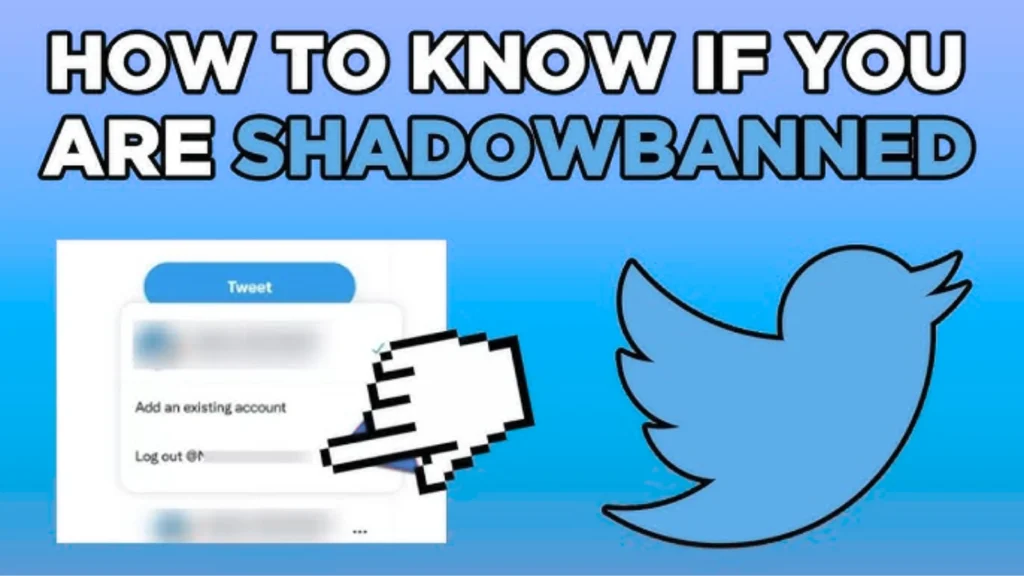
If you think something is wrong, you need to check. At Social Think, we always say, “Test, don’t guess.”
Here is how you can find out your shadowban status.
Using Third-Party Shadowban Testers
There are many online tools that can help. A popular one is a twitter shadowban checker or shadowban test. These are websites where you type in your username.
The tool will look at your account and tell you if you have a search ban, a ghost ban, or a search suggestion ban. These shadowban checker tools are very useful for a quick check.
However, remember that they are not official Twitter tools. They give you a good guess, but they are not always 100% perfect.
The Incognito Manual Check Method
This is a simple way to check by yourself.
- Open a new browser window in “Incognito” or “Private” mode. This means you are not logged into your account.
- Go to the Twitter explore page or search bar.
- Type in your username.
- Check the search results. Do you see your profile? Do you see your tweets?
If you cannot find your profile when you are logged out, you likely have a search shadowban. If you can find your profile but not your recent tweets when searching for specific words, you might have a visibility issue.
Steps to Lift A Twitter Shadowban Promptly
So, you have a ban. That is annoying, but do not panic. You can fix it. Here is a guide on the Twitter Shadowban fix.
The “48-Hour Detox” Rule
This is often the best fix. Stop tweeting.
Yes, you heard that right. Log out of your account. Do not like posts. Do not reply. Do not tweet. Just leave your account alone for at least 48 hours (two full days). This “detox” lets the system reset. It stops any suspicious activity flags from growing.
Many users find that after a nice break, their reach comes back. Think of it as giving your account a nap.
Cleaning Up Your Recent Tweets and Media
While you are waiting (or before you take your break), look at your recent tweets. Did you get into a fight with someone?
Did you post a lot of links? Delete anything that might look like spam or offensive content. If you used a robot or automation tools to post for you, turn them off.
Remove any weird links in your bio. You want your profile to look clean and safe. This shows Twitter that you are trying to follow the rules.
Contacting X (Twitter) Support
If the detox does not work, you might need to talk to a human. You can contact Twitter support.
Go to the help center and file a report. You can say, “My followers are not seeing my tweets. Am I filtered?” Be polite. Do not be angry. Ask them to check your account’s status. Sometimes, their system makes a mistake, and a real person can fix it.
This is part of the appeal process. It might take time, but it is worth a try.
How to Prevent Future Shadow Bans?
Once you are back to normal, you want to stay that way. You do not want future issues.
Here is how Social Think recommends you keep your account healthy.
- Follow Twitter’s Guidelines: This sounds simple, but it is the most important rule. Read twitter’s rules and twitter’s terms. They tell you exactly what is allowed and what is not. Avoid fighting about controversial topics in a mean way. Treat others with respect. If you play by the rules, you are much safer.
- Avoid Automation: Tools that automatically like posts, follow people, or tweet for you can be dangerous. Twitter hates “inauthentic” behavior. They want real humans. If you use automation tools, make sure they are an official twitter partner or very safe. But honestly, doing things yourself is the best way to avoid red flags. Do not buy fake followers. They hurt your score more than they help.
- Maintain Consistent Activity: Twitter likes steady users. If you disappear for months and then tweet 50 times in one hour, that looks weird. It looks like a hacked account. Try to tweet a few times a day or a few times a week. Be steady. This tells the algorithm you are a real person with a real content strategy. As social media managers, we know that consistency is key to growth and safety.
FAQ’s:
How Long Does A Twitter Shadowban Usually Last?
People always ask how long does twitter shadowban lasts. The good news is that it is usually short. Most bans last from 48 hours to 7 days. If you stop the bad behavior, it goes away faster. If you keep breaking rules, it can last for weeks or turn into a permanent suspension.
Does X (Twitter) Officially Admit to Shadowbanning?
In the past, Twitter said they do not “shadowban.” They called it “ranking” or “filtering.”
However, under Elon Musk, the platform has become more open about restricting reach for policy violations. They have released data showing that they do limit the visibility of hateful tweets. So, yes, the practice exists, even if they use different words for it.
Can People Still See My Tweets If I’m Shadowbanned?
Yes, usually your current followers can still see your tweets if they go directly to your profile. But your tweets will not show up in their home feed as often. And people who do not follow you will have a very hard time finding you in search results or hashtags.
Will Switching to A Premium (Blue) Account Fix A Shadowban?
Buying a Premium subscription (the blue checkmark) does not automatically fix a ban.
If you break the rules, you get banned, even if you pay. However, Premium accounts do get a boost in ranking. So, once your ban is lifted, having Premium might help you recover your reach faster. But do not buy it just to fix a ban; fix your behavior first.
Does Using Too Many Hashtags Cause A Shadowban?
Yes, it can. This is called “hashtag spam.” If you use 20 hashtags in every tweet, it looks like you are desperate for attention. It looks like spam. Stick to 2 or 3 relevant hashtags.
This is safer and looks more professional.
Conclusion
Dealing with a Twitter Shadowban can be frustrating. It feels unfair to see your hard work hidden from the world. But now you know what to do.
Remember, the goal of social media platforms is to connect people. If you act like a real person, share good original content, and follow the rules, you will be fine. If you get banned, take a break, clean up your profile, and come back fresh.
At Social Think, we want you to win. We know that social media is a powerful tool for your business. Don’t let a small bump in the road stop you. Use these tips to check your Shadowban risk, fix any issues, and get back to engaging with your community.
If you need help with your social media strategy, analytics, or just want to make sure your brand is on the right track, contact Social Think. We are experts in turning insights into action. Let us help you build a presence that no Shadowban can hide.
Check out our website to learn more about our services and how we can help you grow.