8 Best AI Tools for Creating Product Demo Videos in 2026
TL;DR
Creating a professional product demo video no longer requires a video production team or advanced editing skills. AI tools can turn screen recordings, product screenshots, written scripts, and existing videos into polished demonstrations.
Here are eight tools worth considering in 2026:
- Clueso: Best for turning screen recordings into professional product walkthroughs.
- Arcade: Best for AI-generated product videos and interactive demos.
- Supademo: Best for clickable product demonstrations and guided walkthroughs.
- Storylane: Best for sales and marketing teams creating interactive SaaS demos.
- Guidde: Best for product tutorials, documentation, and customer support videos.
- Synthesia: Best for presenter-led product explanation videos.
- HeyGen: Best for personalized and multilingual product demo videos.
- Descript: Best for editing screen recordings and narrated product demonstrations.
The right choice depends on whether you want a traditional video, an interactive product tour, or an AI presenter explaining your product.
Why Use AI Tools for Product Demo Videos?
A product demo helps potential customers understand how a product works before they decide to purchase it. Instead of reading a long feature list, viewers can watch the product in action and see how it solves a particular problem. Once these videos are ready, marketing teams can use social media management tools to organize and publish them across different social platforms.
For SaaS companies, this is especially useful. A short demonstration can explain a dashboard, show how a workflow operates, introduce a new feature, or help a prospect understand the value of a software platform.
Traditionally, creating these videos involved screen recording, scriptwriting, voiceovers, editing, captions, and multiple revisions. AI tools can automate several of these tasks.
Depending on the platform, you can:
- Turn screen recordings into professionally edited videos.
- Generate scripts and voiceovers using AI.
- Add captions, zoom effects, transitions, and annotations.
- Create interactive walkthroughs that viewers can explore.
- Use AI avatars to explain software features.
- Translate product demonstrations into different languages.
- Repurpose one recording into tutorials, marketing videos, and support content.
However, not every tool creates the same type of demo. Some focus on actual product screens, while others generate presenter-led videos or interactive experiences. Understanding this difference will help you choose the right platform.
8 Best AI Tools for Product Demo Videos in 2026
Quick Comparison Table
| Tool | Best For | Main Capability | Starting Price |
| Clueso | Professional product walkthroughs | Screen recording to polished video | Free; paid from $40/month |
| Arcade | Product marketing videos | AI product videos and interactive demos | Free; Pro from $49/month annually |
| Supademo | Interactive product demos | Clickable walkthroughs and video recording | Free; Scale from $38/creator/month annually |
| Storylane | Sales and marketing demos | Interactive demos and lead capture | Free; Starter $50/month |
| Guidde | Tutorials and documentation | AI-generated how-to videos | Free; Pro from $19/creator/month annually |
| Synthesia | Presenter-led demos | AI avatars and voiceovers | Free; Starter $19/month |
| HeyGen | Multilingual product videos | AI presenters and video translation | Free; Creator $29/month |
| Descript | Video editing and narration | Screen recording and text-based editing | Free; Hobbyist from $16/person/month annually |
Pricing is in USD. Paid prices shown are starting prices from published plans where available. Billing periods, usage credits, seats, and feature limits vary.
1. Clueso – Best for Professional Product Walkthrough Videos
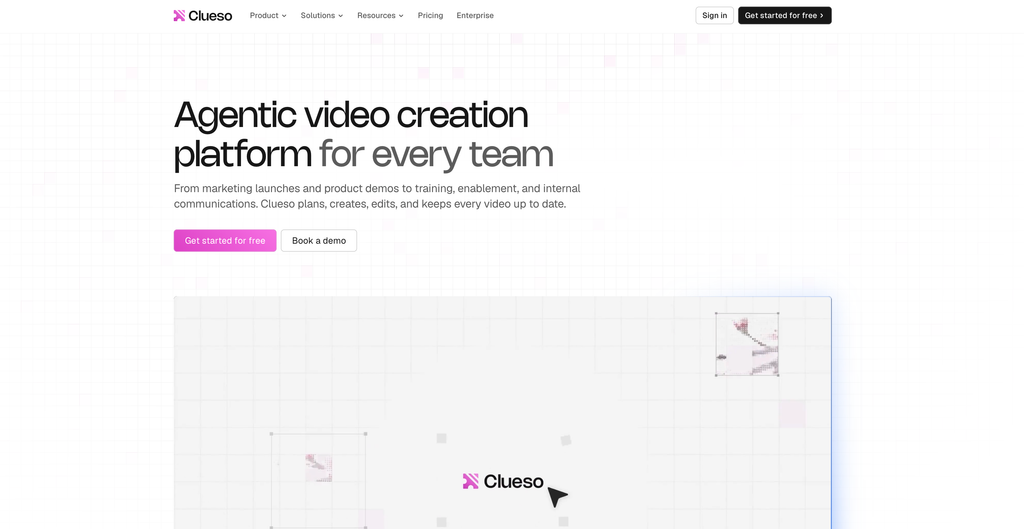
Clueso is designed for teams that need to create product walkthroughs, tutorials, and customer-facing videos without spending hours editing recordings.
The workflow is straightforward. Record your product screen, upload the footage, and let Clueso help turn it into a polished video. Its AI can improve the script, generate voiceovers, add zoom effects, and apply visual elements to make the demonstration easier to follow.
This makes it useful for SaaS companies that regularly release new features or need to explain different parts of their software.
Key Features:
- AI-assisted script improvement.
- Text-to-voice and AI voiceovers.
- Automatic zooms, callouts, and visual effects.
- Branded video templates.
- Screen recording and video editing software.
- Video translation and localization options.
- Ability to create supporting help articles from recordings.
Pricing:
- Free: $0, with 10 minutes of video exports per month.
- Solo: $40/month, billed annually.
- Business: $120/month, billed annually.
- Enterprise: Custom pricing.
The free plan includes limited AI credits and watermarked exports. Paid plans provide additional export capacity and watermark-free videos.
Pros:
- Useful for turning raw recordings into professional tutorials.
- AI handles several repetitive editing tasks.
- Suitable for product, support, and customer education teams.
- Can create supporting documentation alongside videos.
Cons:
- Works best when you have an actual product recording to start with.
- Export limits and AI credits need consideration when producing videos regularly.
- Not primarily designed for fully interactive sales demos.
Best For: SaaS teams, product marketers, customer success teams, and businesses creating regular feature walkthroughs.
2. Arcade – Best for AI Product Videos and Interactive Demos
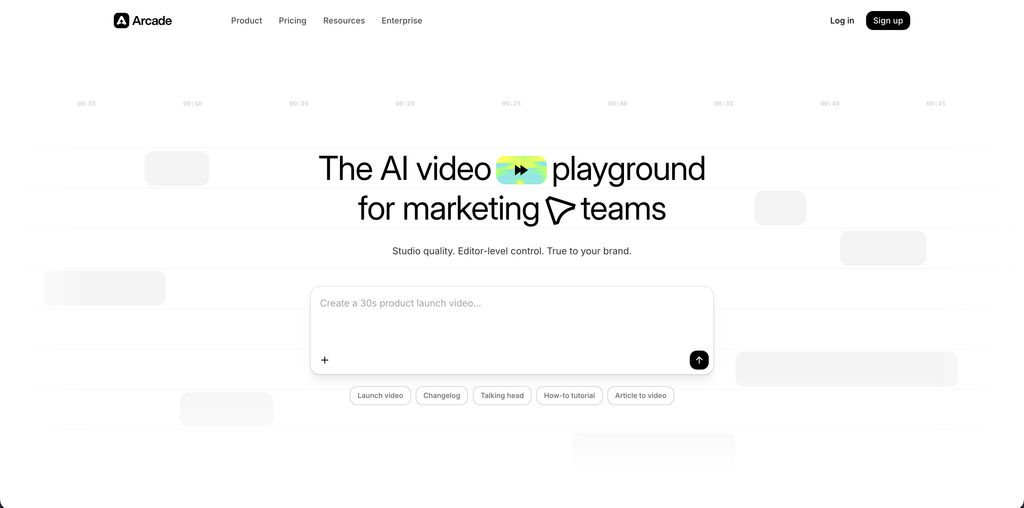
Arcade is a strong option for product marketing teams that want to show how their software works without creating separate assets for every marketing channel.
It combines product capture, AI video creation, and interactive demonstrations. Teams can use their product experience to create visual demos and turn them into content suitable for landing pages, sales conversations, and product announcements.
One useful advantage is that Arcade supports both video and interactive demo formats. A viewer can watch a finished video or explore a guided version of the product experience.
Key Features:
- AI-powered product video generation.
- Interactive product walkthroughs.
- Screen and product capture.
- AI-assisted editing and content creation.
- Brand kits and video customization.
- Video exports and sharing.
- Multiple AI models for video generation and editing.
Pricing:
- Free: $0, with a one-time allowance of 250 credits.
- Pro: $49/month when billed annually.
- Enterprise: Custom pricing.
The Pro plan includes 1,000 monthly credits, videos up to five minutes, 4K exports, and no watermark. AI generation and requested edits consume credits, so production volume matters when choosing a plan.
Pros:
- Combines AI product videos and interactive demos.
- Useful for product launches and feature announcements.
- Helps create multiple marketing assets from product content.
- Supports branded video production.
Cons:
- Credit consumption can affect production costs.
- Advanced features may require a paid plan.
- Teams needing detailed live product environments may need a more specialized platform.
Best For: SaaS product marketers, growth teams, and businesses creating product launch videos, feature demonstrations, and interactive website content.
3. Supademo – Best for Interactive Product Demonstrations
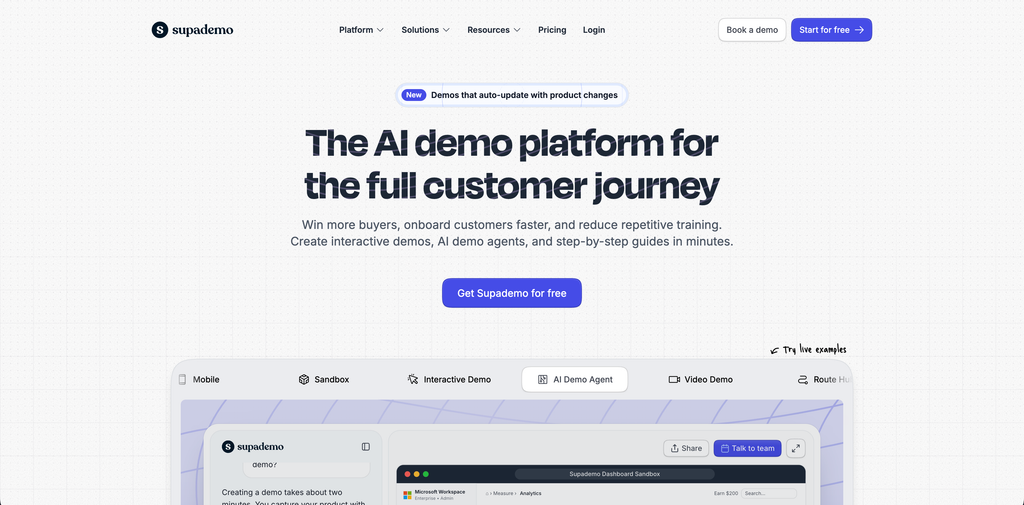
Supademo focuses on making product demonstrations easier to create, share, and explore. Rather than producing only a traditional video, it allows businesses to create guided, clickable walkthroughs of their software.
For example, a project management SaaS company could demonstrate how users create a project, assign tasks, and monitor progress. Viewers can follow the steps themselves instead of watching a recording from beginning to end.
Supademo also supports video recordings, making it useful for teams that need both interactive and traditional demo formats.
Key Features:
- Guided interactive product demos.
- Screen and video recording.
- AI-assisted text personalization.
- AI voice features on eligible plans.
- Branching and variables.
- Demo analytics and tracking links.
- Video, PDF, and shareable demo formats.
- HTML demos and sandbox demos on higher plans.
Pricing:
- Free: $0, with five guided interactive demos and 50 video recordings.
- Scale: $38/month per creator, billed annually.
- Business: $199/month, billed annually.
- Growth: $350/month, billed annually.
The higher plans add capabilities such as HTML editing, AI data editing, sandbox demos, and additional creator seats.
Pros:
- Easy way to create clickable product walkthroughs.
- Useful for sales, onboarding, and customer education.
- Supports multiple demo-sharing formats.
- Free plan provides a practical starting point.
Cons:
- Some advanced customization requires higher plans.
- Interactive demos are not a complete replacement for polished marketing videos.
- Costs can increase as more creators join the workspace.
Best For: SaaS sales teams, product teams, and customer success departments that want prospects or customers to explore software features themselves.
4. Storylane – Best for SaaS Sales and Marketing Teams
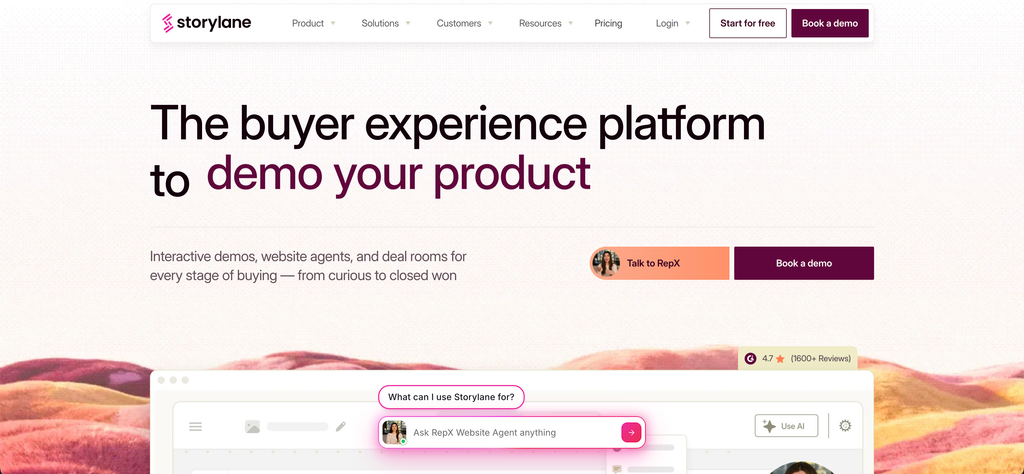
Storylane is built around interactive product demonstrations. It helps businesses create guided demos that show prospects how a software product works without requiring them to access the actual application.
This is particularly useful for B2B SaaS companies with complex products. Instead of arranging a sales call for every interested prospect, marketing teams can publish product demos on landing pages and share them through email campaigns.
Storylane also offers AI features for creating and improving demos, including AI voiceovers and the ability to turn existing product media into interactive demonstrations.
Key Features:
- Interactive product demos.
- Screenshot and video-based walkthroughs.
- HTML demos on eligible plans.
- AI-assisted content creation.
- AI voiceovers and video avatars.
- Lead capture and demo analytics.
- Personalized demo experiences.
- CRM and marketing integrations.
Pricing:
- Free: $0, with one seat and one published demo.
- Starter: $50/month.
- Growth: $625/month.
- Premium: $1,200/month.
- Enterprise: Custom pricing.
Prices and available features depend on the selected billing option and plan. The Growth and Premium plans offer more advanced demo customization and team capabilities.
Pros:
- Designed specifically for sales-led product demonstrations.
- Helps prospects explore products without booking a call.
- Supports lead capture and engagement tracking.
- Useful for personalized sales and marketing experiences.
Cons:
- More expensive than basic screen recording tools.
- Advanced HTML demos and personalization require higher plans.
- May be excessive for businesses that only need short video tutorials.
Best For: B2B SaaS companies, product marketing teams, and sales organizations that want interactive demos to support their lead generation process.
5. Guidde – Best for Product Tutorials and Customer Support Videos
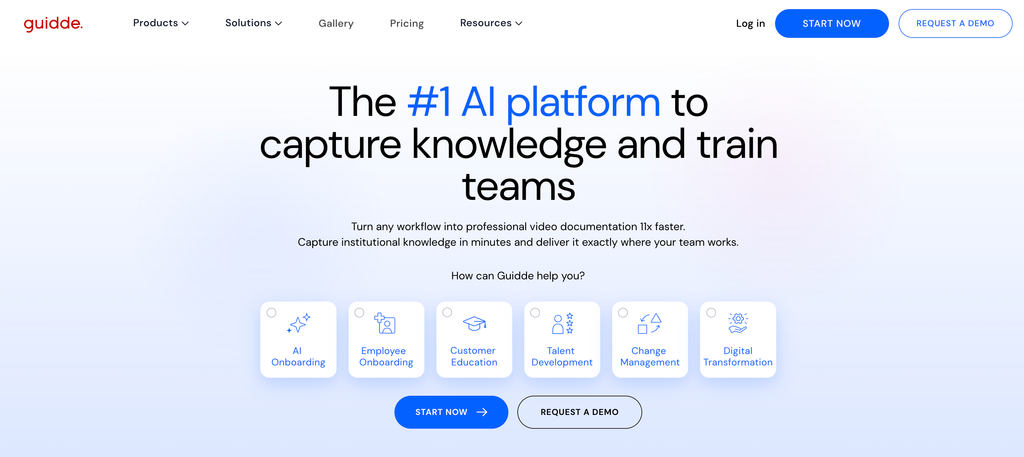
Guidde is useful when the goal is to explain how to use a product rather than create a highly produced promotional video.
It helps teams capture a workflow and turn it into step-by-step video documentation. For example, a software company can record how to configure an account, connect an integration, or complete a specific task inside its application.
Guidde can then generate descriptions and voiceovers to make the tutorial easier to understand.
This is particularly useful for customer support teams that repeatedly answer the same product-related questions.
Key Features:
- Browser and desktop screen capture.
- AI-generated video documentation.
- Text-to-voice narration.
- Step-by-step visual guides.
- Shareable video links.
- Brand kits and customization.
- Video, PowerPoint, and PDF exports.
- Interactive demos and analytics on eligible plans.
Pricing:
- Free: $0, with up to 25 how-to videos.
- Pro: $19/creator/month, billed annually.
- Business: $39/creator/month, billed annually.
- Enterprise: Custom pricing.
The Business plan adds features such as interactive demos, advanced privacy controls, analytics, and support for web and desktop applications.
Pros:
- Makes product tutorials easier to create.
- Reduces the need for manually writing every support guide.
- Useful for internal training and customer onboarding.
- Supports multiple documentation formats.
Cons:
- More focused on instructional content than promotional videos.
- Advanced privacy and collaboration features require paid plans.
- Less suitable for complex cinematic product marketing videos.
Best For: SaaS support teams, customer education departments, and businesses creating onboarding and how-to content.
6. Synthesia – Best for Presenter-Led Product Demo Videos
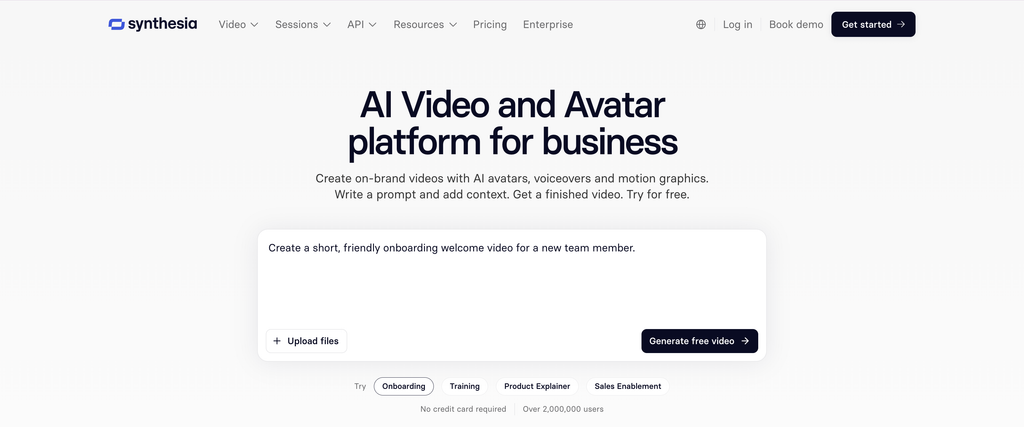
Synthesia takes a different approach to product demo creation. Instead of relying entirely on screen recordings, it allows users to create videos with AI-generated presenters.
You can write a script explaining your product, select an AI avatar, choose a voice, and generate a video without recording yourself on camera.
This approach works well when a business wants a presenter to introduce a product, explain its benefits, or guide viewers through a particular workflow.
For example, a cybersecurity company could create a short video explaining its security platform, followed by screen recordings showing the actual product interface.
Key Features:
- AI-generated presenters and avatars.
- Text-to-video creation.
- AI voiceovers.
- Video translation and dubbing.
- Custom avatars.
- Branded templates.
- Screen recording and narration.
- Interactive video features on eligible plans.
Pricing:
- Basic: Free, with limited monthly credits.
- Starter: $19/month after the introductory first-month offer.
- Pro: $89/month after the introductory first-month offer.
- Enterprise: Custom pricing.
Synthesia uses credits across its AI features. The amount of video you can produce depends on how those credits are used.
Pros:
- No camera or recording setup required.
- Useful for presenter-led explanations.
- Supports multilingual video creation.
- Suitable for training and customer education.
Cons:
- AI presenters do not automatically demonstrate your real software interface.
- Credits limit how much content you can generate.
- Some audiences may prefer a real person or actual screen recording.
Best For: Businesses that need presenter-led product explainers, onboarding videos, sales enablement content, and multilingual training materials.
7. HeyGen – Best for Personalized and Multilingual Product Videos
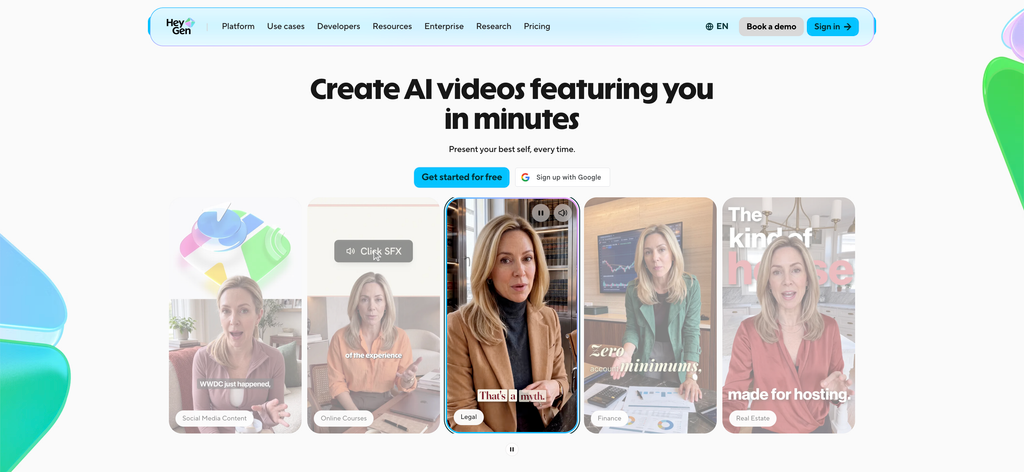
HeyGen is an AI video creation platform that helps businesses produce videos using AI avatars, voiceovers, and video translation, making it useful for businesses looking for an AI short video generator for marketing and product promotions.
It is particularly useful when a company wants to explain the same product to different audiences without recording a separate video for every language or market.
For example, a SaaS business targeting customers in the US, Europe, and Asia could create a product introduction and generate localized versions for different markets.
HeyGen also supports custom avatars, allowing businesses to create videos using a digital version of a presenter.
Key Features:
- AI avatar video creation.
- Custom video avatars.
- Text-to-video generation.
- AI voice generation and voice cloning.
- Video translation and localization.
- Multilingual voiceovers.
- Product and marketing video generation.
- Video Agent for AI-assisted video creation.
Pricing:
- Free: $0, with three watermarked videos per month, up to one minute each.
- Creator: $29/month.
- Pro: $49/month.
- Business and Enterprise: Higher-tier or custom pricing depending on requirements.
The Creator plan includes 600 credits, 1080p exports, custom video avatars, and access to more than 175 languages and dialects. The Pro plan adds 4K export and additional generation capabilities.
Pros:
- Useful for multilingual product videos.
- Supports custom AI presenters.
- No traditional camera setup is required.
- Suitable for marketing, sales, and training content.
Cons:
- AI presenters may not suit every product or brand.
- Generated videos still need human review.
- It does not replace a dedicated interactive product demo platform.
Best For: SaaS businesses targeting international markets, marketing teams, and companies creating localized product explanations.
8. Descript – Best for Editing Product Demo Videos
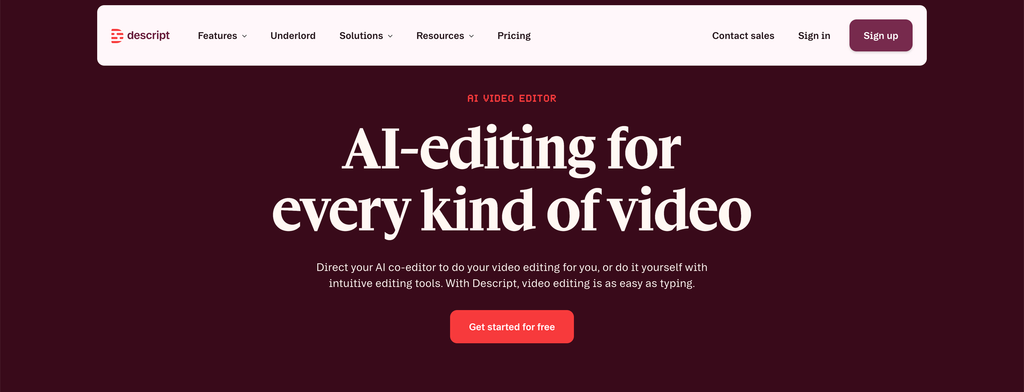
Descript is a video and audio editing platform that makes it easier to create professional-looking videos from existing recordings.
One of its main advantages is text-based editing. Instead of working entirely with a traditional video timeline, users can edit a transcript to remove unwanted sections from the recording.
This is useful when creating product demonstrations because screen recordings often contain mistakes, pauses, repeated explanations, or unnecessary steps.
Descript also provides AI tools for improving audio, removing filler words, generating captions, and refining video content.
Key Features:
- Screen recording.
- Text-based video editing.
- Automatic transcription.
- AI voice generation.
- Filler-word removal.
- Studio Sound for audio enhancement.
- Captions and subtitles.
- AI video editing assistant.
- Video translation and dubbing on eligible plans.
Pricing:
- Free: Limited free access.
- Hobbyist: $16/person/month, billed annually.
- Creator: $24/person/month, billed annually.
- Business: $50/person/month, billed annually.
- Enterprise: Custom pricing.
The Hobbyist plan includes 10 media hours and 400 AI credits per month, along with watermark-free 1080p exports.
Pros:
- Easy to edit spoken content through transcripts.
- Useful for cleaning up screen recordings.
- Good audio enhancement features.
- Suitable for creating multiple video versions from existing footage.
Cons:
- Requires some editing work to achieve the desired result.
- Not designed primarily for interactive product demos.
- AI credits and media-hour limits affect production capacity.
Best For: Founders, marketers, educators, and product teams that already record demonstrations and want to improve the final video.
How to Choose the Right AI Tool for Product Demo Videos
Choosing the right platform is easier when you first decide what kind of demonstration you want to create.
1. Decide Whether You Need a Video or an Interactive Demo
This is the first decision to make.
A traditional video is useful when you want viewers to watch a product demonstration from beginning to end. It works well for landing pages, social media, email campaigns, and YouTube.
An interactive demo allows viewers to click through different screens and explore the product at their own pace. This can be more useful for complex SaaS platforms where prospects want to understand specific workflows.
Tools such as Clueso and Descript are useful for recorded videos, while Supademo and Storylane are more focused on interactive experiences. Arcade supports both formats.
2. Check the AI Editing and Voiceover Features
A product demo should be easy to understand. Poor audio, confusing explanations, and unnecessary pauses can make even a good product look difficult to use.
Look for features such as:
- AI voiceovers.
- Automatic captions.
- Background noise removal.
- Script improvement.
- Zoom effects and annotations.
- Translation and localization.
If your team records its own voiceovers, tools such as Descript can help clean up the recording. If you want a generated presenter, Synthesia and HeyGen are worth exploring.
3. Consider Branding and Customization
Your demo videos should look consistent with your website and other marketing materials.
Check whether the platform supports:
- Custom logos and brand colors.
- Branded templates.
- Custom fonts.
- Editable captions and text.
- Consistent voiceovers.
- Custom video layouts.
This becomes especially important when multiple employees create product videos.
4. Review Pricing and Usage Limits
A free plan is useful for testing a tool, but it may not be enough for regular production.
Before choosing a subscription, check:
- Monthly video export limits.
- AI credits and generation limits.
- Maximum video duration.
- Export resolution.
- Watermarks.
- Number of users.
- Commercial usage terms.
A low subscription price may become expensive if every video generation, edit, or translation consumes additional credits.
5. Make Sure It Fits Your Existing Workflow
Consider where you plan to use the finished demos.
For example:
- Website landing pages may benefit from embedded interactive demos.
- Sales teams may need shareable videos and engagement analytics.
- Customer support teams may need searchable tutorials.
- Product teams may need videos that can be updated after feature releases.
- International marketing teams may need translation and voice localization.
Choose a tool that fits the workflow instead of paying for features your team will rarely use.
FAQs
Some of the best options include Clueso, Arcade, Supademo, Storylane, Guidde, Synthesia, HeyGen, and Descript. Each platform serves a different purpose, from screen-recording-based demonstrations to interactive product tours and AI presenter videos.
Yes. Some platforms can turn screenshots or existing product media into guided demonstrations. Arcade and Storylane support media-to-demo workflows, while other tools focus more on recording and editing actual product usage.
The final result depends on the quality of the screenshots and the features available in your selected plan.
Clueso is a good option for polished screen-recording-based SaaS walkthroughs. Arcade is useful when you want both product videos and interactive demos. Supademo and Storylane are strong options when the goal is to let potential customers explore software features.
Yes. Tools such as Synthesia and HeyGen can create presenter-led product explanation videos from scripts. You can also use AI-generated visuals to introduce features or explain workflows.
However, if you want to show exactly how your software works, actual product recordings or interactive demos are usually more convincing.
Yes. Clueso, Arcade, Supademo, Storylane, Guidde, Synthesia, HeyGen, and Descript offer free plans or limited free access.
These plans are useful for testing the workflow, but some include watermarks, export restrictions, limited credits, or restrictions on published demos.
An AI product demo video is a recorded video that explains how a product works. Viewers watch the demonstration without controlling the experience.
An interactive demo lets viewers click through product screens, follow steps, and explore different features themselves.
Both formats are useful, but they serve different purposes. Videos are suitable for quick explanations, while interactive demos are useful for deeper product exploration.
Yes. Businesses can publish product demo videos on landing pages, social media, email campaigns, product launch pages, and YouTube. Using a social media scheduler can also help teams plan and schedule these videos across different platforms.
They can also use short demonstrations to explain individual features, introduce updates, and support sales conversations.
In most cases, yes. AI can automate voiceovers, captions, editing, and other production tasks, but a person should still review the final video.
Check that the product interface is accurate, the workflow is correct, the voiceover explains the feature properly, and no confidential customer information appears in the recording.
Conclusion
AI tools have made product demo video creation more accessible to businesses of all sizes. SaaS companies can now create feature walkthroughs, onboarding videos, interactive product tours, and presenter-led explanations without relying entirely on traditional video production.
The best tool depends on what you want to achieve. Clueso is a strong choice for polished screen recordings, Arcade combines AI product videos with interactive demos, and Supademo and Storylane are useful for clickable software walkthroughs. Synthesia and HeyGen are better suited to presenter-led videos, while Guidde and Descript help teams produce tutorials and improve existing recordings.
Before investing in a subscription, test the free version with an actual product workflow. A useful demo should make your product easier to understand, show the right features, and give viewers a clear reason to take the next step.