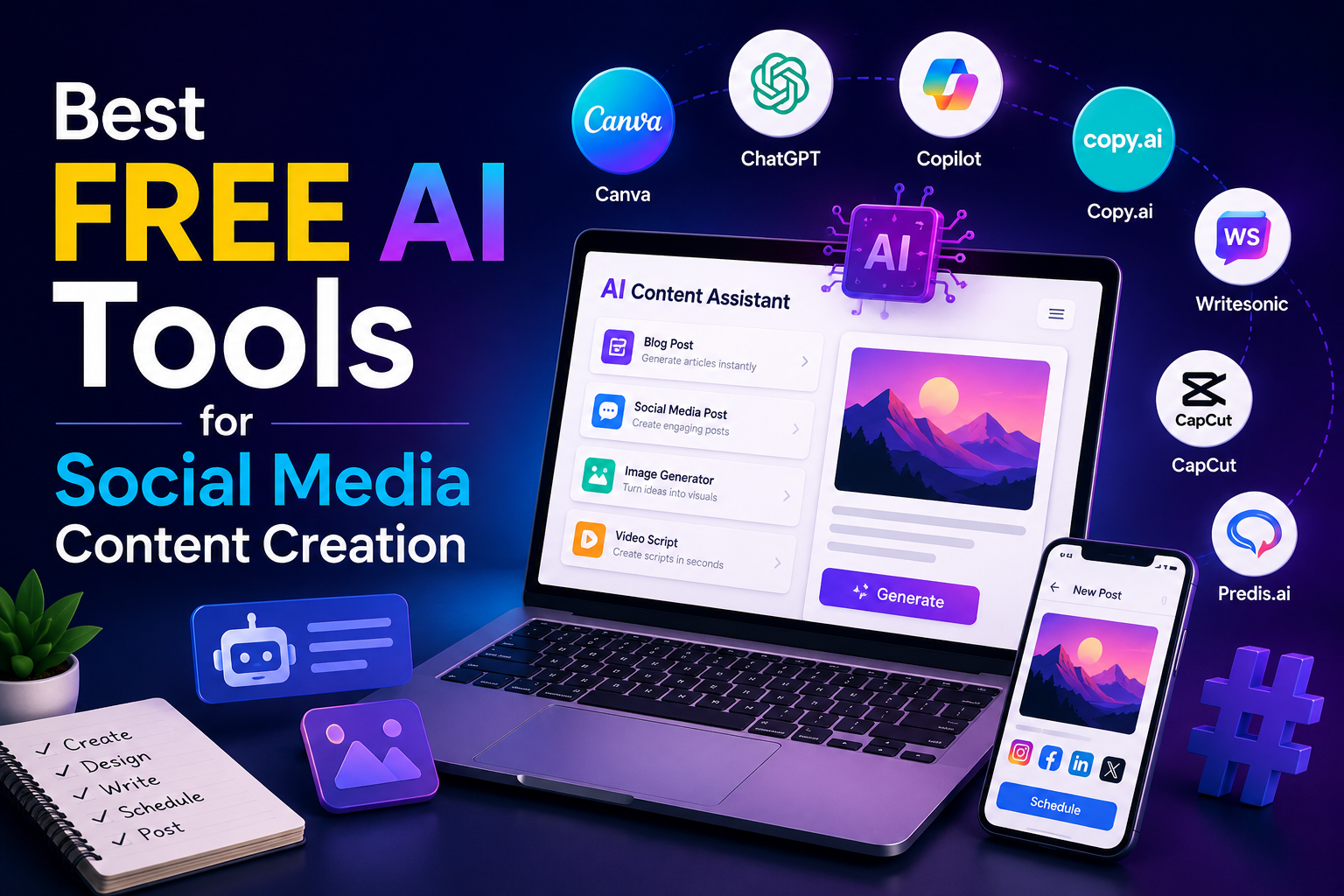
Best Free AI Tools for Social Media Content Creation
AI tools for social media content creation help you write captions, design posts, and edit videos without hiring a designer or copywriter. A handful of free options now do what used to take a small team.
A college student running a small clothing page out of Pune used to spend two or three hours every night editing photos before posting. After switching to free AI tools for social media content creation, it came down to about twenty minutes.
This blog runs through the best free options right now and what each one is actually good at.
What Are AI Tools for Social Media Content Creation?
These are software tools, built on artificial intelligence, that generate captions, images, videos, or post ideas for Instagram, Facebook, and LinkedIn. AI tools for social media content creation exist mainly to cut down the manual side of posting every day.
They usually fall into one of these categories:
- Caption and copy generators
- Image and graphic design tools
- Video editing and reel makers
- Hashtag and trend research tools
- Scheduling tools that suggest content
Once you know which category fits your problem, the rest of this list gets a lot easier to use.
Which AI Tools Are Best for Writing Captions and Copy?
ChatGPT and ShortlyAI sit at the top among AI tools for social media content creation built for captions. Both generate several options in a few seconds, which beats staring at a blank caption box.
ChatGPT tends to be more flexible. It writes captions, hooks, and hashtags off a simple prompt, and switches tone from casual to formal without much fuss. Shortly, AI leans toward longer captions and full post descriptions.
Both handle multiple languages reasonably well, useful for Hindi-English mixed captions. If you run a business in Jaipur or Lucknow, prompting in that mix usually gives results that read less like a translation app wrote them.
Which AI Tools Are Best for Designing Social Media Graphics?
Canva AI and Adobe Express lead this part of the list among AI tools for social media content creation, mostly because of their AI templates and one-click background removal.
A few things worth knowing about these AI tools for social media content creation:
- Canva AI suggests layouts based on what you upload
- Magic Media builds images from a text prompt
- Adobe Express resizes the same design fast
- Both have free plans for small business needs
None of this needs a design background. You don’t even need to know what “alignment” means, just a rough idea of what you’re trying to make.
Which AI Tools Are Best for Creating Reels and Videos?
CapCut and InShot are the two most-used AI tools for social media content creation in short video editing right now, mainly because of their AI auto-captioning and trimming tools.
CapCut auto-generates subtitles in several languages and removes backgrounds for product shots, useful if you sell physical products. InShot is simpler, built around quick trims and trend templates.
Both run entirely on the phone, which matters for small business owners, editing between everything else they’re doing that day.
Which AI Tools Help With Hashtags and Trend Research?
Flick and Hashtagify are two of the better AI tools for social media content creation when it comes to hashtags, suggesting tags based on your niche and whatever is trending that week.
What they typically offer:
- Hashtag suggestions ranked by likely reach
- Trend tracking built around your industry
- A look at what competitors are tagging
- Free tiers that cover basic research
Getting hashtags right does improve discoverability over time, especially for accounts targeting one city or a small region.
How Do These AI Tools Compare With Each Other?
Putting these AI tools for social media content creation side by side makes it easier to pick based on what you actually need, not what’s trending on someone’s Instagram story.
| Tool | Best For | Free Plan Limit |
| ChatGPT | Captions and copy | Generous daily use |
| Canva AI | Graphic design | Limited AI credits monthly |
| CapCut | Video editing and reels | Free with watermark options |
| InShot | Quick video trimming | Free with basic export limits |
| Flick | Hashtag research | Limited free searches |
Most people end up using two or three of these AI tools for social media content creation together rather than relying on just one. If you also want expert support alongside AI, a professional social media service can help you plan, create, and manage content more effectively.
Why Should Small Businesses Use Free AI Tools for Social Media Content Creation?
Because they cut time and cost without making the content look cheap. One person can manage what used to need a small team.
A lot of small businesses across India, especially in tier two cities, run social media with no real marketing budget. Free AI social media tools for content creation close that gap by handling design, writing, and editing from a single place.
If you’d rather hand the whole thing off, SocialThink works with businesses that want a consistent strategy instead of piecing it together tool by tool.
Frequently Asked Questions
1. Are AI tools for social media content creation really free?
Most offer a free plan with some limits, while advanced features usually need a paid upgrade.
2. Can beginners use these tools without design experience?
Yes, most rely on templates and simple prompts, so no design background is needed.
3. Do these tools work for Hindi and regional language content?
Yes, tools like ChatGPT and CapCut support several Indian languages for captions and subtitles.
4. Which tool should someone starting out pick first?
Canva AI and ChatGPT together cover most of what a beginner needs at the start.
5. Can these tools replace a full marketing team?
They cut the workload a lot, but they still work best alongside some basic strategy.