
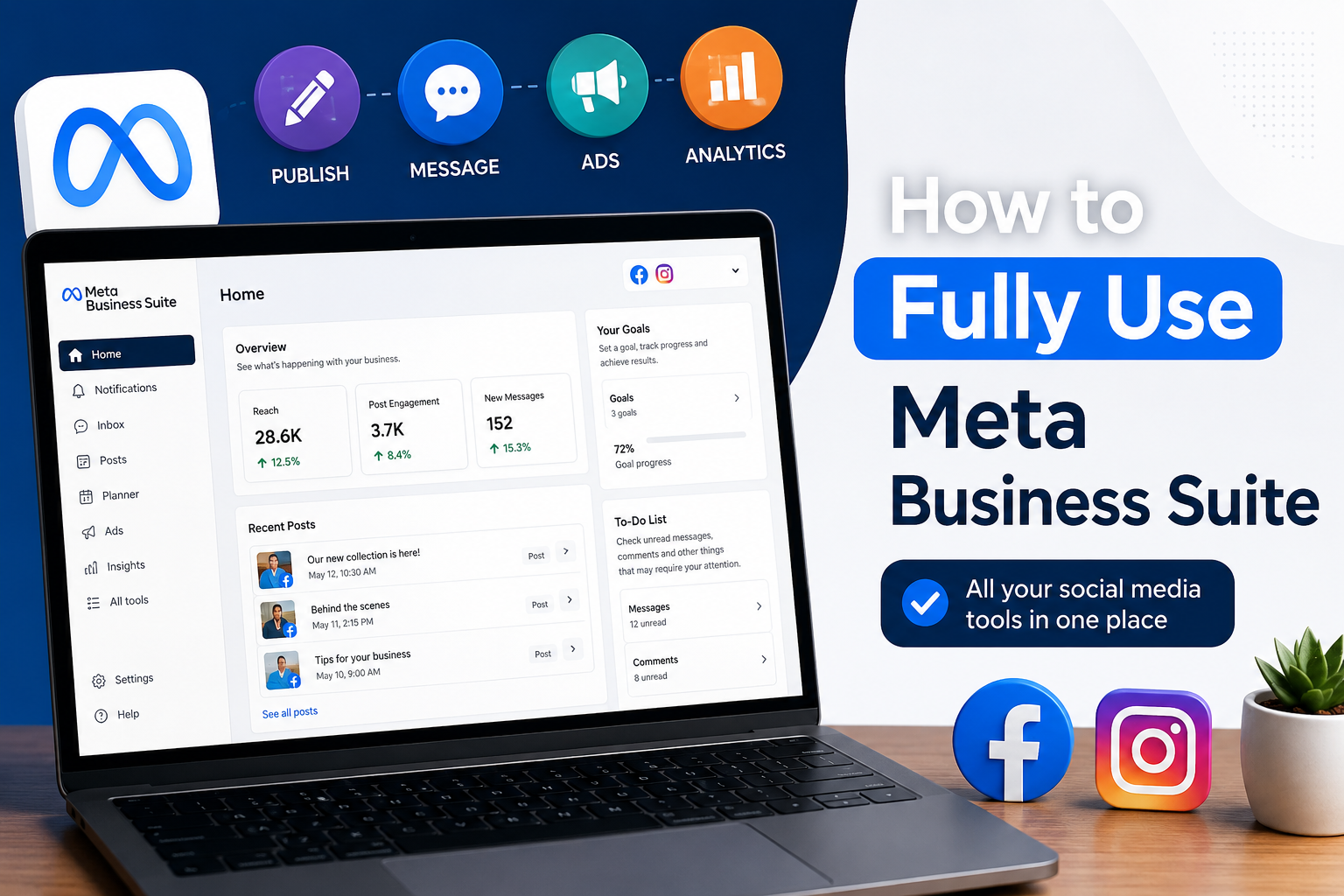
How to Fully Use Meta Business Suite
Meta Business Suite is the single dashboard that lets you run Facebook and Instagram from one login. It handles posting, messaging, ads, and insights, so you stop jumping between two apps for the same business.
A small bakery owner in Jaipur used to manage her Facebook page and Instagram account separately. Messages piled up for days. After she moved to Meta Business Suite, every message landed in one place, and her replies started going out the same day.
This guide walks through the main features so you can actually put the tool to use.
What Is Meta Business Suite Used For?
It is used to manage posts, messages, ads, and performance data for Facebook and Instagram from one screen. There’s no separate login for each platform anymore.
Most small business owners and marketers pick up Meta Business Suite simply because it saves time. Tasks that used to take three apps now sit in one tab.
Here’s what it covers:
- Scheduling and publishing posts
- Managing comments and direct messages
- Running and tracking ad campaigns
- Viewing audience insights
- Assigning roles to team members
Once these basics click, the rest of the dashboard is fairly easy to figure out on your own.
How Do You Set Up Meta Business Suite for Your Business?
Set up means connecting your Facebook Page and Instagram account, then filling in your business details. It rarely takes more than ten minutes.
Here’s the process:
- Go to business.facebook.com and log in with your Facebook account
- Click “Create Account” if this is your first time setting it up
- Connect your Facebook Page
- Link your Instagram business account in settings
- Add your address, contact number, and working hours
- Assign team members and set their access levels
Once that’s done, your old posts, followers, and message history sync over on their own.
How Do You Schedule Posts Using Meta Business Suite?
You schedule posts through the Planner tab. Create your content, pick a future date and time, and it goes live on both platforms without you touching your phone.
Here’s how that works:
- Click “Create Post” inside the Planner
- Upload images, videos, or carousels
- Write your caption and add hashtags
- Choose Facebook, Instagram, or both
- Pick the date and time, then hit schedule
This matters more than people realise if you’re targeting specific hours, say evening scroll time in Delhi or Mumbai.
How Do You Manage Messages and Comments in Meta Business Suite?
The unified inbox is where this happens. It pulls Facebook Messenger, Instagram DMs, and comments into one feed, so nothing gets buried in a separate app.
A few things the inbox lets you do:
- Reply to both platforms without switching apps
- Tag conversations to follow up later
- Save replies for common questions
- Filter by read, unread, or flagged
- Set automated replies for after-hours messages
Customers notice faster replies, and for a local business, that’s often what decides whether someone actually buys.
How Do You Run Ads Through Meta Business Suite?
Ads run through the built-in Ads section. You can boost an existing post or build a full campaign with targeting, all without opening Ads Manager separately.
The basic steps:
- Pick an existing post or create new ad content
- Choose your goal: reach, traffic, or engagement
- Set your audience by location, age, and interests
- Set your budget and how long the ad runs
- Review everything, then publish
If you’re trying to reach customers in a specific city or neighbourhood, narrowing the location target usually cuts down on wasted ad spend.
How Do You Track Performance Using Meta Business Suite?
Performance tracking lives in the Insights tab. It shows reach, engagement, follower growth, and how individual posts performed with built-in social media tools, updated in real time.
| Metric | What It Shows | Where to Find It |
| Reach | Accounts that saw your content | Insights tab |
| Engagement | Likes, comments, and shares combined | Insights tab |
| Follower Growth | New followers over a chosen period | Audience section |
| Ad Performance | Clicks, spend, and conversions | Ads section |
| Message Response Rate | Average reply time | Inbox analytics |
Check this weekly rather than daily. A single day’s numbers don’t tell you much, but a week of data usually shows which content actually works.
Why Should Businesses Rely on Meta Business Suite Instead of Separate Apps?
Because it puts publishing, messaging, ads, and analytics in one workflow instead of three or four. Less switching means less gets missed.
Running separate apps tends to mean late replies, inconsistent posting, and data scattered across platforms with no single view. Meta Business Suite fixes that by keeping it all under one login, which is probably why most agencies now treat it as a default tool rather than a nice-to-have.
If you’d rather have someone set this up properly or fine-tune it for your business, SocialThink offers professional social media service solutions to help businesses manage and grow their online presence more effectively.
Frequently Asked Questions
1. Is Meta Business Suite free to use?
Yes, it’s free for all Facebook and Instagram business accounts.
2. Can I manage multiple Pages on Meta Business Suite?
Yes, you can add several Facebook Pages and Instagram accounts to one dashboard.
3. Does Meta Business Suite support ad creation?
Yes, you can build and run ads directly inside the platform.
4. Can I assign team members on Meta Business Suite?
Yes, you can give team members different access levels based on their role.
5. Is Meta Business Suite available on mobile?
Yes, there’s a dedicated app for both Android and iOS.