8 Best AI Tools for Turning Long Videos Into Short Clips in 2026
TL;DR
You don’t need to edit an entire podcast, webinar, or YouTube video manually to create short-form content. AI clipping tools can identify interesting moments, extract highlights, add captions, and resize videos for platforms such as TikTok, Instagram Reels, and YouTube Shorts.
Here are eight tools worth considering in 2026:
- OpusClip: Best overall for automatically finding engaging moments and generating short clips.
- Vizard: Best for repurposing long videos into multiple social media formats.
- Klap: Best for creating vertical clips with automatic captions and speaker tracking.
- 2short.ai: Best for converting captioned YouTube videos into Shorts.
- Munch Studio: Best for agencies and brands managing video repurposing alongside social content.
- Riverside: Best for turning podcasts and recorded interviews into short clips.
- VEED: Best for clipping and editing videos in one browser-based platform.
- Descript: Best for transcript-based editing and refining clips manually.
The right choice depends on your source footage, monthly video volume, editing requirements, and how much control you want over the final clips.
Why Use AI Tools to Turn Long Videos Into Short Clips?
Long-form videos contain plenty of useful information, but not every viewer has time to watch a 30-minute podcast, a one-hour webinar, or a full YouTube episode. For creators looking to produce short-form content more efficiently, AI video generators for YouTube Shorts can also help create engaging vertical videos for YouTube.
Short clips make it easier to share the most interesting parts of that content.
For example, a company can record a 45-minute interview with its founder and turn it into several short videos covering different topics. One clip might explain a common industry problem, another could share a practical tip, and a third might highlight an interesting opinion.
Doing this manually takes time. You need to watch the original recording, find suitable moments, trim the footage, add captions, adjust the aspect ratio, and export each version.
AI video clipping tools automate much of this process.
Depending on the platform, they can:
- Analyze long videos and identify potential highlights.
- Extract short clips based on speech, topics, and visual activity.
- Generate captions and subtitles automatically.
- Reframe landscape footage into vertical videos.
- Track speakers and keep them centered.
- Remove silences and filler words.
- Suggest hooks, titles, and descriptions.
- Create multiple clips from a single recording.
- Publish or schedule clips to social media.
However, AI-generated clips still need human review. A tool may identify an interesting sentence but cut it away from the context that makes it meaningful. The best workflow combines automatic clip selection with a final editing and quality-checking process.
8 Best AI Tools for Turning Long Videos Into Short Clips in 2026
Quick Comparison Table
| Tool | Best For | Standout Feature | Starting Price |
| OpusClip | Automatic highlight extraction | AI clipping and virality scoring | Free; paid from $15/month |
| Vizard | Multi-platform video repurposing | AI clipping and social publishing | Free; paid plans available |
| Klap | Vertical short clips | Speaker tracking and animated captions | Free trial; paid from $23/month |
| 2short.ai | YouTube video clipping | Caption-based highlight extraction | Free; paid from $9.90/month |
| Munch Studio | Agencies and brands | Video repurposing with social content workflows | 7-day trial; from $38/month annually |
| Riverside | Podcasts and interviews | Magic Clips and transcript-based editing | Free; paid plans available |
| VEED | Clipping and video editing | AI Clips with auto-framing and subtitles | Free; paid from $9/month annually |
| Descript | Editing and refining clips | Text-based video editing and Create Clips | Free; paid from $16/person/month annually |
Prices are in USD. Annual billing, AI credits, upload minutes, and export limits vary by plan. Some platforms change their prices and allowances frequently, so check the official pricing page before subscribing.
1. OpusClip – Best Overall for Turning Long Videos Into Short Clips
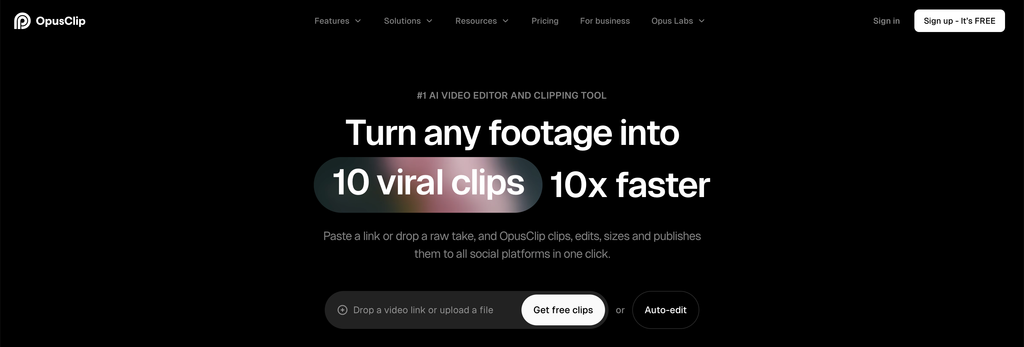
OpusClip is one of the most recognizable tools in the AI video repurposing category. It helps creators turn long recordings into multiple short videos without manually searching through the entire recording.
Upload a video or import it from a supported source, and OpusClip analyzes the content to identify potential highlights. It then creates short clips, adds captions, and adjusts the framing for vertical platforms.
Its Virality Score is another useful feature. It ranks generated clips based on their estimated potential to attract attention, helping creators decide which clips to review first.
Key Features:
- AI-powered highlight extraction.
- Virality Score for generated clips.
- Automatic speaker tracking and reframing.
- Animated captions and keyword highlighting.
- Filler-word and silence removal.
- AI-generated B-roll on eligible plans.
- Multiple aspect ratios.
- Direct social media scheduling and publishing.
Pricing:
- Free: $0, with 60 credits per month and watermarked exports.
- Starter: $15/month, billed monthly.
- Pro: $29/month, or $14.50/month when billed annually.
- Business: Custom pricing.
The Starter plan includes 150 monthly credits. Pro includes 300 credits, a two-seat workspace, additional import sources, and more editing features.
Pros:
- Automatically finds potential highlights.
- Useful for podcasts, interviews, and educational videos.
- Offers captions and automatic reframing.
- Virality Score helps prioritize clips.
- Supports several import sources on paid plans.
Cons:
- Credit limits affect how much footage you can process.
- AI-selected moments still need manual review.
- Advanced editing and collaboration features require paid plans.
Best For: YouTubers, podcasters, marketing teams, and creators who regularly repurpose long recordings into short-form content.
2. Vizard – Best for Multi-Platform Video Repurposing
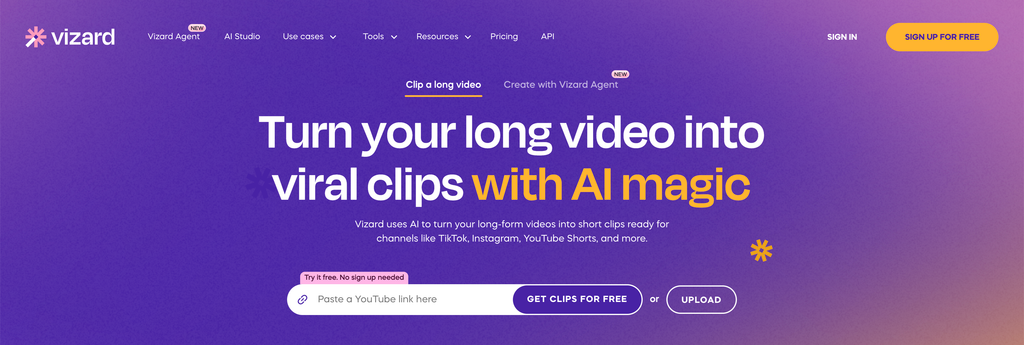
Vizard is designed to make long-form video repurposing easier for creators and marketing teams.
It can analyze a long recording and generate multiple short clips for different social media platforms. Users can also guide the AI with prompts or templates based on the type of content they want to create.
For example, a marketing team could upload a webinar and ask Vizard to find clips that explain specific product benefits. It can then generate short videos with captions and appropriate framing.
Vizard also includes a video editor, subtitle tools, translation, and social media publishing features.
Key Features:
- AI-generated short clips.
- AI highlight detection.
- Prompt-based clip selection.
- Automatic captions and subtitles.
- Auto-reframing for vertical videos.
- Video translation.
- Brand templates.
- Social media scheduling.
- API access on paid plans.
Pricing:
- Free: $0, with 60 credits per month and 720p exports.
- Creator: Paid plan with no watermark, 4K exports, and additional processing credits.
- Business: Paid plan with shared workspaces, brand kits, and team collaboration.
Vizard uses a credit system where one credit represents one minute of uploaded video. Its Creator and Business plans offer different annual credit allowances, so the final monthly price depends on the amount of footage you need to process.
Pros:
- Supports long videos up to 10 hours.
- Offers prompt-based clip creation.
- Useful for repurposing webinars and interviews.
- Includes editing, captions, and translation.
- API access is available on paid plans.
Cons:
- Credit consumption increases with video length.
- Advanced collaboration features require the Business plan.
- Free exports are limited to 720p and have short storage availability.
Best For: Marketing teams, agencies, educators, and creators who want to turn long recordings into content for several social platforms.
3. Klap – Best for Vertical Clips With Automatic Captions
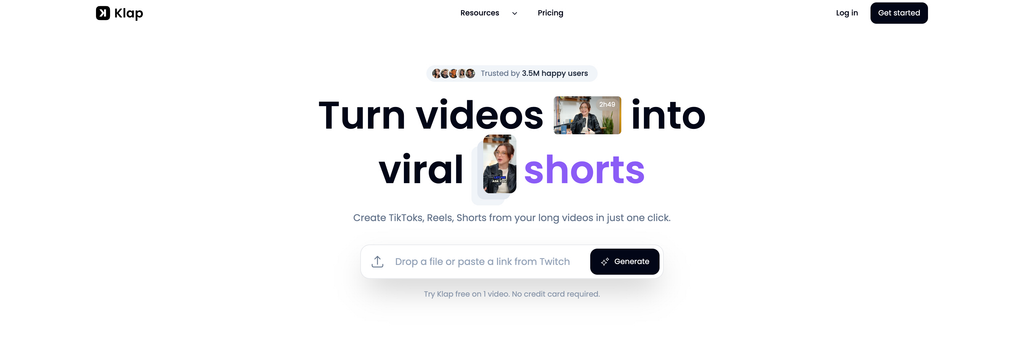
Klap focuses on turning existing long videos into short clips for platforms such as TikTok, Instagram Reels, and YouTube Shorts.
Its AI analyzes the video to identify interesting moments and then creates vertical clips with automatic captions and speaker tracking.
One useful feature is its Virality Score, which helps users prioritize the clips that the platform considers more promising. You can also edit the generated clips using a transcript-based editor before exporting them.
Klap supports different video sources, including YouTube, Vimeo, Twitch, Google Drive, and direct uploads.
Key Features:
- AI highlight detection.
- Automatic vertical video reframing.
- Speaker tracking.
- Animated captions.
- Virality scoring.
- Transcript-based editing.
- AI video dubbing and translation.
- Direct social media publishing and scheduling.
- API and automation integrations.
Pricing:
- Free: One video to test the tool.
- Klap: $23/month, with up to 10 videos and 100 generated clips.
- Pro: $63/month, with up to 30 videos and 300 clips.
- Pro+: $151/month, with up to 100 videos and 1,000 clips.
The higher plans support longer source videos, 4K downloads, and AI dubbing in 29 languages.
Pros:
- Easy way to generate vertical clips.
- Automatically adds captions and tracks speakers.
- Supports long recordings.
- Useful for creators who publish regularly.
- Offers integrations and API access.
Cons:
- Monthly video and clip limits vary by plan.
- Generated clips may need additional trimming.
- Higher-volume production can become expensive.
Best For: Podcasters, YouTubers, and creators who want ready-to-edit vertical clips from existing videos.
4. 2short.ai – Best for Turning YouTube Videos Into Shorts
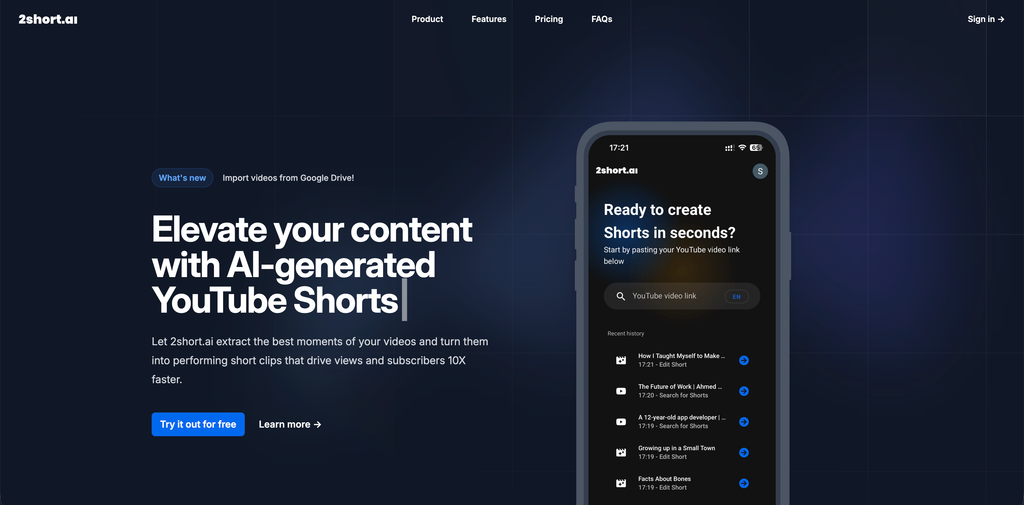
2short.ai is a focused video repurposing tool that helps creators extract short clips from existing YouTube content.
Its workflow is straightforward. Paste a supported video link, let the AI analyze the content, and review the suggested clips.
The platform uses captions to understand spoken content and identify moments that can work as standalone videos. This makes it suitable for podcasts, interviews, tutorials, motivational videos, and educational content.
One limitation is that the source video needs captions or subtitles for the AI analysis to work.
Key Features:
- AI-powered highlight extraction.
- YouTube video import.
- Automatic face tracking.
- Vertical video formatting.
- Animated captions.
- Multiple aspect ratios.
- Clip editing and exports.
- Support for several languages.
Pricing:
- Starter: Free, with 30 minutes of AI video analysis per month.
- Lite: $9.90/month, with five hours of analysis.
- Pro: $19.90/month, with 15 hours of analysis.
- Premium: $49.90/month, with 50 hours of analysis.
Paid plans include additional export time and faster processing options.
Pros:
- Simple workflow for YouTube videos.
- Affordable entry-level subscription.
- Useful for podcast and educational content.
- Supports multiple languages.
- Free plan allows users to test the platform.
Cons:
- Requires captions on the source video.
- Less suitable for footage without spoken content.
- Not as broad as a complete video editing platform.
Best For: YouTubers, educational creators, podcasters, and people who primarily want to extract short clips from captioned videos.
5. Munch Studio – Best for Agencies and Brands Repurposing Video Content

Munch has evolved beyond a simple long-video clipping tool. Its current platform, Munch Studio, combines video repurposing with a wider social content workflow for brands and agencies.
Its video repurposing feature can identify useful moments from longer recordings and turn them into short-form content. The platform also includes tools for generating social content, managing publishing workflows, and maintaining a consistent brand presence.
This makes it interesting for agencies that want more than a standalone clip generator.
For example, an agency can repurpose a client’s podcast into short videos and use the broader platform to support the client’s social media content workflow.
Key Features:
- AI-powered video repurposing.
- Automatic short-form clip creation.
- AI-generated captions and descriptions.
- Automatic video cropping.
- Social content planning.
- Social post and Video Generator
- Multi-brand workflows on eligible plans.
- Team collaboration and publishing tools.
Pricing:
- Essential: $38/month, billed annually.
- Premium: $60/month, billed annually.
- Studio: $148/month.
- Scale: $398/month.
Essential includes 500 minutes of video repurposing per month and 100 GB storage. Premium increases the allowance to 1,000 minutes. Studio and Scale support multi-brand workflows for agencies.
Munch Studio offers a seven-day trial rather than a permanent free plan.
Pros:
- Combines video repurposing with social content workflows.
- Useful for agencies managing multiple brands.
- Offers monthly video-processing allowances.
- Includes team and content planning capabilities.
- Suitable for businesses producing content regularly.
Cons:
- More expensive than dedicated clipping tools.
- No permanent free plan.
- May include features that creators only looking for video clipping do not need.
Best For: Social media agencies, brands, and marketing teams that want video repurposing as part of a broader content workflow.
6. Riverside – Best for Podcasts and Recorded Interviews
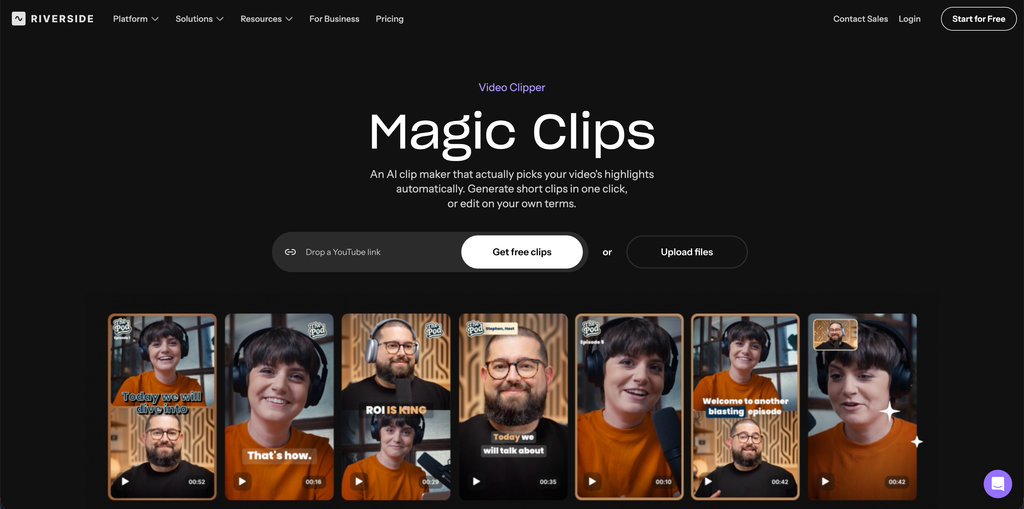
Riverside is known for remote recording, but it also offers AI-powered tools for turning recordings into shorter content.
Its Magic Clips feature identifies highlights from recordings and converts them into short videos. The platform adds captions and allows users to edit the generated clips before sharing them.
Riverside also offers Magic Segments, which extract longer three-to-ten-minute sections from recordings. These can be useful for YouTube, LinkedIn, and other platforms where slightly longer content makes sense.
This makes Riverside particularly useful for creators who record podcasts or interviews directly on the platform.
Key Features:
- AI-powered Magic Clips.
- Magic Segments for longer excerpts.
- Automatic captions.
- AI-generated show notes.
- Speaker-focused editing.
- Filler-word and silence removal.
- Text-based video editing.
- High-resolution video exports on eligible plans.
Pricing:
Riverside offers Free, Standard, Pro, and higher-tier plans. Its paid plans include different recording hours, export quality, and AI editing allowances.
The Pro plan is listed at $24/month when billed annually on its current pricing page. Check the live plan comparison for the latest recording and AI feature limits.
Pros:
- Excellent fit for podcast and interview workflows.
- Generates short clips from existing recordings.
- Offers both short clips and longer segments.
- Includes recording and editing in one platform.
- Useful AI tools beyond clip generation.
Cons:
- Best suited to spoken-word content.
- Some advanced editing and AI features depend on the plan.
- Less specialized in high-volume social clipping than dedicated clipping platforms.
Best For: Podcasters, interviewers, webinar hosts, and creators who want to record and repurpose content in one platform.
7. VEED – Best for AI Clipping and Video Editing in One Platform
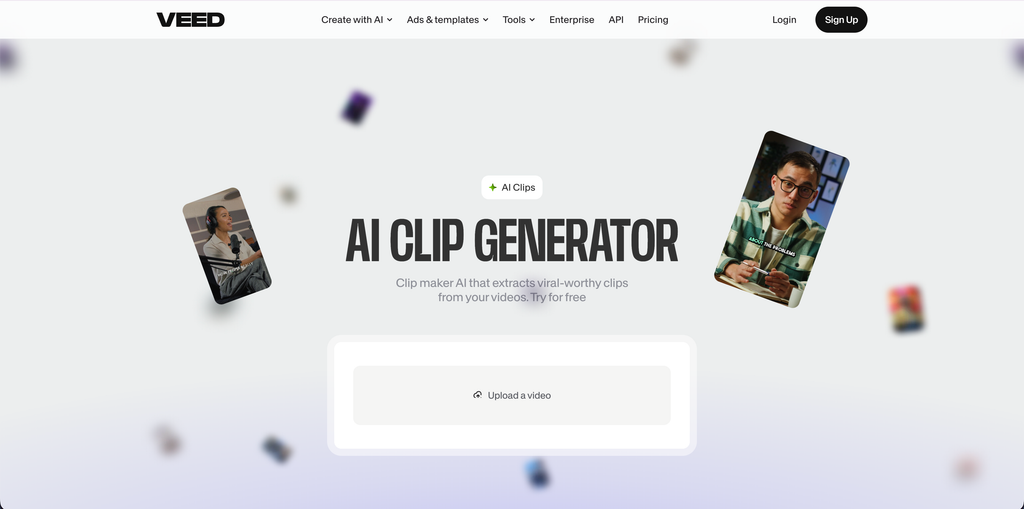
VEED is an online video editor that includes an AI Clips feature for turning long recordings into short videos.
Its AI can identify highlights, generate subtitles, center the speaker, remove filler words, and prepare the footage for social platforms.
Users can choose portrait or landscape output, set a maximum clip length, and describe the type of moments they want the AI to find. After generation, each clip can be trimmed and edited in VEED’s video editor.
This is useful for creators who want automatic clipping but still need control over the final video.
Key Features:
- AI-powered clip generation.
- Automatic highlight detection.
- Speaker auto-framing.
- AI subtitles in more than 100 languages.
- Filler-word and silence removal.
- Custom clip length.
- Video editing and resizing.
- Browser-based workflow.
Pricing:
- Free: $0, with a one-time trial of AI Clips.
- Lite: From $9/month, billed annually.
- Pro: Higher-tier subscription with additional editing and AI capabilities.
- Enterprise: Custom pricing.
VEED’s AI Clips feature is available on paid Creator, Pro, Studio, and Enterprise plans. Its free plan allows users to try the clipping feature once.
Pros:
- Combines AI clipping and manual editing.
- Supports automatic captions and reframing.
- Offers multiple subtitle languages.
- Works directly in a browser.
- Useful for creators who want more editing control.
Cons:
- Free AI Clips access is limited to one trial.
- Some AI features have usage limits.
- Not every generated clip will be suitable for immediate publishing.
Best For: Social media managers, marketers, and creators who want AI clipping alongside a full online video editor.
8. Descript – Best for Editing and Refining Short Clips
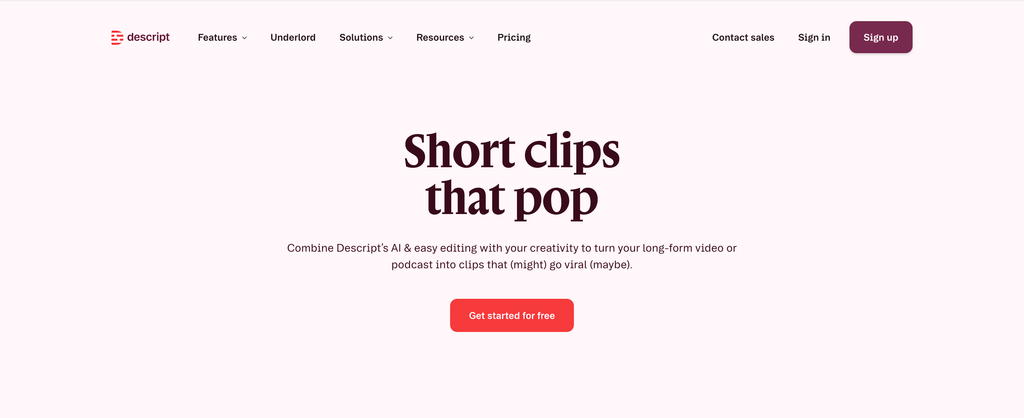
Descript is a audio and video editing platform that uses transcripts to make editing easier.
Its Create Clips feature helps users identify and generate short videos from longer recordings. Once the clips are created, users can refine them by editing the transcript rather than working entirely with a traditional video timeline.
This is especially useful for interviews, podcasts, tutorials, and educational videos where the spoken content matters more than complex visual effects.
Descript also offers AI tools for removing filler words, improving audio, generating captions, and cleaning up recordings.
Key Features:
- AI-assisted clip creation.
- Transcript-based video editing.
- Automatic transcription.
- Filler-word removal.
- AI audio enhancement.
- Captions and subtitles.
- Screen recording.
- AI editing assistant.
Pricing:
- Free: $0, with limited media hours and AI credits.
- Hobbyist: $16/person/month, billed annually.
- Creator: $24/person/month, billed annually.
- Business: $50/person/month, billed annually.
- Enterprise: Custom pricing.
The Hobbyist plan includes 10 media hours and 400 AI credits per month, along with watermark-free 1080p exports.
Pros:
- Makes spoken-content editing easier.
- Useful for refining AI-generated clips.
- Includes transcription and audio enhancement.
- Suitable for podcasts and interviews.
- Offers more manual control than fully automatic clipping tools.
Cons:
- Requires some editing to achieve the desired result.
- AI credits and media hours limit usage.
- Less focused on automatic high-volume clip generation than dedicated tools.
Best For: Podcasters, educators, marketers, and creators who want to edit long recordings and turn selected moments into polished short videos.
How to Choose the Right AI Video Clipping Tool
Choosing the right platform depends on what kind of content you create and how frequently you need to publish short clips.
Here are six factors to consider before subscribing.
1. Check the Type of Videos You Create
Not every AI clipping tool works equally well with every type of content.
For example:
- Podcasts and interviews need accurate speaker tracking and captions.
- Webinars need topic-based highlight extraction.
- Tutorials need clips that preserve the steps and context.
- Livestreams need tools that can process long recordings.
- Product demonstrations may need manual editing to retain the important screen details.
Choose a tool that supports your primary content format rather than relying only on its marketing claims.
2. Evaluate AI Highlight Detection
The main purpose of these tools is to find useful moments without watching the entire recording manually.
Look for features such as:
- Automatic highlight detection.
- Topic-based clip selection.
- Prompt-based clipping.
- Hook identification.
- Virality or engagement scoring.
- Control over clip length.
AI suggestions can save time, but they are not a guarantee that a clip will perform well. Review the selected moments before publishing.
3. Check Auto-Reframing and Speaker Tracking
Most long-form recordings are created in landscape format, while TikTok, Reels, and Shorts generally use vertical video.
A good clipping tool should reframe the footage without cutting off the speaker or important visual details.
Check whether it supports:
- 9:16 vertical video.
- Automatic speaker tracking.
- Multiple speakers.
- Face detection.
- Custom framing adjustments.
- Different aspect ratios.
This is particularly important for podcasts and interviews with multiple people on screen.
4. Compare Caption and Subtitle Features
Captions make short videos easier to follow, especially when people watch without sound.
Look for automatic transcription, animated captions, keyword highlighting, subtitle styling, and translation.
Also check whether you can correct transcription mistakes manually. Incorrect captions can change the meaning of a statement and make the video look unprofessional.
5. Understand Processing Limits and Pricing
AI clipping platforms often charge based on the amount of source footage you upload, the number of credits you use, or the number of clips you export.
Before subscribing, check:
- Monthly upload minutes.
- Number of videos you can process.
- Maximum source video length.
- Number of generated clips.
- Export resolution.
- Watermark restrictions.
- Storage duration.
- Team seats and brand templates.
A low monthly subscription may not be suitable if your agency processes several hours of video every week.
6. Review Every Clip Before Publishing
AI tools can identify a strong sentence but may remove the context that makes it understandable.
For example, a speaker might say, “This approach doesn’t work,” after explaining a particular situation. If the AI removes the preceding explanation, the clip may communicate the opposite of what the speaker intended.
Before publishing, check:
- Whether the clip has a clear beginning and ending.
- Whether the statement keeps its original meaning.
- Whether captions are accurate.
- Whether the speaker remains visible.
- Whether the video has a strong opening.
- Whether the clip works without watching the full recording.
You can also use AI thumbnail makers for YouTube to create eye-catching thumbnails for the clips you plan to publish, helping maintain visual consistency across your video content.
The best results come from using AI for the first edit and human judgment for the final version.
FAQs
OpusClip is a strong overall option because it combines automatic highlight extraction, captions, reframing, and clip scoring. Vizard and Klap are also useful for creators who want to generate multiple social-ready clips from longer recordings.
Yes. Tools such as OpusClip, Vizard, Klap, and 2short.ai can analyze long videos and generate shorter clips suitable for YouTube Shorts. You can review, edit, and export the clips before publishing them.
Yes. OpusClip, Vizard, 2short.ai, Riverside, and Descript offer free plans or limited free access. Klap also offers a free video trial. Free plans usually include restrictions on credits, video length, export quality, storage, or watermarks.
Yes. Several platforms can process long recordings and identify multiple highlights. OpusClip, Vizard, Klap, and Riverside are worth considering for podcast repurposing.
The number of clips generated depends on the recording, the platform, and the plan limits.
Munch Studio is worth considering for agencies that want video content repurposing alongside broader social media workflows. OpusClip and Vizard are useful for generating clips, while Klap offers automation and API capabilities for larger workflows.
Most of the tools in this list support automatic captions or subtitles. Some also offer animated captions, keyword highlighting, translation, and custom subtitle styles.
However, always review the transcription before publishing.
Yes. These tools can create clips in vertical formats suitable for short-form platforms. You should still check each platform’s current video specifications, content policies, music rights, and monetization requirements before publishing.
No. AI can identify moments that appear engaging based on speech, context, and other signals, but it cannot guarantee views or engagement.
The opening hook, topic, audience relevance, editing, and distribution strategy still influence how a clip performs.
Conclusion
Turning long videos into short clips is one of the most practical ways to get more value from existing content. A single podcast, webinar, interview, or YouTube video can provide several pieces of short-form content for different social media platforms.
OpusClip is a strong choice for automatic highlight extraction, Vizard is useful for multi-platform repurposing, and Klap makes it easy to create vertical clips with captions and speaker tracking. For YouTube-focused creators, 2short.ai offers a straightforward workflow. Agencies may prefer Munch Studio, while Riverside and Descript are useful for podcast and interview production.
Before choosing a paid plan, test the platform with a real recording. Check the quality of the selected moments, caption accuracy, speaker framing, and editing options.
The goal is not simply to create more clips. It is to turn useful parts of your long-form content into short videos that make sense on their own and give your audience a reason to watch.