7 Best AI Video Ad Generators in 2026: Features & Pricing Compared
TL;DR
The best AI video ad generators in 2026 include Creatify, Arcads, Predis.ai, HeyGen, InVideo AI, Captions, and Synthesia. Creatify is useful for turning product URLs into video ads, while Arcads focuses on AI-generated UGC actors. HeyGen is strong for multilingual spokesperson videos, and Predis.ai combines ad creation with social media management. The right choice depends on your advertising format, production volume, budget, and creative requirements.
Introduction
Producing video advertisements traditionally involves several steps: writing scripts, arranging product shoots, hiring creators, recording voiceovers, editing footage, and preparing different versions for advertising platforms.
For businesses running regular campaigns, this process can become expensive and time-consuming.
AI video ad generators simplify production by turning product URLs, images, scripts, and text prompts into ready-to-edit advertising videos. Some platforms use realistic AI actors to create UGC-style advertisements, while others generate product demonstrations, promotional clips, and presenter-led videos.
However, not every AI video generator is designed specifically for advertising. Some are better for generating multiple ad variations, while others focus on editing, storytelling, or multilingual video production.
We compared seven platforms based on their advertising capabilities, features, pricing, and suitability for different marketing requirements.
Quick Comparison: Best AI Video Ad Generators
| Tool | Best For | Standout Feature | Starting Price |
| Creatify | E-commerce advertisements | Product URL to video | $39/month |
| Arcads | UGC-style video ads | AI actors and creative variations | In-app pricing |
| Predis.ai | Social media advertisements | Product ads and publishing | $19/month |
| HeyGen | Spokesperson advertisements | Realistic avatars and multilingual videos | $29/month |
| InVideo AI | Prompt-based video advertisements | Script, stock footage and AI video | $9/month* |
| Captions | UGC advertisements | AI Ads and digital twins | $24.99/month |
| Synthesia | Professional presenter videos | AI avatars and video localization | $29/month |
Prices are in USD and reflect the published entry-level pricing checked on October 30, 2026. Annual discounts, promotional pricing, regional differences, taxes, and credit limits may apply. InVideo’s entry price is based on annual billing. Arcads displays current plan prices inside its application.
1. Creatify – Best for E-commerce Product Video Ads
Best for: E-commerce businesses, product marketers, and advertising agencies that need multiple product video creatives.
Website: https://creatify.ai/
Overview
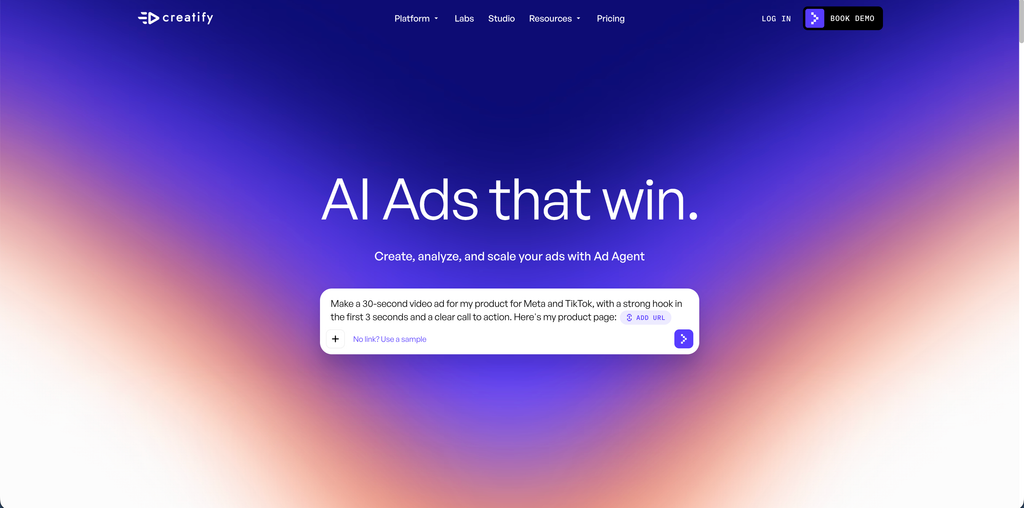
Creatify is an AI video ad generator designed to simplify product advertising. Instead of starting with a blank editing timeline, users can provide a product page URL and let the platform create an advertising video.
The platform extracts product information and uses it to generate scripts, visuals, voiceovers, and AI actor-based videos.
This workflow is particularly useful for online stores promoting several products. Rather than arranging an individual video shoot for every product, marketers can generate initial creative variations using existing product information.
Key Features
- URL-to-video generation: Turn product pages into video advertisements.
- AI actors: Choose from a library of realistic AI presenters.
- AdFlow templates: Use ready-made advertising formats.
- Multiple languages: Create advertisements in more than 75 languages.
- Ad variations: Generate different creative versions for campaign testing.
- Ad tracking: Higher plans provide competitor ad tracking and performance-related features.
Pricing
- Free: 10 monthly credits, with watermarked exports.
- Starter: $39/month, with 100 monthly credits.
- Pro: $99/month, with 300 monthly credits.
- Enterprise: Custom pricing.
The Starter plan includes 300 AI actors, while Pro provides 1,500 actors and additional collaboration and advertising features.
Pros
- Product URL-to-video workflow saves production time.
- Large selection of AI actors.
- Useful templates for paid advertising.
- Supports multiple languages.
Cons
- Credit consumption can limit production volume.
- AI-generated actors may not suit every brand.
- Higher-volume campaigns can require more expensive plans.
Who Should Use It?
Creatify is a practical option for e-commerce businesses that regularly launch new products or test different advertising creatives. It is especially useful when product information and images are already available online.
2. Arcads – Best for AI UGC Video Advertisements
Best for: Performance marketers, DTC brands, and agencies creating creator-style advertisements for paid social campaigns.
Website: https://www.arcads.ai/
Overview
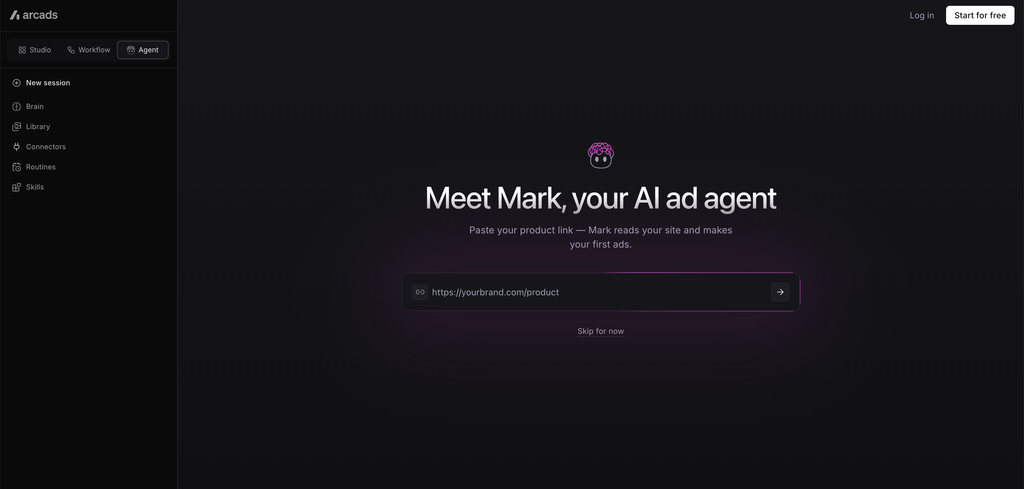
Arcads focuses on AI-generated user-generated-content-style advertisements.
UGC advertisements typically feature someone speaking directly to the camera, sharing a product experience, explaining a problem, or recommending a solution. Traditionally, brands hire creators to produce this type of content.
Arcads offers an alternative by allowing marketers to select AI actors and generate videos using scripts, product images, or prompts.
The platform is particularly interesting for teams that want to test multiple advertising concepts without coordinating several creator shoots.
Key Features
- AI actor library: Select different actors and presentation styles.
- Script-to-video: Convert written scripts into talking-avatar advertisements.
- Product demonstrations: Generate videos showing actors holding or presenting products.
- AI video models: Access supported video-generation models.
- Creative workflows: Generate multiple versions using different actors and languages.
- Captions and formatting: Add subtitles, text overlays, and platform-specific video dimensions.
Arcads supports advertising formats for TikTok, Meta, and YouTube.
Pricing
Arcads uses a monthly credit-based pricing structure.
- Starter: 8,000 credits/month.
- Creator: 16,000 credits/month.
- Pro: 48,000 credits/month.
- Scale: 96,000 credits/month.
- Business: 192,000 credits/month.
- Enterprise: Custom pricing.
A three-day trial with 1,000 credits is also advertised. Exact subscription prices are displayed during signup rather than in the public pricing documentation.
One important consideration is that an Arcads 1.0 talking-actor video can consume 800 credits for a video of up to two minutes.
Pros
- Purpose-built for UGC-style advertising.
- Multiple AI actors and voices.
- Supports different product advertising formats.
- Useful for creative variation and testing.
Cons
- Credit usage requires careful monitoring.
- Subscription pricing is not publicly displayed in the help documentation.
- AI-generated testimonials should never be presented as genuine customer experiences.
Who Should Use It?
Arcads is suitable for performance marketing teams that regularly produce UGC-style advertisements and want to test different hooks, scripts, presenters, and creative concepts.
3. Predis.ai – Best for Social Media Video Advertising
Best for: Small businesses, social media managers, marketing agencies, and brands managing multiple social accounts.
Website: https://predis.ai/
Overview
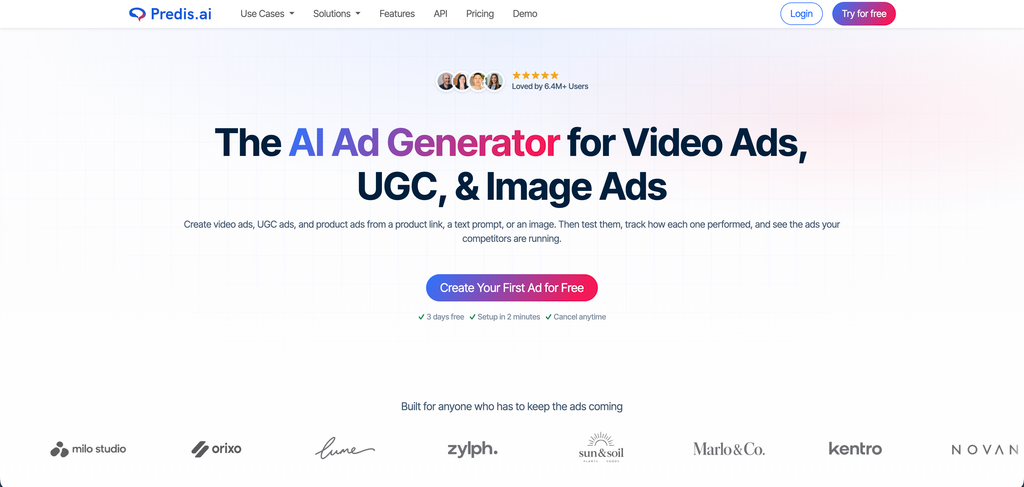
Predis.ai combines AI advertising creative generation with social media content management.
The platform allows users to generate video advertisements from product links, text prompts, and existing creative references. It can also produce UGC-style videos using AI avatars.
Unlike tools that focus mainly on generating talking-avatar videos, Predis.ai covers a broader social media workflow. Users can create advertisements, prepare captions, manage brand assets, schedule content, and monitor competitor activity.
This makes it useful for businesses that want to manage more than just video production from one platform.
Key Features
- Product URL-to-video: Generate product advertisements using an online product page.
- AI UGC videos: Create presenter-led promotional videos.
- Brand kits: Maintain consistent logos, colours, fonts, and brand messaging.
- Creative variations: Generate different versions of advertisements.
- Competitor analysis: Review competitor social media activity.
- Social scheduling: Publish content across supported social platforms.
- E-commerce integrations: Supports platforms including Shopify and WooCommerce.
Predis.ai also offers an API for generating advertising creatives and social content.
Pricing
- Core: $19/month, billed annually.
- Rise: $40/month, billed annually.
- Enterprise+: $212/month, billed annually.
All three plans start with a three-day free trial. A payment card is required, and the subscription is charged when the trial ends unless cancelled.
Pros
- Combines video ads with social media management.
- Product URL-based video creation.
- Brand kits help maintain visual consistency.
- Useful scheduling and competitor analysis features.
Cons
- Credit limits affect the number of videos you can create.
- Some advanced capabilities require higher plans.
- Businesses needing advanced video editing may prefer a dedicated editor.
Who Should Use It?
Predis.ai is a good option for small marketing teams and agencies that need to create promotional videos regularly while also managing their social media publishing workflow.
4. HeyGen – Best for AI Spokesperson and Multilingual Video Ads
Best for: SaaS companies, international businesses, marketing teams, and brands creating presenter-led advertisements.
Website: https://www.heygen.com/
Overview
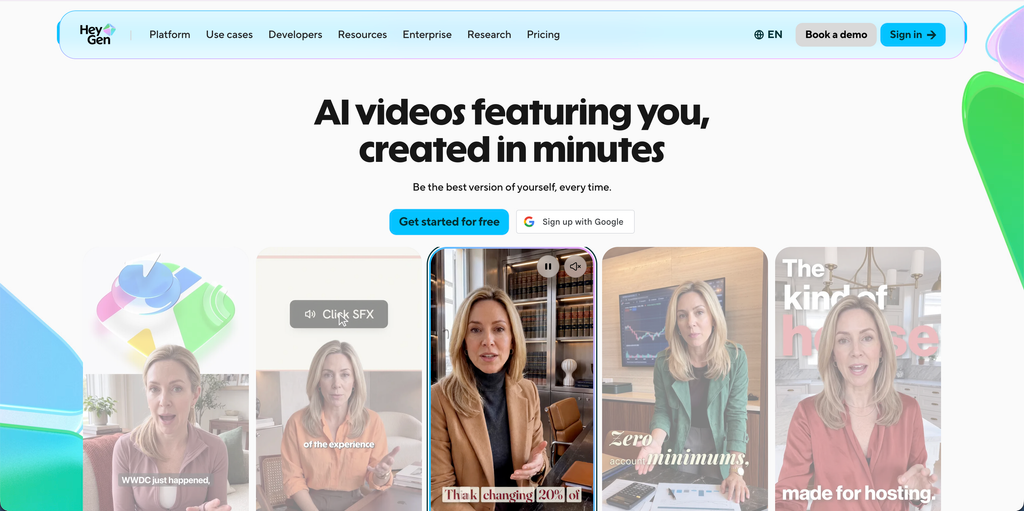
HeyGen is an AI video creation platform that allows businesses to produce professional videos using digital avatars, voiceovers, and AI-generated visuals.
Its AI Video Ad Generator can turn product information, advertising copy, images, or scripts into promotional videos. This is particularly useful for companies that want a consistent spokesperson without arranging a physical video shoot.
One of HeyGen’s strongest capabilities is localization. Businesses can create versions of an advertisement in different languages while maintaining a consistent presenter and brand message.
For example, a SaaS company launching a new feature can create an English product advertisement and adapt it for audiences in Germany, France, or other international markets.
Key Features
- AI avatars: Choose from a large library of ready-made presenters.
- Custom avatars: Create a digital version of yourself or another authorized presenter.
- AI video ads: Generate advertisements from product information, images, or scripts.
- Video translation: Adapt videos into different languages and dialects.
- Voice cloning: Maintain consistent voice delivery across campaigns.
- Ad variations: Create different versions with alternative hooks, visuals, and calls to action.
- Multiple formats: Prepare videos for TikTok, Instagram, YouTube, and other platforms.
HeyGen advertises support for more than 175 languages and dialects.
Pricing
- Free: $0/month, with three watermarked videos per month.
- Creator: $29/month.
- Pro: $49/month.
- Business: $149/month.
- Enterprise: Custom pricing.
The Creator plan includes 600 credits, 1080p exports, and watermark removal. Pro adds 4K exports and higher usage allowances.
Pros
- Realistic AI presenters.
- Strong multilingual video capabilities.
- Custom avatar and voice options.
- Useful for international advertising campaigns.
Cons
- Credit-based usage can increase production costs.
- Presenter-led videos may not suit every advertising style.
- Some advanced features require higher subscriptions.
Who Should Use It?
HeyGen is particularly useful for SaaS brands, technology companies, and businesses targeting multiple countries. It helps marketing teams create localized advertisements without recording a separate presenter video for every market.
5. InVideo AI – Best for Creating Video Ads From Text Prompts
Best for: Small businesses, content creators, marketers, and teams that want to turn advertising ideas into complete videos.
Website: https://invideo.io/
Overview
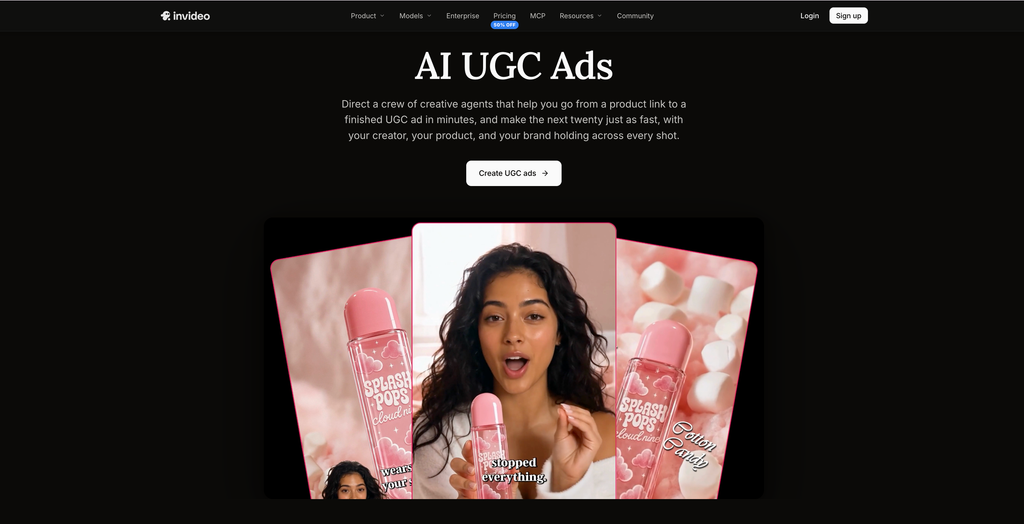
InVideo AI takes a prompt-based approach to video production.
Instead of manually selecting every scene, users describe the advertisement they want to create. The platform can generate a script, select relevant footage, add voiceovers, and assemble the video.
For example, a business promoting a productivity application could enter a prompt explaining the product, target audience, main benefits, and desired advertising style.
InVideo AI then produces a video draft that can be edited before publishing.
The platform also provides access to generative video models, making it possible to create original scenes rather than relying entirely on stock footage.
Key Features
- Text-to-video generation: Create videos from written prompts.
- AI scriptwriting: Generate advertising scripts from campaign ideas.
- Stock media library: Access millions of stock photos and videos.
- AI voiceovers: Add narration to promotional videos.
- Generative video models: Create original footage using supported AI models.
- Timeline editing: Make changes to scenes, audio, and other video elements.
- Collaboration: Work with other team members on video projects.
InVideo’s AI workflow also allows users to make changes through natural-language editing instructions.
Pricing
The published annual entry-level pricing includes:
- Basic: $9/month per seat, billed annually.
- Pro: $30/month per seat, billed annually.
- Ultra: $80/month per seat, billed annually.
Promotional discounts and credit allowances can change. There is no free subscription allowance clearly listed on the current pricing page, so check the available access before purchasing.
Pros
- Simple prompt-based video creation.
- Useful stock footage collection.
- AI scriptwriting and voiceover capabilities.
- Supports generative video models.
- Includes a timeline editor.
Cons
- Generated footage may require manual corrections.
- Credit consumption varies by generation model.
- Stock-based videos can look similar to other advertisements if not customized.
Who Should Use It?
InVideo AI is a suitable choice for businesses that need promotional videos, product explainers, and social media advertisements without managing a complicated editing workflow.
It is particularly useful when the team has an advertising concept but does not have ready-made footage.
6. Captions – Best for AI UGC Ads and Video Editing
Best for: Influencers, content creators, personal brands, and businesses producing short-form video advertisements.
Website: https://captions.ai/
Overview
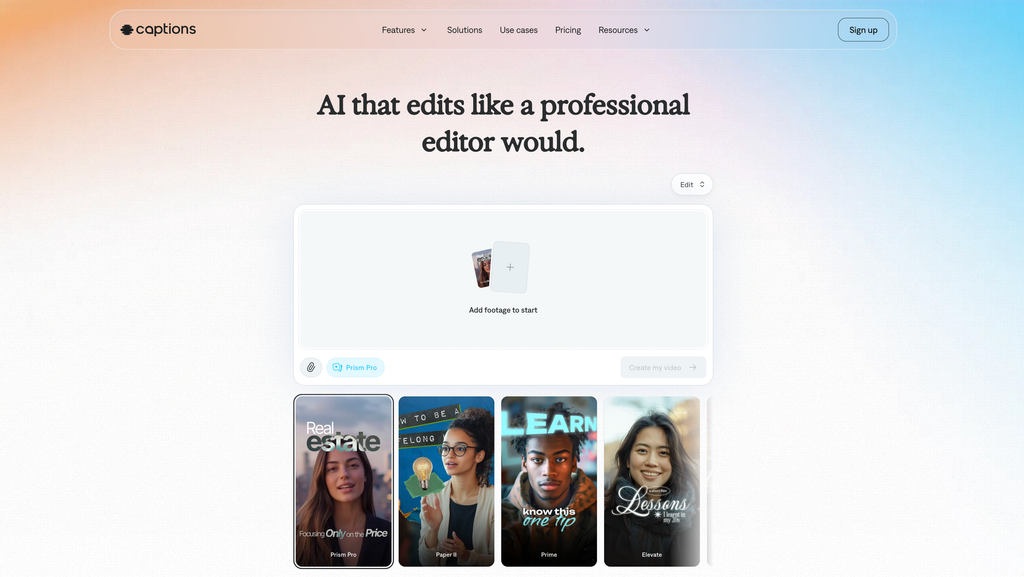
Captions is an AI-powered video creation and editing platform with dedicated features for advertising and creator-style content.
Its AI Ads feature allows users to enter a website URL, review the extracted product information, edit the generated script, and select an AI avatar.
This approach is useful for businesses that want to create promotional videos without recording every advertisement themselves.
Captions also combines AI video generation with editing capabilities. Users can create digital twins, generate captions, enhance videos, and turn longer recordings into shorter social media clips.
The platform is especially relevant for marketers who regularly produce vertical videos for Instagram Reels, TikTok, and other short-form platforms.
Key Features
- AI Ads: Generate UGC-style advertisements from website URLs.
- AI actors: Select digital presenters for promotional content.
- Digital twins: Create customized AI versions of authorized presenters.
- AI editing: Make video changes using a chat-based editing workflow.
- Automatic captions: Generate and customize subtitles.
- Video repurposing: Turn longer videos into shorter clips.
- AI voice and video tools: Access additional generative editing capabilities.
Captions’ AI Ads workflow supports scripts of up to one minute, making it particularly relevant for short-form advertising.
Pricing
- Free: Limited editing and basic features.
- Max: $24.99/month.
- Frontier: $69.99/month.
- Frontier 2x: $139.99/month.
- Frontier 4x: $279.99/month.
- Enterprise: Custom pricing.
The published pricing above reflects the iOS subscription information, and availability may differ across platforms and regions.
Pros
- Dedicated AI Ads feature.
- Useful AI avatar and digital twin capabilities.
- Strong short-form editing workflow.
- Automatic captions and video repurposing.
Cons
- Advanced AI features require paid credits.
- Pricing varies by subscription platform.
- Less suitable for teams looking for a complete advertising analytics platform.
Who Should Use It?
Captions is worth considering for creators, influencers, and marketing teams that produce frequent short-form video content. It is particularly useful when UGC-style advertisements and video editing are both important parts of the workflow.
7. Synthesia – Best for Professional Presenter-Led Video Advertisements
Best for: B2B businesses, SaaS companies, enterprise marketing teams, and professional video communications.
Website: https://www.synthesia.io/
Overview
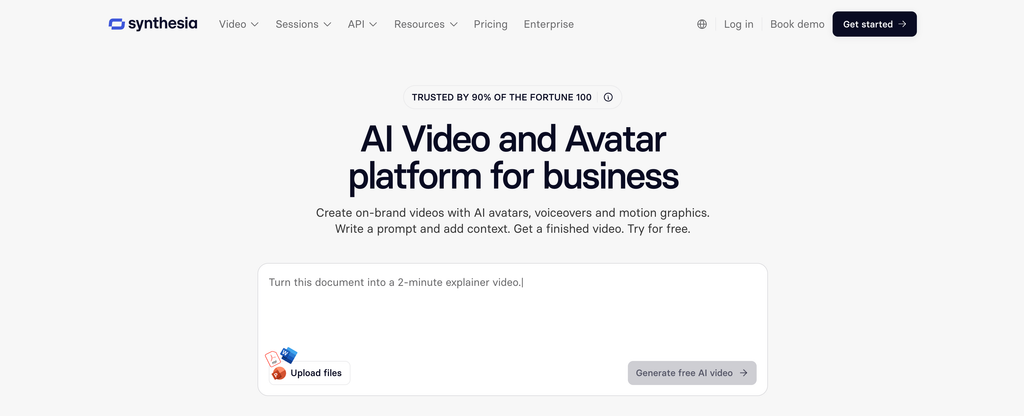
Synthesia is an AI video platform focused on professional presenter-led video production.
It allows users to create videos from scripts, documents, presentations, links, and prompts. The platform combines AI avatars, voiceovers, templates, and generated media to produce structured videos.
Although Synthesia is not exclusively an advertising platform, its capabilities can be useful for businesses creating product announcements, feature demonstrations, promotional explainers, and professional marketing videos.
For example, a software company can create a product introduction featuring an AI presenter explaining how its platform works. The same content can then be adapted into different languages for international audiences.
Key Features
- AI avatars: Choose from a library of digital presenters.
- Personal avatars: Create customized presenters.
- AI Video Assistant: Generate video drafts from prompts and source materials.
- Video translation: Localize videos into multiple languages.
- Brand kits: Maintain consistent branding across videos.
- Interactive videos: Add clickable elements, calls to action, and branching experiences.
- Team collaboration: Work on video projects with other team members.
Synthesia supports more than 140 languages for video creation and localization, with availability depending on the feature.
Pricing
- Basic: Free.
- Starter: $29/month, billed monthly, or $18/month with annual billing.
- Pro: $89/month, billed monthly, or $64/month with annual billing.
- Enterprise: Custom pricing.
The Starter plan includes 1,250 credits per month, while Pro provides 6,000 credits per month.
Pros
- Professional-looking presenter videos.
- Useful for SaaS product explainers.
- Strong multilingual video capabilities.
- Brand management and collaboration features.
Cons
- More focused on professional video communication than performance advertising.
- Not the most natural choice for creator-style UGC ads.
- Credit allowances affect video production volume.
Who Should Use It?
Synthesia is a strong option for B2B SaaS companies and enterprise teams that need professional product presentations, feature announcements, and localized promotional videos.
How to Choose the Right AI Video Ad Generator
Selecting an AI video ad generator requires more than comparing monthly subscription prices. The right platform should match your advertising format, production requirements, and marketing budget.
Here are five factors to consider before choosing.
1. Understand the Type of Advertisements You Need
Start by identifying the format you want to produce.
If you need product advertisements generated directly from product pages, consider Creatify or Predis.ai.
For UGC-style videos with AI presenters, Arcads and Captions are worth exploring. If you need professional spokesperson videos, HeyGen and Synthesia offer more relevant capabilities.
2. Compare Credit Limits Instead of Just Subscription Prices
Most AI video platforms use credits to control generation volume.
A $20 subscription does not necessarily mean you can create unlimited advertisements. Different video models, resolutions, avatars, and generation lengths can consume different amounts of credits.
Check how many videos you can realistically produce each month before selecting a plan.
3. Check Platform Compatibility
Your advertising platform should influence your tool selection.
For example:
- TikTok and Instagram Reels: Prioritize vertical 9:16 video formats.
- Facebook and Instagram Ads: Look for multiple creative variations and flexible aspect ratios.
- YouTube Ads: Consider landscape videos and longer promotional formats.
- LinkedIn Ads: Professional presenters and product explainers may be more appropriate.
4. Evaluate Customization and Brand Consistency
An advertisement should represent your actual brand, not look like a generic AI-generated video.
Look for options to upload product images, customize scripts, adjust voiceovers, use brand colours, add logos, and modify calls to action.
Also check whether the platform allows you to edit the generated video before exporting it.
5. Consider Your Long-Term Production Requirements
A freelancer creating two advertisements per month has different requirements from an agency producing 100 creative variations for multiple clients.
Consider team collaboration, brand management, commercial usage terms, API access, export quality, and additional credit costs.
It is better to choose a platform that fits your actual production workflow than to pay for features you rarely use.
FAQs
Creatify, Arcads, Predis.ai, HeyGen, InVideo AI, Captions, and Synthesia are seven useful options. Creatify is particularly relevant for product advertisements, Arcads for AI UGC videos, and HeyGen for multilingual spokesperson campaigns.
Yes. Several platforms offer free access or trial options. Creatify and HeyGen provide free plans with usage limitations, while Predis.ai and Arcads offer trial access. Free exports may include watermarks or restricted generation credits.
Arcads is a strong option for creating UGC-style advertisements with AI actors. Creatify and Captions are also useful alternatives, particularly for product-based advertising and short-form promotional videos.
Yes. Several platforms support vertical video creation for TikTok and Instagram Reels. Creatify, Arcads, HeyGen, and Captions offer workflows suitable for short-form advertising. However, always check the final video’s dimensions, duration, captions, and platform requirements before publishing.
Yes. SaaS businesses can use AI video generators to create product demonstrations, feature announcements, software explainers, customer onboarding videos, and promotional campaigns.
HeyGen and Synthesia are particularly relevant for presenter-led explanations, while InVideo AI can help turn product concepts into promotional video drafts.
Not completely. AI tools can reduce production time and costs, particularly for repetitive creative variations and simple promotional videos. However, professional shoots may still be preferable for complex product demonstrations, emotional storytelling, premium brand campaigns, and situations requiring genuine customer participation.
AI-generated advertisements should also be reviewed for factual accuracy, product representation, permissions, and advertising disclosures before publishing.
Conclusion
AI video ad generators have made it easier for businesses to produce promotional content without organizing traditional video shoots for every campaign.
However, the best platform depends on what you want to create.
Creatify and Predis.ai are useful for product-based advertisements, while Arcads is worth considering for UGC-style campaigns. HeyGen and Synthesia are better suited to presenter-led videos and international marketing. InVideo AI and Captions offer different approaches to prompt-based production and short-form video creation.
Before committing to a subscription, test the platform with an actual product or advertising script. Evaluate the output quality, editing flexibility, credit consumption, and overall production cost.
The goal should not simply be to generate more videos. It should be to produce relevant, convincing advertising creatives that communicate your product’s value and give your marketing team more opportunities to test different campaign ideas.
For more insights into social media marketing, content creation, and advertising technology, explore Socialthink.