
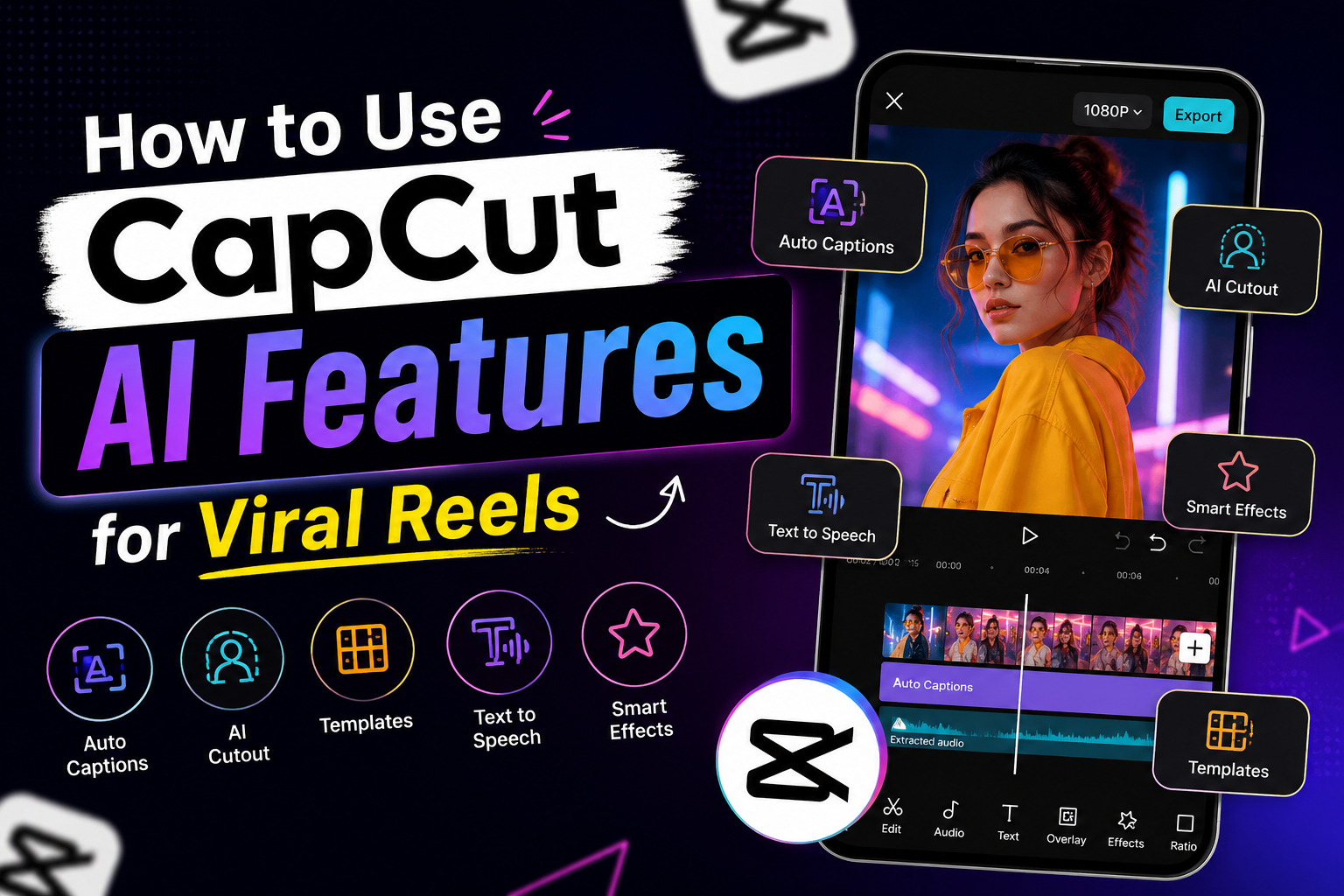
How to Use CapCut AI Features for Viral Reels
CapCut AI Features have changed how creators edit reels by making captions, cutouts, templates, and video edits faster without requiring advanced editing skills.
Editing reels used to feel complicated.
People thought you needed expensive software, professional editing skills, or one of those dramatic RGB setup rooms YouTubers always show.
Now most creators are editing entire reels from their phone while sitting in bed at 1 AM trying to post before the algorithm forgets they exist.
That is exactly why CapCut became so popular so quickly.
The app made editing feel less intimidating.
And honestly, for a lot of creators, that changed everything.
Especially now when short-form content moves insanely fast and people are expected to constantly post:
- reels,
- short videos,
- trends,
- tutorials,
- or “day in my life” content every other day.
After a while, nobody wants to spend four hours editing one reel.
That is where CapCut AI Features started becoming useful.
Not because they magically make content viral.
But because they make editing faster and less mentally exhausting.
Why So Many Creators Use CapCut Now
Most creators are not trying to become full-time video editors.
They just want their content to:
- look clean,
- hold attention,
- and not take forever to make.
That is honestly the reason CapCut grew this much.
The app feels simple enough for beginners but still good enough to make content look polished.
And compared to older editing apps that felt confusing immediately, CapCut feels much easier to figure out without watching twenty tutorials first.
Many creators rely on CapCut AI Features because they simplify tasks that would normally take much longer.
The AI Features People Actually Use
A lot of creators do not even realise they are using AI features.
They just know certain editing tools save time.
The most popular CapCut AI Features are usually:
- auto captions,
- background removal,
- AI cutouts,
- text-to-speech,
- and ready-made templates.
These features became huge because they remove small annoying editing tasks people hate doing manually.
And honestly, those small frustrations add up fast when you edit content regularly.
Auto Captions Are Probably the Most Useful Feature
This one alone changed reels a lot.
Most people scroll through Instagram without sound initially.
So if your reel has no captions, there is a good chance people skip before even understanding what the video is about.
One of the most widely used CapCut AI Features is auto captions.
You upload the video, tap auto captions, wait a few seconds, and the app generates subtitles automatically.
You still need to fix mistakes sometimes.
But compared to typing captions manually, it saves a huge amount of time.
And simple captions usually perform better anyway.
Nobody wants subtitles flying across the screen like a Marvel movie trailer.
Templates Became Popular for a Reason
At first, a lot of creators made fun of CapCut templates.
Now almost everybody uses them in some form.
Mostly because they save time.
Instead of editing every transition manually, people just replace clips inside a template and adjust a few things.
Many trending templates are powered by CapCut AI Features that help creators produce content faster.
That is why trends spread so fast now.
One editing style blows up and suddenly thousands of creators are using variations of the same format within two days.
The important thing is not blindly copying trends though.
The reels that usually perform best still feel slightly personal instead of looking like carbon copies of everyone else’s content.
Background Removal Helps More Than People Think
This feature sounds small until you actually start using it.
Sometimes your background is messy.
Sometimes lighting looks weird.
Sometimes you just want cleaner visuals without setting up an entire room.
Among the most practical CapCut AI Features, background removal handles that surprisingly well for a mobile app.
Especially for:
- talking videos,
- product content,
- tutorials,
- and reaction-style reels.
It is not perfect every single time, but for quick content creation, it works well enough.
Most Viral Reels Are Actually Edited Very Simply
This is something a lot of beginners misunderstand.
Viral reels usually are not overloaded with effects.
Most of the time they are:
- fast,
- easy to follow,
- visually clean,
- and edited tightly enough to hold attention.
That is it.
Good pacing matters more than fancy transitions now.
Many creators spend too much time testing different social media tools when improving content structure and retention often makes a bigger difference.
People scroll extremely fast.
The moment a reel feels slow, attention disappears immediately.
That is why quick cuts, captions, and other CapCut AI Features can help improve the viewing experience.
CapCut Helps More With Speed Than Creativity
This part matters.
CapCut does not automatically make somebody creative.
It just removes a lot of editing friction.
And honestly, that is what most creators need right now.
Not more complicated editing systems.
Many creators who offer a social media service also rely on tools like CapCut because faster editing helps them manage content more efficiently.
Just something that helps them:
- edit faster,
- post consistently,
- and stop spending their entire evening adjusting tiny transitions nobody notices anyway.
The real advantage of CapCut AI Features is that they reduce editing workload while helping creators stay consistent.
Final Thoughts
The reason so many people search for how to use CapCut AI Features for viral reels is honestly very simple.
Creating short-form content constantly gets exhausting after a while.
Anything that saves editing time without making content look terrible immediately becomes valuable.
That is exactly why CapCut grew so fast among creators.
Not because it makes people “go viral.”
But because CapCut AI Features make creating decent-looking content feel much easier consistently.
And right now, that matters more than most creators want to admit.
FAQs
1. What is the best CapCut AI feature for reels?
Auto captions are probably the most useful because they improve watch time and save editing time.
2. Is CapCut good for beginners?
Yes. That is one of the biggest reasons it became so popular among creators.
3. Do CapCut templates help reels go viral?
Templates help make editing faster, but the actual content still matters more.
4. Why do creators use captions in reels?
Because many people watch reels without sound initially.
5. Is CapCut free to use?
Most features are free, although some advanced tools and templates require the Pro version.