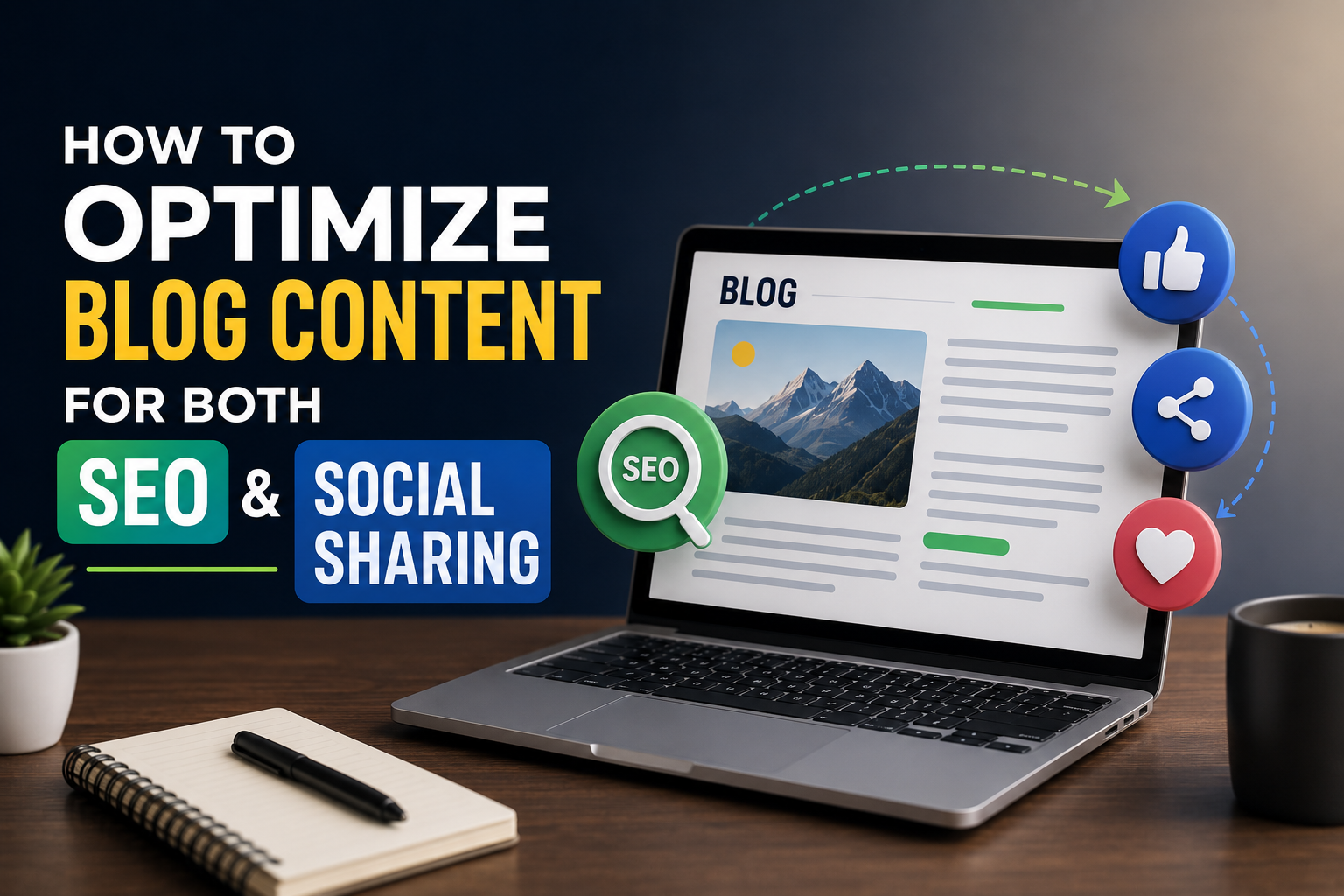
How to Optimize Blog Content for Both SEO and Social Sharing
To optimize blog content, you need two things working together – a structure that Google can read and writing that real people actually want to share. Most bloggers chase one and completely ignore the other. That is why you see posts that rank but get zero shares, and posts that go viral but disappear from search in a week.
Priya manages content for a D2C skincare brand in Bengaluru. Her team was publishing three posts a week. SEO traffic was okay – nothing great. Social shares were almost nonexistent. A consultant looked at their content and said the same thing every time: good writing, wrong structure. Once they started to optimize blog content with both channels in mind, their organic traffic went up 60%, and their Instagram reposts from blog links tripled in two months.
Why Should You Optimize Blog Content for SEO and Social at the Same Time?
Because SEO and social sharing are not separate goals – they feed each other when done right.
A post that gets shared widely builds backlinks naturally. Backlinks improve your search ranking. Better search ranking brings more readers. More readers means more shares. The cycle works – but only if you optimize blog content in a way that serves both audiences from the start.
How Does Keyword Placement Help You Optimize Blog Content for Google?
Put your focus keyword where Google looks first – the title, the first paragraph, one subheading, and the meta description.
Google crawls specific places before anywhere else. If your keyword is buried in paragraph seven with no mention in the title or opening, Google has very little reason to rank that post for that phrase. When you optimize blog content properly, keyword placement is deliberate, not random.
- Place your focus keyword in the H1 title – once, naturally
- Use it in the first 100 words of the post
- Include it in at least one H2 subheading
- Add it to the meta description and image alt text
- Use related phrases and synonyms.ms throughout – do not repeat the exact keyword unnaturally
Keyword stuffing is dead. When you optimize blog content today, you write for humans first and use keywords where they make sense, not wherever you can fit them.
What Content Structure Works Best When You Optimize Blog Content?
Short paragraphs, clear subheadings, and a logical flow – that is the structure both Google and readers respond to.
Google reads your page structure to understand what the post is about. Readers scan before they commit to reading. Both of them want the same thing: content that is easy to navigate. When you optimize blog content with structure in mind, you are serving both at once.
| Structural Element | Why It Helps SEO | Why It Helps Social Sharing |
| H2 and H3 Subheadings | Helps Google understand topic sections | Makes content easy to skim before sharing |
| Short Paragraphs (2-3 lines) | Reduces bounce rate, improves dwell time | Easier to read on mobile, where most shares happen |
| Internal Links | Passes authority between pages | Keeps readers on site longer before they share |
| Featured Image | Appears in search snippets | Pulls as a preview image on every social platform |
| Clear Meta Description | Improves click-through rate from Google | Shows as a caption when the link is shared on Facebook or LinkedIn |
Every element in that table pulls double duty. That is what it means to truly optimize blog content.
How Do You Optimize Blog Content Headlines for Social Sharing?
Write a headline that makes someone stop scrolling – specific, benefit-driven, and clear about what the reader gets.
A vague headline gets ignored on social feeds. “Tips for Better Blogging” competes with everything. “7 Things Killing Your Blog Traffic (And How to Fix Them This Week)” gives a number, a problem, and a promise. When you optimize blog content for social, the headline is doing half the work before anyone reads a single paragraph.
- Use numbers – they signal a specific, scannable post
- Name the exact reader – “for freelancers,” “for small businesses in India,” “for beginners”
- State a clear outcome – what changes for the reader after they read this
- Keep it under 60 characters so it does not get cut off in search results
One headline test worth doing: read your title out loud. If it sounds like something you would say to a friend – “hey, read this, it tells you exactly how to fix your bounce rate” – you are close. If it sounds like a textbook chapter title, rewrite it.
What Role Do Images Play When You Optimize Blog Content?
Images increase time-on-page for SEO and dramatically increase shares on every social platform.
Posts with at least one image get shared significantly more than text-only posts across Facebook, Twitter, and LinkedIn. For SEO, images reduce bounce rate because they break up text and give readers a reason to keep scrolling. When you optimize blog content, every image needs a descriptive alt tag – that is, free keyword placement Google actually uses.
- Use a featured image sized correctly for social sharing – 1200×630 pixels is the standard
- Add alt text to every image using your focus keyword or a related phrase
- Compress images before uploading – slow pages lose both rankings and shares
- Create one quote graphic or stat image from the post – these get shared on their own without the full article link
Tools like SocialThink.io help content teams build image and distribution templates so every post is social-ready before it goes live.
How Do You Make Readers Actually Share Your Content After You Optimize Blog Content?
Give them something worth sharing – a stat, a strong opinion, a useful list, or an insight they have not seen framed that way before.
People share content for two reasons. Either it made them look smart or helpful to their audience, or it said something they felt strongly about. Generic how-to content rarely gets shared because it exists in too many places already. When you optimize blog content with social media tools for sharing, you need at least one element that feels original.
- Include a surprising statistic with a proper source
- Take a clear position on something debated in your niche
- Add a custom checklist or framework that readers can screenshot and save
- End with a question that invites comments – engagement triggers the algorithm on most platforms
SocialThink.io offers content strategy templates that help bloggers build shareability into their posts from the outline stage, not as an afterthought.
How Often Should You Go Back and Optimize Blog Content You Already Published?
Every three to six months, old posts that already have traffic are the easiest wins available to any blogger.
Fresh keyword research often reveals that your old posts are ranking for terms you never intended. When you optimize blog content that already exists, updating stats, adding new subheadings, improving the meta description, or supporting it with a social media service, you can push a page from position eight to position three without writing anything new. That is one of the highest-ROI activities in content marketing.
FAQ
Q1. What does it mean to optimize blog content for SEO?
It means structuring your post with the right keywords, headings, meta description, and internal links so Google can understand and rank it.
Q2. How long should a blog post be to rank well?
Posts between 1,000 and 2,000 words tend to rank better, but quality and keyword match matter more than length alone.
Q3. Does social sharing directly improve SEO rankings?
Not directly, but shares drive traffic and backlinks, which do improve rankings over time.
Q4. How do I optimize blog content for mobile readers?
Use short paragraphs, large fonts, compressed images, and subheadings every 200 to 300 words so mobile readers can scan easily.
Q5. Should I optimize blog content for one keyword or multiple? Focus on one primary keyword and two to three related ones per post – more than that dilutes your content focus.