8 Best AI Video Generators for Consistent Characters in 2026
TL;DR
The best AI video generators for consistent characters help creators maintain the same face, hairstyle, clothing, body proportions, and visual identity across multiple scenes.
Here are eight tools worth considering in 2026:
- Runway: Best for reference-based character creation and creative control.
- Kling AI: Best for multi-character scenes and reusable character elements.
- Seedance 2.5: Best for reference-heavy storytelling and longer video generation.
- Google Veo 3.1: Best for cinematic videos with consistent characters and native audio.
- Luma Dream Machine: Best for character references and controlled video editing.
- Vidu AI: Best for reference-to-video generation and multi-scene continuity.
- Hailuo AI: Best for animating a character from a single reference image.
- Pika: Best for creators who want character assets and accessible video editing software.
If you are producing a recurring character for YouTube Shorts, animated stories, advertisements, or social media campaigns, choose a platform that supports reusable references instead of relying only on text prompts.
Why Is Character Consistency Important in AI Video Generation?
Creating one impressive AI-generated video is relatively straightforward. The bigger challenge appears when you need the same character to appear in several scenes.
For example, imagine creating a short animated story about a young detective. In the first scene, the detective has short black hair, a blue jacket, and a small scar above the left eyebrow. In the next scene, the face changes slightly, the jacket becomes a different colour, or the character looks noticeably older.
These differences can make the entire video feel disconnected.
Character consistency means maintaining the recognizable appearance of a person, animal, or animated character throughout multiple video generations. This includes facial features, hairstyle, clothing, body proportions, accessories, and sometimes voice.
It matters particularly for:
- YouTube storytelling: Keeping recurring characters recognizable across episodes.
- Social media content: Building a familiar character for Reels, Shorts, and TikTok videos.
- Animation projects: Maintaining the same character design across different scenes.
- Marketing campaigns: Using a virtual brand ambassador in multiple advertisements.
- Educational videos: Creating recurring presenters or animated characters.
The most useful AI video generators address this challenge through reference images, reusable character elements, video references, and scene-continuity controls.
8 Best AI Video Generators for Consistent Characters
Not every AI video generator offers the same level of character control. Some allow you to upload a reference image, while others let you create reusable character assets or combine multiple references.
Here is a comparison of eight platforms based on their available character-reference workflows and video-generation capabilities.
| AI Video Generator | Best For | Character Consistency Method |
| Runway | Creative control | Gen-4 image references |
| Kling AI | Multiple recurring characters | Element Library and subject binding |
| Seedance 2.5 | Reference-heavy storytelling | Multimodal reference inputs |
| Google Veo 3.1 | Cinematic storytelling | Ingredients to Video |
| Luma Dream Machine | Character continuity | Character Reference and keyframes |
| Vidu AI | Multi-scene videos | Reference-to-Video |
| Hailuo AI | Single-image character animation | Subject Reference |
| Pika | Social media creators | Character Studio and saved references |
1. Runway – Best for Reference-Based Character Creation
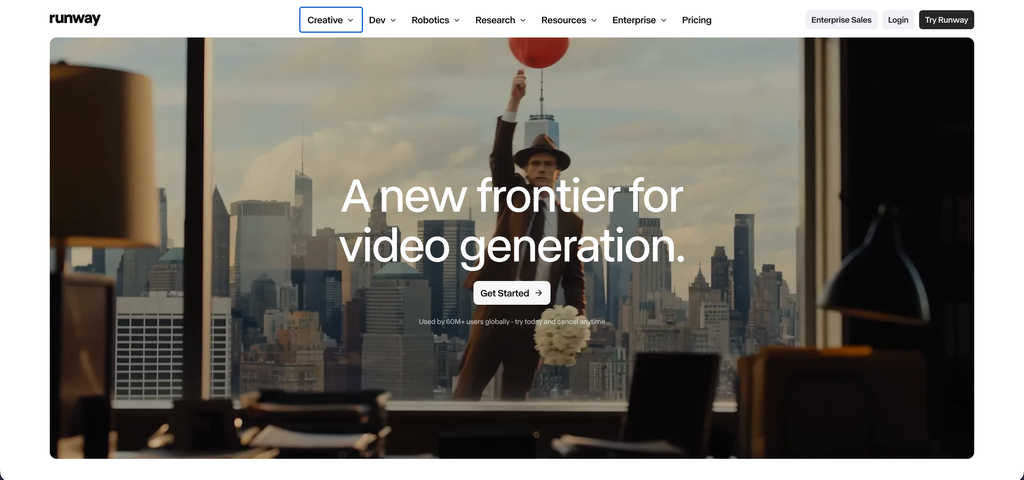
Runway is a strong option for creators who need more control over the appearance of characters across different scenes. Its Gen-4 technology focuses on visual consistency, allowing users to work with references for characters, objects, and environments.
The Gen-4 References workflow is particularly useful when you want to establish a character’s appearance before generating video footage. You can provide a reference image, save references for reuse, and create variations of the same character in different locations, lighting conditions, and visual styles.
For example, you can create a character portrait of a woman wearing a red jacket and use that reference to generate additional images of her walking through a city, sitting in an office, or standing outside a building.
Once the desired character appearance is established, you can use the resulting image as the starting point for video generation.
Key Features:
- Gen-4 References for maintaining character appearance.
- Support for up to three references in a single reference generation.
- Reusable tagged references.
- Image-to-video and text-to-video workflows.
- Creative control over locations, visual styles, and compositions.
- Additional video editing and production tools.
Pricing: Runway offers a free entry option with limited credits and paid subscriptions. Its Standard plan has been listed at $15 per month, with lower effective pricing on annual billing. Check the current plan and model-specific credit requirements before subscribing.
Pros:
- Strong reference-based character creation.
- Useful for building characters before animating them.
- Good creative control over visual style and scenes.
- Suitable for professional content workflows.
Cons:
- Character creation and video generation may require separate steps.
- Generating multiple versions can consume credits quickly.
- Consistency still needs to be checked when changing poses or camera angles.
Best For: Filmmakers, content creators, and marketing teams who want to build a recognizable character and reuse it across different video scenes.
2. Kling AI – Best for Multiple Recurring Characters
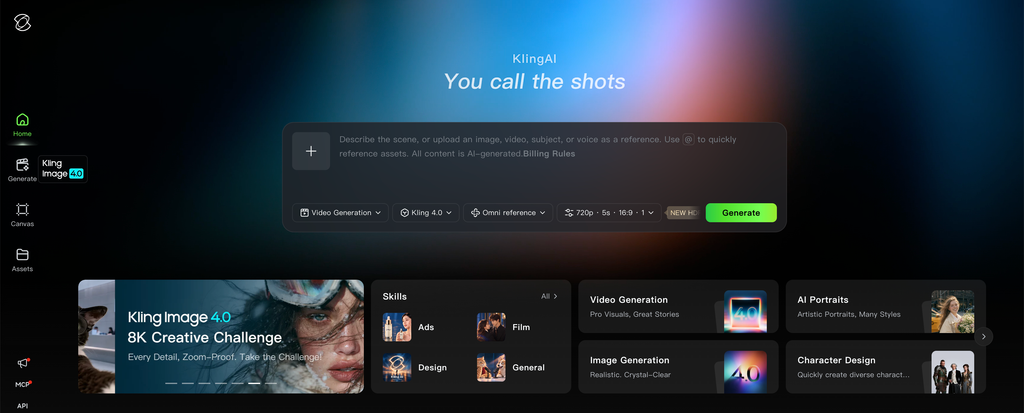
Kling AI is particularly interesting for projects that involve recurring characters, multiple subjects, and more complex storytelling.
Its Element Library allows creators to build reusable visual assets from reference images or character videos. These elements can represent people, animals, objects, costumes, and scenes.
Instead of repeatedly describing a character in every prompt, you can create an element and reuse it in future generations. Kling’s VIDEO 3.0 series also supports multi-shot generation, making it useful for creating sequences with different camera angles and character interactions.
VIDEO 3.0 Omni takes this workflow further by supporting video-based character references and voice binding. This is helpful when a character needs to maintain a recognizable appearance and voice across different scenes.
Key Features:
- Element Library for reusable character assets.
- Multi-image character references.
- Video-based character reference support in VIDEO 3.0 Omni.
- Voice binding for recurring characters.
- Multi-shot video generation.
- Native audio generation.
- Support for multiple characters and subject interactions.
Pricing: Kling AI uses membership plans and generation credits. The available models, credit allowances, and commercial-use conditions depend on the subscription. Check the official pricing page before choosing a plan.
Pros:
- Strong workflow for recurring characters.
- Useful for scenes involving multiple characters.
- Reusable character elements reduce repetitive setup.
- Voice binding adds another layer of continuity.
- Multi-shot generation helps with storytelling.
Cons:
- Understanding the Element Library takes some practice.
- More complex scenes may need multiple attempts.
- Credit consumption varies by model and generation settings.
Best For: Creators making animated series, short dramas, character-led advertisements, and videos with multiple recurring characters.
3. Seedance 2.5 – Best for Reference-Heavy Storytelling
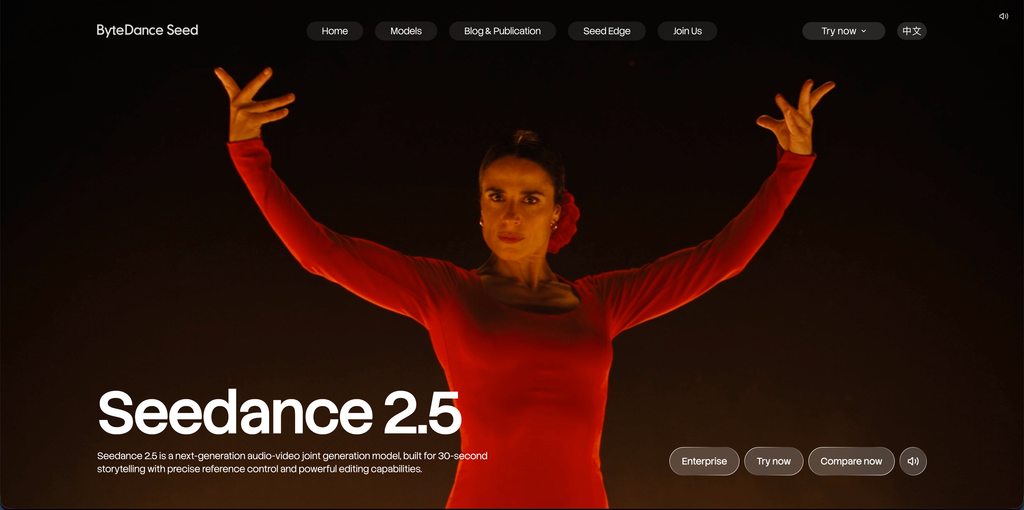
Seedance 2.5, developed by ByteDance, is designed for more detailed audio and video generation. It is worth considering when a project requires several visual references and a longer sequence rather than a collection of unrelated short clips.
One of its key strengths is multimodal reference control. Creators can use visual and audio inputs to guide the generated result, helping the model understand the intended subject, movement, scene, and overall direction.
Seedance 2.5 supports video generation of up to 30 seconds in a single generation, with options to extend the result. This can be useful when creating a scene that needs more time to develop naturally.
For character-driven content, reference inputs can help establish the character’s appearance and guide the model throughout the generation process. This is especially useful for storytelling where the same character needs to interact with different environments or objects.
Key Features:
- Multimodal audio and video generation.
- Reference-based video creation.
- Support for longer video generations of up to 30 seconds.
- Video extension capabilities.
- More detailed scene and motion direction.
- Audio and visual editing capabilities.
- Professional camera movement and performance blocking.
Pricing: Seedance access and pricing depend on the platform used. ByteDance provides API pricing through BytePlus ModelArk, while Dreamina offers subscription plans and credits. The actual cost varies by resolution, duration, and input requirements.
Pros:
- Suitable for reference-heavy video projects.
- Longer generations can reduce the need to assemble many short clips.
- Supports audio and visual inputs.
- Useful for complex storytelling workflows.
Cons:
- Access and pricing vary between platforms.
- Higher-resolution generations can cost more.
- Detailed prompts and references are still important for reliable results.
Best For: Creators developing narrative videos, short films, and scenes that require several visual references and more detailed direction.
4. Google Veo 3.1 – Best for Cinematic Character Storytelling
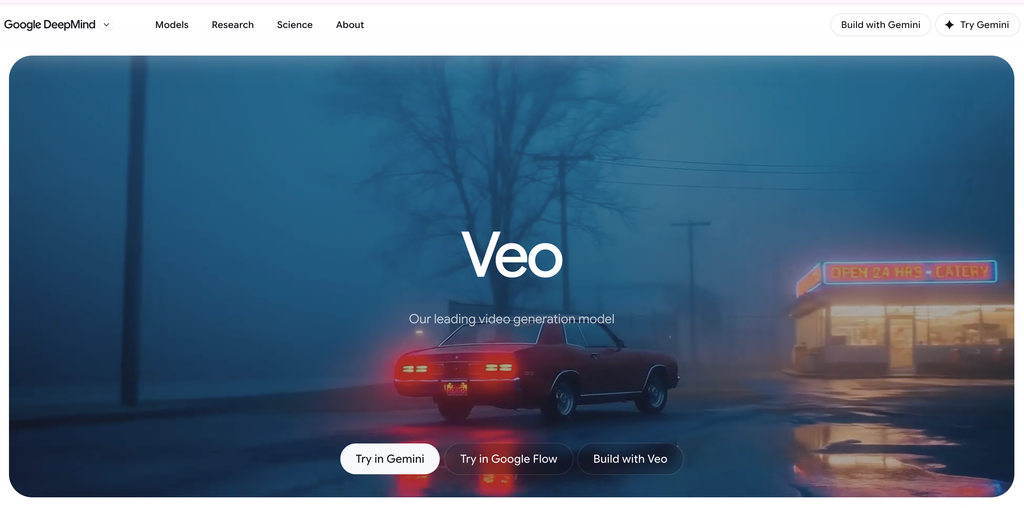
Google Veo 3.1 is a powerful option for creators who want realistic video generation with better control over characters and scenes.
One of its most useful features is Ingredients to Video. This workflow allows users to provide reference images of a character, object, or scene to guide video generation.
For example, you can provide an image of an animated character and use it as a reference when generating different scenes. The goal is to maintain the character’s recognizable appearance even when the background, action, or camera framing changes.
Veo 3.1 also supports scene extension, camera controls, first-and-last-frame generation, and native audio. These features make it useful for cinematic storytelling where visual and audio continuity matter.
Key Features:
- Ingredients to Video for character and scene references.
- Character consistency across different scenes.
- Native audio generation.
- Scene extension for continuing existing clips.
- First-and-last-frame controls.
- Camera movement and framing controls.
- Video generation at supported resolutions up to 4K.
Pricing: Veo 3.1 access depends on the Google product or service being used. Google Cloud offers usage-based pricing, with costs varying by model, resolution, and audio generation. Consumer access through Google products may have different limits and subscription requirements.
Pros:
- Reference images help guide character appearance.
- Strong option for cinematic scenes.
- Native audio is useful for dialogue and sound effects.
- Scene extension supports longer storytelling workflows.
- Multiple camera and framing controls.
Cons:
- Generated clips are still relatively short.
- Availability and usage limits depend on the access method.
- Reference images do not guarantee perfect identity preservation in every frame.
Best For: Creators producing cinematic stories, realistic character scenes, and videos that require both visual references and generated audio.
5. Luma Dream Machine – Best for Character Continuity and Video Editing
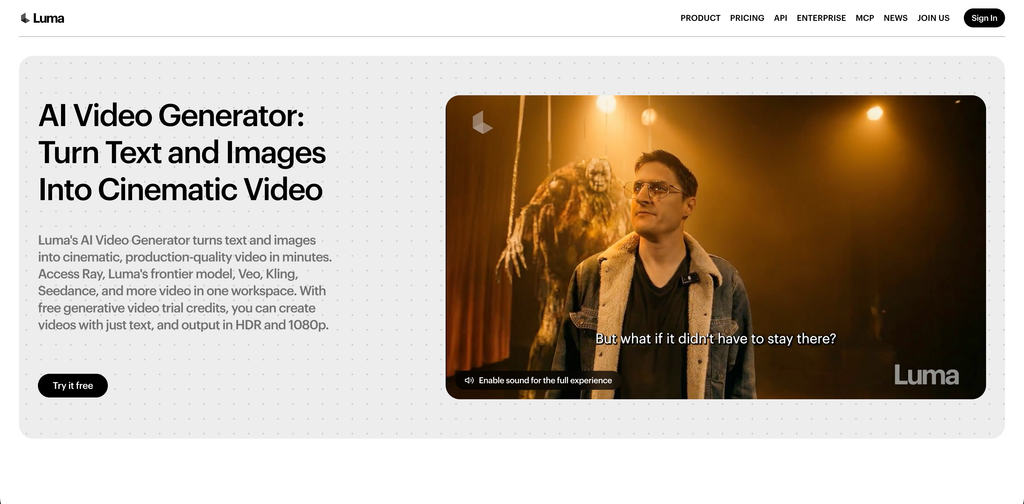
Luma Dream Machine is another option for creators who want to maintain a character’s appearance while experimenting with different scenes and camera movements.
Its Ray3 model includes a Character Reference feature that allows users to provide a reference image and create consistent characters across shots.
This can help when developing a video with multiple scenes featuring the same subject. Rather than starting from a completely new text prompt every time, creators can use a visual reference to guide the character’s appearance.
Luma also offers video-to-video capabilities and keyframe controls. These are useful when you want to modify an existing clip or create more controlled transitions between frames.
Key Features:
- Character Reference using a reference image.
- Ray3 video generation.
- Video-to-video editing.
- Keyframe controls.
- Draft Mode for faster exploration.
- HDR video capabilities.
- Native 1080p generation with the Ray3.14 update.
Pricing: Luma offers individual subscriptions, including Plus at $30 per month, Pro at $90 per month, and Ultra at $300 per month on its published monthly pricing. Credit consumption varies depending on the model, resolution, and generation type.
Pros:
- Dedicated character-reference workflow.
- Useful for maintaining visual continuity.
- Video-to-video editing provides additional control.
- Keyframes help manage transitions.
- Suitable for creative and professional workflows.
Cons:
- Higher-resolution generations can consume more credits.
- Some editing workflows require experimentation.
- Character references still need to be checked across different camera angles.
Best For: Video creators, designers, and filmmakers who want to combine character references with controlled video editing.
6. Vidu AI – Best for Reference-to-Video Generation
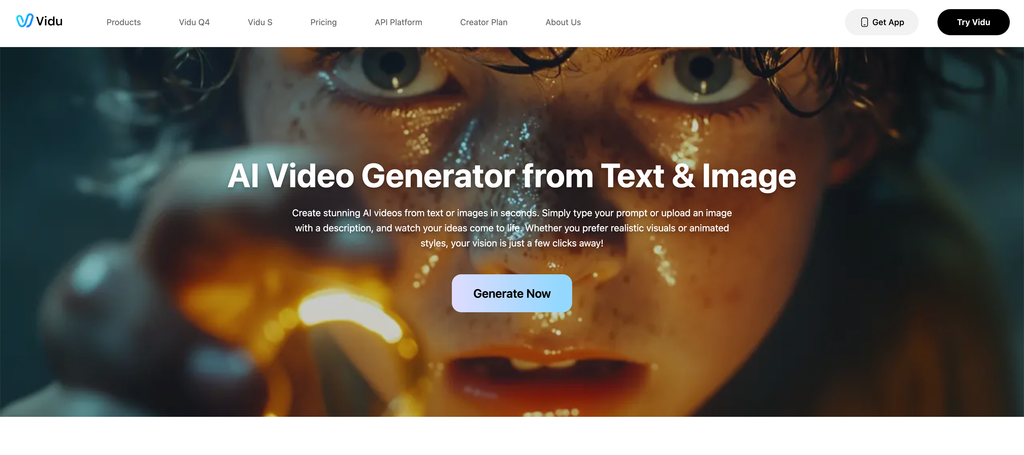
Vidu AI focuses on reference-to-video generation, making it a useful option for creators who want to build videos around existing characters, objects, and visual styles.
Its reference workflow allows users to provide images that define the subjects appearing in a video. The platform creates reference subjects that can be reused when developing different scenes.
This is especially useful when creating a short story with a recurring character. You can provide a reference image, describe the action, and use the same subject reference when generating additional scenes.
Vidu also supports multiple references, which can help when a video includes more than one character or needs consistent environments and objects.
Key Features:
- Reference-to-Video generation.
- Reusable character and subject references.
- Support for multiple references.
- Scene and object continuity.
- Image-to-video generation.
- Different video-generation models and resolutions.
Pricing: Vidu provides credit-based generation, with costs depending on the model, resolution, duration, and generation type. Its official pricing documentation lists usage-based rates for reference-to-video and other workflows.
Pros:
- Designed around reference-based video creation.
- Useful for recurring characters and objects.
- Supports multiple references.
- Suitable for multi-scene storytelling.
- Offers different generation options.
Cons:
- Credit usage varies significantly by model and resolution.
- Complex scenes may require prompt adjustments.
- Results should be reviewed for changes in character details.
Best For: Creators who want to turn existing character images into videos and reuse the same subjects across multiple scenes.
7. Hailuo AI – Best for Animating Characters From a Single Reference Image
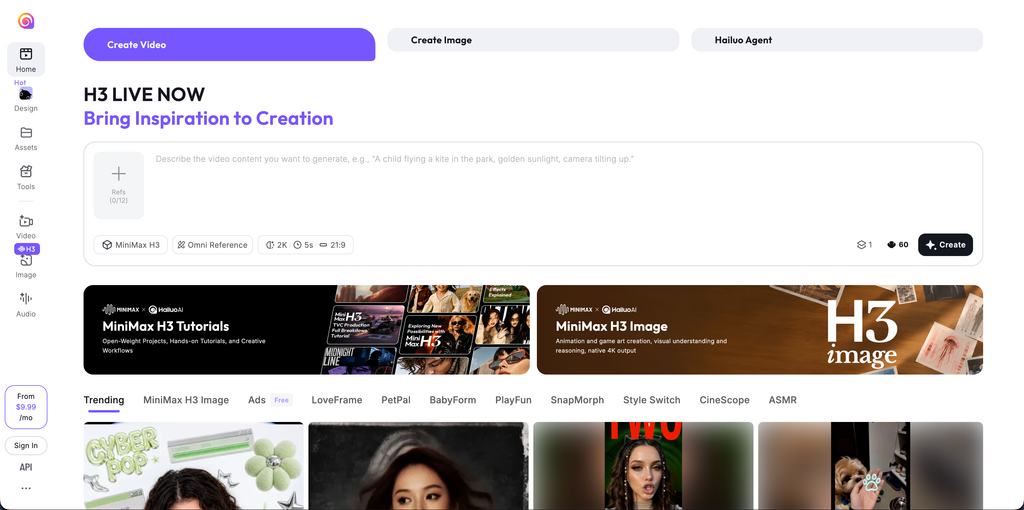
Hailuo AI, developed by MiniMax, is worth considering when you already have a character image and want to animate it.
Its Subject Reference technology was introduced to address one of the common problems in AI video generation: maintaining recognizable facial features and identity while a character moves or appears from different angles.
The workflow is straightforward. You provide a reference image and describe the action you want the character to perform. The model uses the reference to guide the generated video.
This can be useful for creators who have already designed a character and want to turn it into short animated clips without rebuilding its appearance from scratch for every scene.
Key Features:
- Subject Reference for character consistency.
- Image-based character animation.
- Text-guided actions and expressions.
- Facial identity preservation as a core workflow goal.
- Video generation for creative and social media projects.
Pricing: Hailuo’s pricing and credit allowances depend on the current subscription and generation model. Check the official platform for available plans and current credit requirements.
Pros:
- Simple reference-image workflow.
- Useful for animating existing character designs.
- Helps preserve recognizable facial features.
- Suitable for short character-led videos.
Cons:
- Single-image references provide limited information about unseen angles.
- Complex scenes may require additional references or editing.
- Subject consistency does not guarantee identical results across every generation.
Best For: Creators who have a character image ready and want to animate it for short videos, social media, or storytelling projects.
8. Pika – Best for Social Media Creators
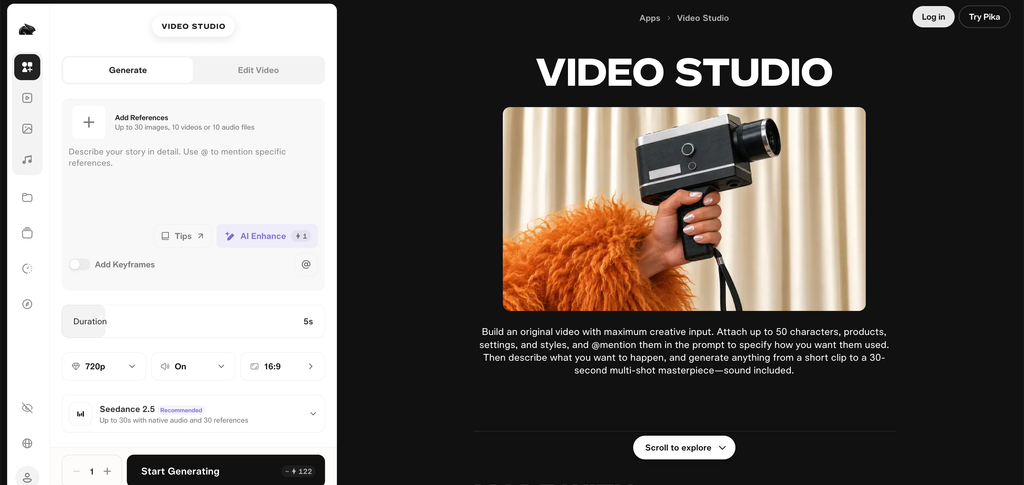
Pika is a creative AI video platform that offers a range of tools for generating and editing short videos.
For creators working with recurring characters, its Character Studio helps build character sheets with different angles and expressions. These character references can then be reused in supported workflows to guide the appearance of a subject.
Pika also offers features for transforming and editing video content, making it useful for creators who want to experiment with visual effects rather than build every scene from scratch.
It is particularly relevant for social media creators who need short, visually engaging content for platforms such as Instagram, TikTok, and YouTube Shorts. Using a social media scheduler can also help creators plan and publish these videos consistently across different platforms.
Key Features:
- Character Studio for character sheets.
- Saved characters and reusable references.
- Image-to-video generation.
- Video editing and transformation tools.
- Music, speech, and sound-effect generation tools.
- Creative effects for short-form content.
Pricing: Pika offers a free entry option with limited access and paid subscriptions. Its published pricing includes Starter at $10 per month and Creator at $35 per month, with discounted annual billing. Credit allowances and commercial-use rights vary by plan.
Pros:
- Character Studio helps prepare reusable character references.
- Easy to explore creative video effects.
- Useful for short-form social media content.
- Includes audio and editing features.
- Accessible for creators experimenting with AI video.
Cons:
- Character consistency depends on the model and reference workflow used.
- Some advanced features consume credits quickly.
- Not every creative effect is suitable for narrative storytelling.
Best For: Social media creators who want to experiment with recurring characters, short videos, and creative visual effects.
How to Choose the Right AI Video Generator for Consistent Characters
Choosing the right platform depends on the type of videos you want to produce. A creator making 15-second social media clips has different requirements from someone developing a multi-episode animated series.
Here are five things to consider before subscribing.
1. Check the Character Reference Options
Start by checking how the platform handles character references.
Some tools allow a single reference image, while others support multiple images, video references, or reusable character assets.
If you are creating a character that appears in several scenes, a platform with reusable elements can save time and reduce repetitive work.
2. Look for Multi-Shot Generation
Multi-shot generation is useful when you want to create a sequence with different camera angles or scene transitions.
Instead of generating every shot independently, you can use tools with storyboard or multi-shot features to guide the progression of a scene.
Kling and other reference-focused platforms are worth exploring for this type of workflow.
3. Check Video Duration and Extension Features
Short clips are useful for advertisements and social media, but storytelling often requires longer sequences.
Check the maximum generation duration and whether the platform supports video extension. Also consider whether you can maintain the character’s appearance when continuing an existing clip.
4. Compare Credit Usage and Pricing
AI video generation can become expensive when you need several attempts to get one usable scene.
Before purchasing a subscription, check:
- Monthly credit allowance.
- Credit cost per generation.
- Supported video resolutions.
- Maximum video duration.
- Watermark restrictions.
- Commercial-use permissions.
Do not compare subscription prices alone. A cheaper plan may provide fewer usable generations.
5. Review Commercial Usage Rights
If you plan to use AI-generated characters in advertisements, client projects, or monetized videos, review the platform’s commercial-use terms.
Also make sure you have the necessary rights to any reference images, voices, or other assets you upload.
Tips for Maintaining Consistent Characters Across AI Videos
Even with advanced AI video generators, character consistency depends partly on how you prepare your references and prompts.
Use these practical steps to improve your results.
Create a master character reference: Start with one approved image that clearly shows the character’s face, hairstyle, clothing, and important details.
Prepare multiple angles: If the platform supports multiple references, create front, side, and three-quarter views. This gives the model more information about the character.
Keep clothing descriptions consistent: Avoid changing the way you describe the character’s outfit between prompts. Specify the same colours, accessories, and clothing details.
Reuse the same character asset: Whenever possible, save the character as a reusable reference or element instead of uploading unrelated images for each generation.
Change one thing at a time: When generating a new scene, keep the character description stable and change only the action, location, or camera direction.
Review every generated clip: Check the face, hair, clothing, accessories, and body proportions before adding the clip to your final video.
These steps will not eliminate every visual difference, but they can make the overall production process more predictable.
FAQs
Runway, Kling AI, Seedance 2.5, and Google Veo 3.1 are strong options to consider. Kling is particularly useful for reusable character elements and multi-character scenes, while Runway offers reference-based character creation.
The best choice depends on the number of characters, video length, and level of control your project requires.
Yes. Several AI video generators support reference images, reusable character assets, or video references to help maintain a character’s appearance across scenes.
However, consistency is not guaranteed. Changes in camera angles, lighting, clothing, and movement can still produce visual differences.
Start by generating an approved character image. Prepare additional reference angles if possible, and use the same reference images or saved character asset in every video generation.
Keep the character’s physical description, clothing, and accessories consistent across prompts.
Kling AI, Seedance 2.5, Runway, and Vidu AI are worth considering for animated storytelling.
Kling is useful for recurring characters and multi-shot scenes, while Seedance 2.5 supports longer reference-driven generations.
Commercial usage depends on the platform, subscription plan, and applicable terms. Some services restrict commercial use on free plans, while paid plans may provide broader permissions.
Always review the current licensing terms and make sure you have permission to use uploaded reference images, voices, and other assets.
Free plans can be useful for testing character references and experimenting with short clips. However, they often have restrictions on credits, resolution, generation speed, watermarks, or commercial use.
For a regular content-production workflow, compare the paid plans and calculate the cost of producing usable videos.
AI video models interpret prompts and visual references for each generation. If the reference is unclear or the camera angle changes significantly, the model may produce differences in facial structure, hairstyle, or other details.
Using multiple reference angles and reusable character assets can help reduce these changes.
Final Thoughts
AI video generators are making it easier to create recurring characters for storytelling, social media, advertising, and animation. However, producing a consistent character across multiple scenes still requires the right reference workflow. Creators can also use social media management tools to organize their video content and manage publishing across different platforms.
Runway is a good choice for reference-based character creation, Kling AI is useful for reusable characters and multi-shot storytelling, and Seedance 2.5 offers a strong option for reference-heavy video projects. Google Veo 3.1 and Luma Dream Machine are also worth exploring for creators who need more control over cinematic scenes.
Before committing to a paid plan, test each platform with the same character reference. Generate a close-up, a side view, a full-body shot, and a scene with movement. Compare the results to see which tool maintains the character’s appearance most reliably.
The right platform is not necessarily the one that creates the most impressive single clip. It is the one that helps you tell a complete story without making your characters look different in every scene.