8 Best AI Video Generators for Cinematic Marketing Videos in 2026
TL;DR
Cinematic marketing videos help brands present products, communicate emotions, and tell stories through professional-looking visuals. AI video generators make it possible to create these videos using text prompts, reference images, and existing footage without organising a traditional film shoot for every scene.
Here are eight AI video generators worth exploring in 2026:
- Google Veo 3.1: Best overall for realistic cinematic videos with generated audio.
- Runway Gen-4.5: Best for creative control and professional video workflows.
- Kling AI: Best for realistic movement, product scenes, and cinematic storytelling.
- Seedance 2.5: Best for longer narrative sequences and reference-driven production.
- Luma Dream Machine: Best for controlled video generation and visual consistency.
- Adobe Firefly: Best for marketing teams working with Adobe creative tools.
- Pika: Best for creative effects and short promotional videos.
- MiniMax Hailuo: Best for affordable experimentation with cinematic video concepts.
If you need realistic advertising footage with sound, start with Google Veo 3.1. For more editing control, explore Runway. If your goal is to produce longer, reference-driven scenes, Seedance 2.5 is worth considering.
What Are AI Video Generators for Cinematic Marketing Videos?
AI video generators are tools that create video footage from text descriptions, images, reference videos, or a combination of these inputs.
For marketing teams, they offer a way to develop promotional videos, product advertisements, brand stories, creative social media campaigns, and visual concepts without relying entirely on traditional filming and editing.
For example, a skincare company could provide a product photograph and generate a cinematic scene showing the bottle on a reflective surface, surrounded by soft lighting and water droplets. A travel brand could generate a dramatic aerial-style landscape sequence for a destination campaign.
Depending on the platform, AI video generators can provide:
- Text-to-video generation: Create video scenes from written descriptions.
- Image-to-video generation: Animate product photographs, characters, or existing designs.
- Cinematic camera movement: Generate tracking shots, camera pans, zooms, and other movements.
- Reference-based generation: Use images or videos to guide the appearance of a scene.
- Audio generation: Create dialogue, sound effects, and background audio.
- Video editing: Modify existing footage, extend scenes, or replace visual elements.
- Aspect-ratio controls: Create landscape, square, and vertical videos for different platforms.
These capabilities make AI video tools useful throughout the marketing production process. However, they do not automatically replace professional filming. Product accuracy, brand details, realistic movement, and final editing still require human review.
8 Best AI Video Generators for Cinematic Marketing Videos
The following tools are selected for their ability to create cinematic scenes, promotional footage, realistic product visuals, and marketing-oriented video content.
| AI Video Generator | Best For | Standout Capability |
| Google Veo 3.1 | Realistic cinematic advertising | Native audio and reference-based generation |
| Runway Gen-4.5 | Professional creative control | Detailed camera choreography |
| Kling AI | Realistic motion and product scenes | Multi-shot generation |
| Seedance 2.5 | Narrative marketing videos | Up to 30-second generations |
| Luma Dream Machine | Controlled cinematic footage | Character references and HDR |
| Adobe Firefly | Commercial creative workflows | AI video generation and Adobe integration |
| Pika | Short promotional videos | Creative effects and video transformations |
| MiniMax Hailuo | Affordable video experimentation | Native audio and multimodal generation |
1. Google Veo 3.1 – Best Overall for Cinematic Marketing Videos
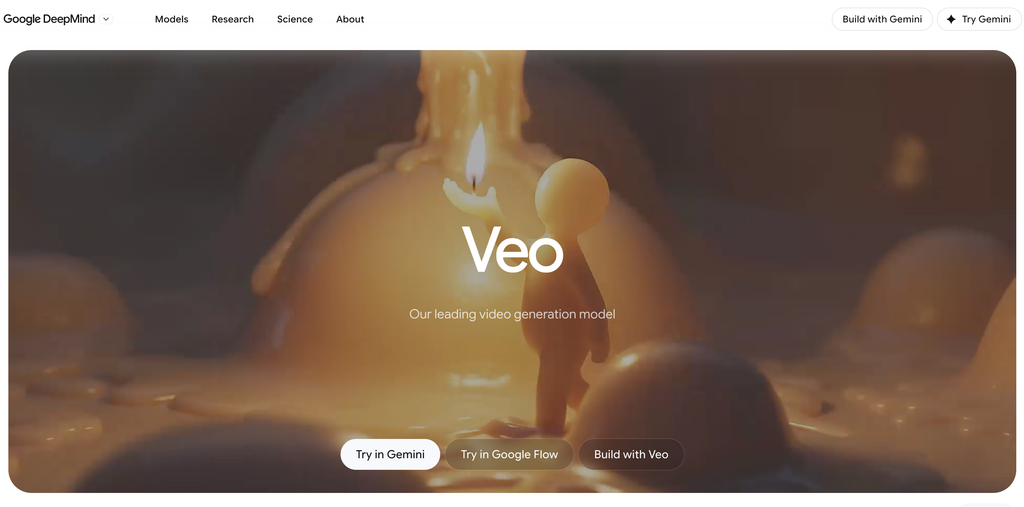
Google Veo 3.1 is one of the strongest options for creating realistic cinematic videos from text prompts and reference images.
Developed by Google DeepMind, Veo focuses on visual realism, natural movement, prompt accuracy, and audio generation. This makes it particularly useful for marketing projects where the video needs to look like a carefully planned commercial rather than a collection of unrelated AI-generated clips.
Its Ingredients to Video workflow allows creators to provide reference images of characters, objects, or environments. This helps guide the appearance of the generated footage and makes it easier to develop related scenes.
Veo also supports scene extension, first-and-last-frame generation, object insertion, and motion controls through its creative workflows.
For example, a beverage brand could use a product reference image to create a cinematic scene featuring the drink on a table, with condensation, natural lighting, and a slow camera movement. Native audio generation can also provide ambient sounds and dialogue.
Key Features:
- Text-to-video and image-to-video generation.
- Native audio, dialogue, and sound effects.
- Ingredients to Video for reference-based generation.
- First-and-last-frame controls.
- Scene extension.
- Object insertion and removal.
- 1080p and 4K output options through supported workflows.
- Cinematic camera and motion controls.
Pricing: Google Flow offers limited free access with daily credits. Google AI Plus is listed at $4.99 per month and Google AI Pro at $19.99 per month in the US. Higher plans provide additional credits and access. Google Cloud API generation is billed separately according to model, resolution, and audio settings.
Pros:
- Realistic cinematic visuals.
- Native audio generation.
- Useful reference-based creative controls.
- Suitable for product and brand storytelling.
- Scene extension supports longer projects.
Cons:
- Generated clips are relatively short.
- Higher-quality generations can consume credits quickly.
- Complex product details may still require corrections.
- Availability and limits vary by subscription and region.
Best For: Marketing teams, advertising agencies, and brands that want realistic promotional footage with cinematic visuals and generated sound.
2. Runway Gen-4.5 – Best for Professional Creative Control
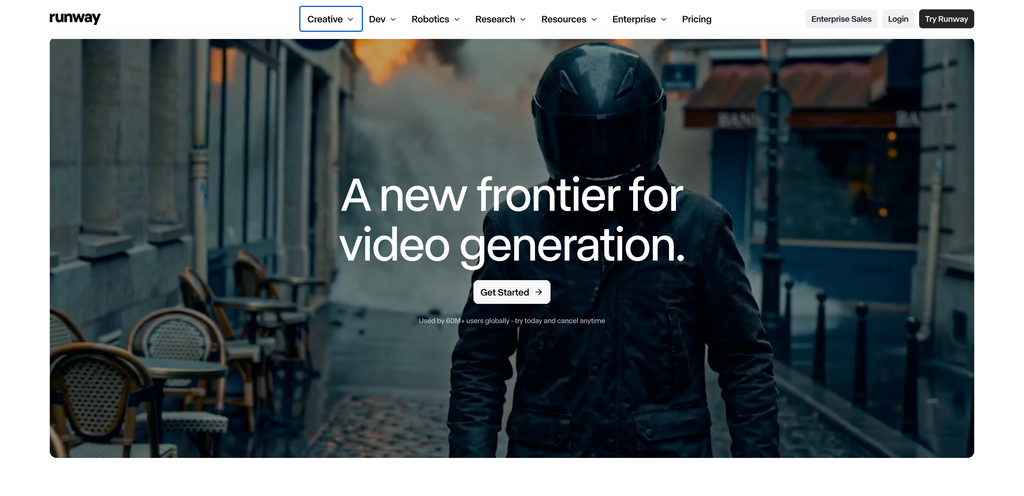
Runway is designed for creators who want more control over the visual direction of AI-generated videos.
Its Gen-4.5 model focuses on motion quality, visual fidelity, and following complex prompts. Users can describe detailed camera movements, scene composition, lighting, and the timing of different actions within a video.
This level of control is useful for marketing teams that need specific shots rather than generic promotional footage.
For example, an automotive brand could generate a dramatic scene showing a vehicle moving through a city at night, with reflections on the road and a carefully directed camera movement.
Runway also offers a broader creative environment with AI image generation, video editing, visual effects, and other production tools. This makes it useful when AI-generated footage needs to become part of a larger advertising project.
Key Features:
- Gen-4.5 text-to-video and image-to-video.
- Detailed camera choreography.
- Complex scene and motion instructions.
- Multiple aspect ratios.
- Video editing and transformation workflows.
- AI image and AI video generation tools.
- Explore Mode for supported unlimited relaxed-rate generations.
Pricing: Runway offers a free plan with 125 one-time credits. Standard starts at $15 per month with monthly billing or $12 per month when billed annually. Pro and higher plans provide larger monthly credit allowances. Gen-4.5 uses 12 credits per second of generated video.
Pros:
- Strong creative control.
- Useful for cinematic camera movements.
- Supports different video aspect ratios.
- Combines generation and editing tools.
- Suitable for professional creative workflows.
Cons:
- Gen-4.5 generations use credits quickly.
- Native output resolution is 720p for the documented Gen-4.5 workflow.
- Beginners may need time to learn the editing environment.
- Complex scenes may require several attempts.
Best For: Creative agencies, filmmakers, and marketing teams that want more control over camera movement, scene composition, and video production.
3. Kling AI – Best for Realistic Motion and Product Scenes
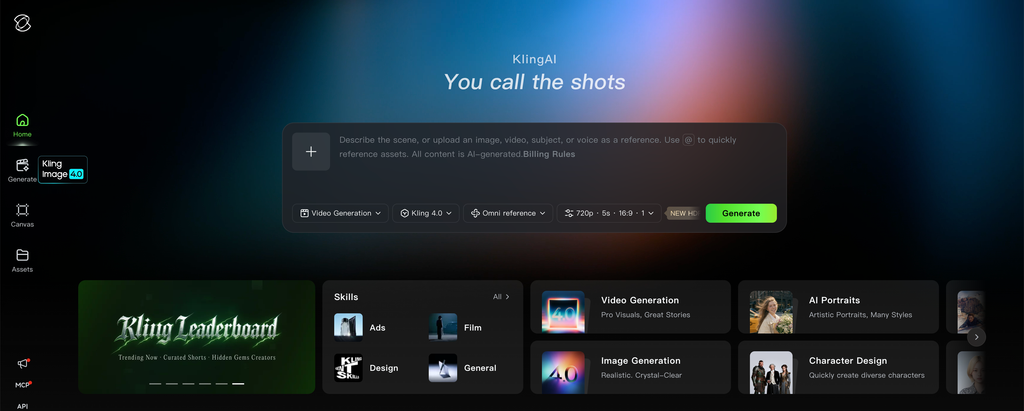
Kling AI is a useful platform for generating realistic video scenes with detailed movement and visual references.
Its video-generation models support text-to-video and image-to-video workflows. Creators can start with a written prompt or provide an image to guide the appearance of the final scene.
Kling’s newer video workflows also include multi-shot generation, reusable visual elements, and reference-based controls. These features are useful when a marketing campaign requires several related scenes or recurring subjects.
For example, an electronics company could provide a product reference and generate scenes showing a smartphone rotating on a studio surface, moving through different lighting conditions, or appearing in a lifestyle setting.
Kling is also worth exploring for fashion, lifestyle, travel, and automotive marketing, where realistic movement and camera direction are important.
Key Features:
- Text-to-video and image-to-video.
- VIDEO 3.0 and 3.0 Omni workflows.
- Multi-shot generation.
- Reusable character and object elements.
- Reference-based video creation.
- Native audio and voice features on supported models.
- High-resolution video generation on supported models.
Pricing: Kling offers a free Basic option with limited access. Standard is listed at approximately $8.80 per month at renewal for 660 credits, while Pro is approximately $32.56 per month for 3,000 credits. Higher plans provide larger credit allowances. First-month promotions and annual prices may differ.
Pros:
- Realistic motion generation.
- Useful for product and lifestyle scenes.
- Multi-shot workflows support storytelling.
- Reusable references help with visual continuity.
- Credit-based plans offer different production levels.
Cons:
- Complex generations can consume many credits.
- Fine product details may change between shots.
- Advanced workflows require experimentation.
- Free access has restrictions.
Best For: Brands and agencies creating product advertisements, fashion videos, lifestyle campaigns, and cinematic promotional sequences.
4. Seedance 2.5 – Best for Longer Narrative Marketing Videos
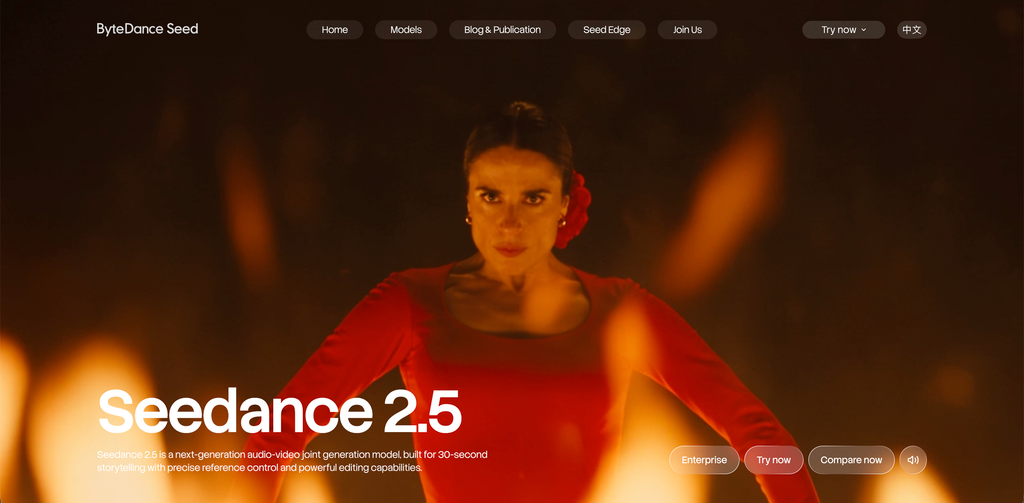
Seedance 2.5, developed by ByteDance, is designed for more detailed audio and video generation.
One of its major advantages is the ability to generate videos up to 30 seconds in a single generation. It also supports multiple rounds of video extension, making it useful for storytelling and marketing projects that require more than a short visual moment.
Seedance 2.5 supports multimodal references, allowing creators to provide images, videos, and audio clips to guide generation. Its official launch information describes support for up to 30 images, 10 video clips, and 10 audio clips in a single pass.
This is particularly useful for brands that need to maintain visual direction across multiple scenes.
For example, a travel company could provide destination photographs, reference footage, and an audio guide to create a promotional sequence featuring different locations and transitions.
Key Features:
- Text-to-video and reference-based generation.
- Up to 30 seconds per generation.
- Multiple rounds of video extension.
- Up to 30 image references.
- Up to 10 video and 10 audio references.
- Native audio and video generation.
- Green-screen and video editing capabilities.
- Camera movement and performance controls.
Pricing: Seedance 2.5 is available through supported ByteDance platforms, including Dreamina and Doubao, with API access through BytePlus ModelArk. Pricing depends on the platform, model access, and credit or API usage. There is no single universal subscription price.
Pros:
- Longer single-generation videos.
- Supports multiple reference materials.
- Useful for narrative marketing campaigns.
- Combines audio and video generation.
- Offers detailed scene and camera direction.
Cons:
- Access depends on region and platform.
- Pricing is less straightforward than a fixed subscription.
- Complex generations require carefully prepared references.
- Outputs still need review for brand accuracy.
Best For: Advertising agencies, creative teams, and brands developing longer promotional stories with multiple scenes and visual references.
5. Luma Dream Machine – Best for Controlled Cinematic Footage
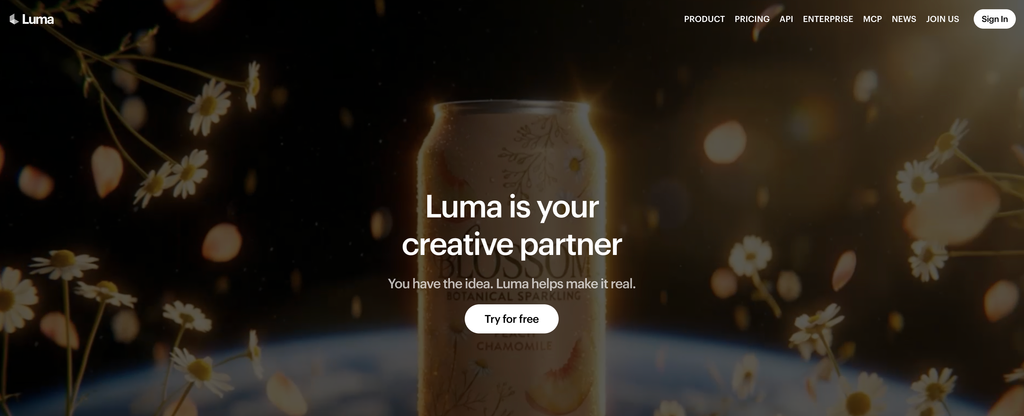
Luma Dream Machine is an AI video generation platform designed for creators who want control over visual consistency, motion, and cinematic presentation.
Its Ray3 model focuses on reasoning-driven generation, realistic movement, and production-oriented workflows. The platform also offers Character Reference, which helps maintain a subject’s appearance across different shots using a reference image.
The latest Ray3.14 update adds native 1080p generation, faster performance, and improvements to stability and prompt adherence.
For marketing teams, Luma can be useful for creating product scenes, lifestyle footage, visual concepts, and cinematic transitions.
Its video-to-video workflows also allow creators to modify existing footage rather than always starting with a text prompt.
Key Features:
- Ray3 and Ray3.14 video generation.
- Text-to-video and image-to-video.
- Character Reference.
- Video-to-video editing.
- Keyframe controls.
- Draft Mode for rapid experimentation.
- HDR video generation.
- Native 1080p generation with Ray3.14.
Pricing: Luma offers Plus at $30 per month, Pro at $90 per month, and Ultra at $300 per month. Annual billing reduces the effective monthly price. Plans include different credit allowances and access to Luma and third-party image and video models.
Pros:
- Useful character and visual references.
- Good creative control.
- Video-to-video editing.
- Draft Mode supports faster experimentation.
- Suitable for cinematic visual development.
Cons:
- Credit usage varies by model and resolution.
- Higher-volume production can become expensive.
- Complex scenes may require repeated generations.
- Commercial usage depends on the applicable plan.
Best For: Creative professionals, filmmakers, and marketing teams that want to develop cinematic footage using reference images and controlled editing workflows.
6. Adobe Firefly – Best for Marketing Teams Using Adobe Tools
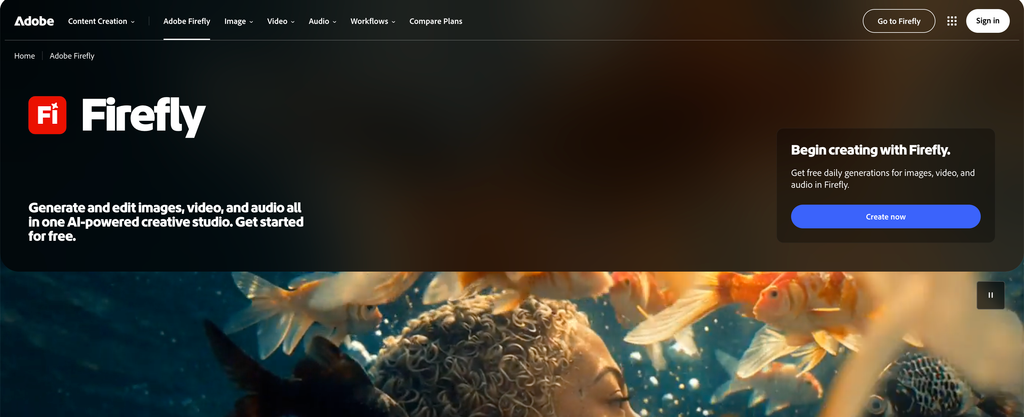
Adobe Firefly is a generative AI platform that supports image, video, audio, and design workflows.
Its video generation features are particularly relevant for marketing teams that need to create or modify short promotional clips.
Creators can generate video from text prompts or images and use the results in broader creative workflows. Firefly also provides video editing capabilities, including tools for generating additional footage and modifying existing visual material.
One of Adobe’s advantages is its connection with the wider Creative Cloud ecosystem. Teams already using applications such as Premiere Pro and Photoshop can incorporate generated assets into their existing production processes.
Firefly also provides access to partner AI models within supported plans, giving creators additional generation options.
Key Features:
- Text-to-video generation.
- Image-to-video generation.
- Video editing and extension workflows.
- Generative video features.
- Audio and sound-effect generation.
- Adobe Creative Cloud integration.
- Access to supported partner models.
- Generative credits for AI usage.
Pricing: Adobe Firefly Standard starts at $9.99 per month, Pro at $19.99 per month, Pro Plus at $49.99 per month, and Premium at $199.99 per month on US monthly pricing. The plans include different generative credit allowances and video-generation limits.
Pros:
- Useful for professional creative workflows.
- Integrates with Adobe applications.
- Supports image, video, and audio generation.
- Useful for creating and modifying campaign assets.
- Multiple plan options for different production requirements.
Cons:
- Video generation consumes generative credits.
- Some advanced features require higher-tier plans.
- Generated footage may need additional editing.
- Costs can increase for frequent video production.
Best For: Marketing departments, design agencies, and businesses already using Adobe’s creative applications.
7. Pika – Best for Creative Promotional Videos
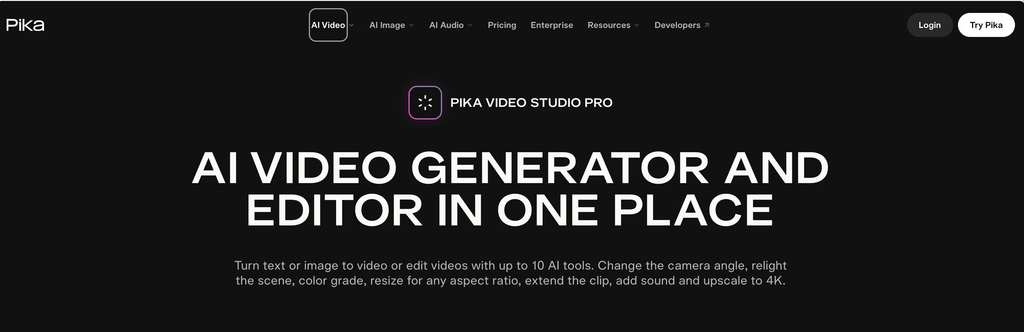
Pika is an AI video platform designed for creating and transforming short visual content.
Its features are particularly useful when a marketing video needs creative effects, unusual visual transitions, or attention-grabbing scenes for social media.
Pika offers tools such as Pikaffects, Pikaswaps, Pikascenes, and other AI-assisted video workflows. These allow creators to experiment with visual transformations, add elements, and change the appearance of existing footage.
For example, a product brand could create a short promotional clip in which a product changes form, interacts with its environment, or appears in a visually unusual setting. AI video tools can also help with turning long videos into short clips, making it easier to repurpose product demos, interviews, and promotional videos into engaging content for social media.
Pika is not necessarily a replacement for a complete professional film-production workflow, but it can be useful for short advertising concepts and social-first creative content. Once these videos are ready, marketers can use social media management tools to organise their content, schedule posts, and manage campaigns across different social platforms.
Key Features:
- Text-to-video and image-to-video.
- Pikaffects visual transformations.
- Pikaswaps and Pikadditions.
- Pikascenes.
- AI-powered video editing software.
- Image and video generation.
- Short-form creative effects.
Pricing: Pika offers a free option with limited access and credit packs. Its Starter plan is listed at $10 per month, or $8 per month with annual billing, and includes 900 monthly credits. Higher plans provide larger credit allowances and additional capabilities.
Pros:
- Easy to experiment with visual effects.
- Useful for short promotional clips.
- Multiple creative transformation tools.
- Supports image and video workflows.
- Suitable for social media campaigns.
Cons:
- Not designed for every professional filmmaking requirement.
- Credits can be consumed quickly.
- Some advanced features require paid plans.
- Generated scenes may need editing for brand consistency.
Best For: Social media marketers, creative agencies, and brands that want visually interesting promotional clips. They can also use a social media scheduler to plan and schedule these videos across different social platforms, helping maintain a consistent posting schedule and simplify content management.
8. MiniMax Hailuo – Best for Affordable Cinematic Video Experimentation
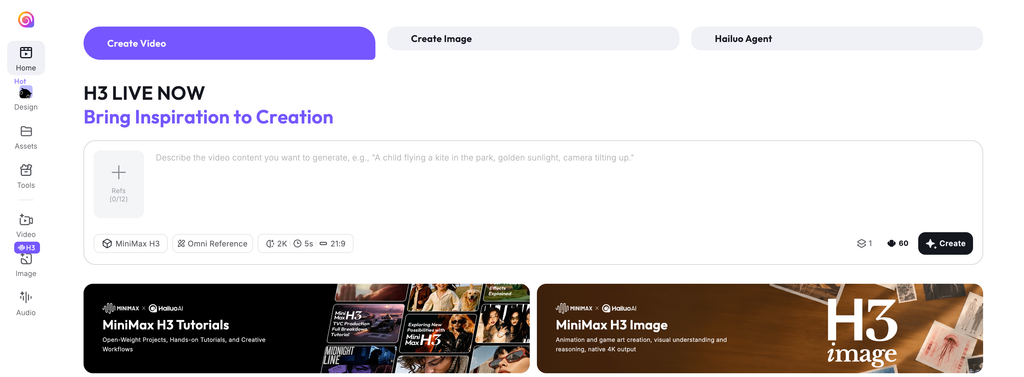
MiniMax Hailuo is an AI video generation platform that focuses on realistic movement, multimodal understanding, and visual storytelling.
Its newer H3 model supports video generation with native stereo audio at resolutions up to 2K and durations of up to 15 seconds.
This makes it useful for creating short promotional concepts, product scenes, brand visuals, and cinematic video experiments.
H3 also supports a range of aspect ratios, including landscape, portrait, and widescreen formats. This gives marketing teams flexibility when developing footage for YouTube, Instagram, and other social platforms.
For example, a fitness brand could generate a cinematic workout scene with realistic movement, environmental audio, and dramatic lighting as part of an advertising concept.
Key Features:
- Text-to-video generation.
- Image and video reference workflows.
- Native stereo audio.
- Up to 2K video resolution.
- Video durations of up to 15 seconds.
- Multiple aspect ratios.
- Multimodal editing and generation capabilities.
Pricing: Hailuo offers limited free access and credit-based paid subscriptions. Third-party pricing trackers list entry paid plans at approximately 10–15 per month, but prices and credit allowances vary. Check the official subscription page for the current offer.
Pros:
- Supports native audio generation.
- Useful for short cinematic scenes.
- Offers multiple aspect ratios.
- Suitable for product and advertising concepts.
- Provides an additional option for video experimentation.
Cons:
- Individual generations are relatively short.
- Credit limits affect production volume.
- Results may require several attempts.
- Advanced controls vary by model and platform.
Best For: Small businesses, marketers, and creators who want to experiment with cinematic AI footage without immediately investing in a high-cost production workflow.
How to Choose the Right AI Video Generator for Marketing
The best AI video generator depends on the type of campaign you are creating. A product advertisement needs different capabilities from a brand film or a short promotional video for Instagram.
Here are five factors to consider before choosing a platform.
1. Understand Your Marketing Video Format
Start by identifying what you want to produce.
For example:
- Product advertisements: Look for image-to-video generation and accurate product references.
- Brand films: Prioritise cinematic storytelling, camera control, and visual continuity.
- Social media ads: Look for vertical video generation and shorter production workflows.
- Lifestyle campaigns: Prioritise realistic human movement and environmental scenes.
- Product demonstrations: Choose tools that support reference-based generation and controlled editing.
Selecting a platform based on the final deliverable is more useful than choosing one simply because it has the most AI features.
2. Check Image-to-Video Capabilities
Many marketing teams already have product photographs, brand assets, or campaign visuals.
Image-to-video generation can turn these existing assets into moving footage. This is especially useful when you want to animate a product photograph or create additional scenes around an established visual concept.
Veo, Kling, Runway, and Luma are worth exploring for reference-driven workflows.
3. Evaluate Camera and Motion Controls
Cinematic marketing videos often depend on how the camera moves.
A slow push-in, tracking shot, aerial movement, or close-up can change how a product or brand is presented.
Look for tools that understand camera instructions and support controlled motion rather than relying entirely on generic animation.
4. Compare Video Quality and Generation Costs
Subscription prices do not tell the complete story.
AI video generators typically charge credits based on duration, resolution, model, and generation settings. You may also need several attempts before producing a usable clip.
Before purchasing a plan, check:
- Cost per generation.
- Monthly credit allowance.
- Maximum video duration.
- Supported resolution.
- Watermark restrictions.
- Commercial usage rights.
- Additional editing costs.
For advertising campaigns, calculate the cost of approved footage rather than simply counting how many videos a subscription can generate.
5. Review Commercial Rights and Brand Accuracy
Marketing videos are often used in paid advertisements, websites, and client campaigns.
Before publishing AI-generated footage, review the platform’s commercial-use terms and check the rights associated with uploaded images, music, voices, and other reference assets.
Also inspect product labels, logos, packaging, colours, and physical details. AI-generated footage can introduce visual inaccuracies that may be unacceptable in a commercial campaign.
Tips for Creating Better Cinematic Marketing Videos With AI
Choosing the right tool is only one part of the process. The quality of your prompt, reference material, and final editing also influences the result.
1. Start With a Clear Creative Concept
Before generating a video, decide what the audience should understand or feel.
For example, a premium skincare campaign might focus on luxury, natural ingredients, and product quality. A technology advertisement might highlight innovation, speed, and simplicity.
This makes it easier to select the right environment, lighting, camera movement, and visual style.
2. Write Detailed Cinematic Prompts
Avoid vague instructions such as “create a beautiful product video.”
Instead, describe the scene, subject, camera movement, lighting, environment, and mood.
For example:
“A cinematic close-up of a premium glass skincare bottle standing on a polished stone surface, soft natural morning light, subtle water droplets, slow camera push-in, shallow depth of field, warm neutral background, luxury commercial photography style, realistic reflections.”
The more specific your instructions, the easier it becomes to guide the visual direction.
3. Use Reference Images for Product Accuracy
If the campaign features a real product, upload clear reference images whenever the platform supports them.
Use multiple angles when possible. This can help guide the model’s understanding of the product’s shape, packaging, colour, and proportions.
Still inspect the final footage carefully. A reference image does not guarantee that every generated frame will preserve every product detail.
4. Generate Individual Shots Before Building a Full Campaign
Rather than asking an AI tool to create an entire advertisement in one generation, create individual shots.
For example:
- Opening product close-up.
- Lifestyle scene.
- Product in use.
- Detail shot.
- Final brand reveal.
You can then assemble the footage using a video editor and add music, narration, transitions, and branding.
5. Keep the Brand Identity Consistent
Use the same colours, product references, typography, and visual direction across the campaign.
For videos involving people or recurring characters, use reference images where supported. Review facial appearance, clothing, and other details across different shots.
FAQs
Google Veo 3.1 is a strong overall option for realistic cinematic video generation with native audio.
Runway Gen-4.5 is useful when you need more control over camera movement and creative direction. Kling AI and Seedance 2.5 are also worth considering for realistic motion and reference-driven storytelling.
Yes. AI video generators can create product scenes, lifestyle footage, brand visuals, and promotional clips that can be used in advertising workflows.
However, professional campaigns still require creative direction, editing, quality checks, and accurate brand representation.
Google Veo 3.1, Kling AI, Runway, and Luma Dream Machine are useful options for product-focused video generation.
Choose a platform that supports image references and controlled motion so you can guide the appearance of the product.
Yes. Google Veo 3.1, Seedance 2.5, Kling’s supported video models, and MiniMax H3 offer native audio-generation capabilities.
Depending on the model, this may include dialogue, sound effects, and environmental audio.
Commercial usage depends on the platform, model, subscription plan, and applicable licensing terms.
Review the terms before using generated footage in paid advertising or client campaigns. Also check the rights to any uploaded reference images, music, voices, and other assets.
Video duration varies by model.
For example, Seedance 2.5 supports generations of up to 30 seconds in a single pass. MiniMax H3 supports up to 15 seconds, while Runway Gen-4.5 supports generations of 2–10 seconds per generation.
Some platforms also provide video extension tools to continue existing footage.
They can use reference images and video inputs to guide product appearance, but perfect consistency is not guaranteed.
For commercial use, check packaging, labels, logos, colours, and product proportions in the final footage. Consider combining AI-generated backgrounds and scenes with real product footage when accuracy is essential.
Final Thoughts
AI video generators are giving marketing teams new ways to develop cinematic campaigns, product advertisements, and brand stories.
Google Veo 3.1 is a strong choice for realistic footage with generated audio. Runway Gen-4.5 offers greater creative control, while Kling AI is useful for realistic movement and product scenes. Seedance 2.5 is worth exploring for longer narrative sequences, and Luma provides additional reference-based editing capabilities.
Adobe Firefly is particularly relevant for teams already working with Adobe applications. Pika and MiniMax Hailuo offer alternative workflows for short promotional videos and creative experimentation.
You do not need to use every platform. Start with one or two tools that match your campaign requirements, test them with the same product or scene, and compare the results.
Most importantly, treat AI-generated footage as part of a larger production process. A strong marketing video still needs a clear message, accurate product representation, good editing, and a visual style that reflects the brand.